
TL;DR
For a multi-client agency, Pitchbox offers the deepest dedicated outreach workflow; BuzzStream is a practical relationship-focused option; AI Backlink Builder combines AI-assisted prospecting and sending; and Mailshake suits teams that already have qualified prospects and mainly need an email sequencer. None should replace a human decision about editorial fit, message accuracy or whether a placement belongs in a client report.
Backlink outreach automation can save time without turning link building into a volume contest. The distinction matters when an agency handles different client audiences, existing publisher relationships and approval requirements. A tool can find candidates, locate contacts, schedule messages and keep a pipeline tidy. It cannot decide that a publisher owes your client a link.
We compared four live products for agencies that want to discover relevant opportunities, send considered pitches, control follow-ups and show what actually resulted. This is a comparison of documented capabilities and published prices as checked on 6 October 2026, not a claim that we tested every account or achieved links with these products.
Table of contents
1. Pitchbox: Best for a dedicated multi-client outreach operation
2. BuzzStream: Best for publisher relationships and team handoffs
3. AI Backlink Builder: Best for AI-assisted discovery with a review step
4. Mailshake: Best when you already have a qualified prospect list
Build a review-first outreach workflow before you automate sending
Put the outreach system around the client, not the other way round
How we selected and compared the tools
Each option has a public product or help page establishing its identity and a published pricing approach. We assessed the same six questions: Where do prospects come from? How are contacts checked? What can the team personalise and approve? When do follow-ups stop? How are client campaigns kept separate? How do you verify and report outcomes? A product can be strong in one part of that chain without replacing the rest.
Tool | Most useful when | Prospect discovery | Outreach control | Published pricing approach |
|---|---|---|---|---|
Pitchbox | Several people run dedicated link campaigns across clients | Built-in prospecting and contact finding | Sequencing, workflows and tier-dependent approval | Annual commitment, with monthly or annual billing |
BuzzStream | Relationship history and team handoffs matter | Prospecting and contact discovery | Templates; automated follow-ups on Growth and above | Monthly plans with no minimum term |
AI Backlink Builder | A team wants campaign templates and AI-assisted discovery | Search, competitor data and contact finding | Editable sequences and pre-launch review | Monthly subscription with usage credits |
Mailshake | Qualified prospects already come from another source | Limited contact discovery; imports suit an existing list | Email sequences, personalisation and inbox tools | Per-user plans; agency option by sales enquiry |
Those distinctions are based on each vendor's Pitchbox plan comparison, BuzzStream plans, AI Backlink Builder documentation and Mailshake plans. Check your precise seat, mailbox and sending limits before buying; a headline subscription does not necessarily cover every client workflow.
1. Pitchbox: Best for a dedicated multi-client outreach operation
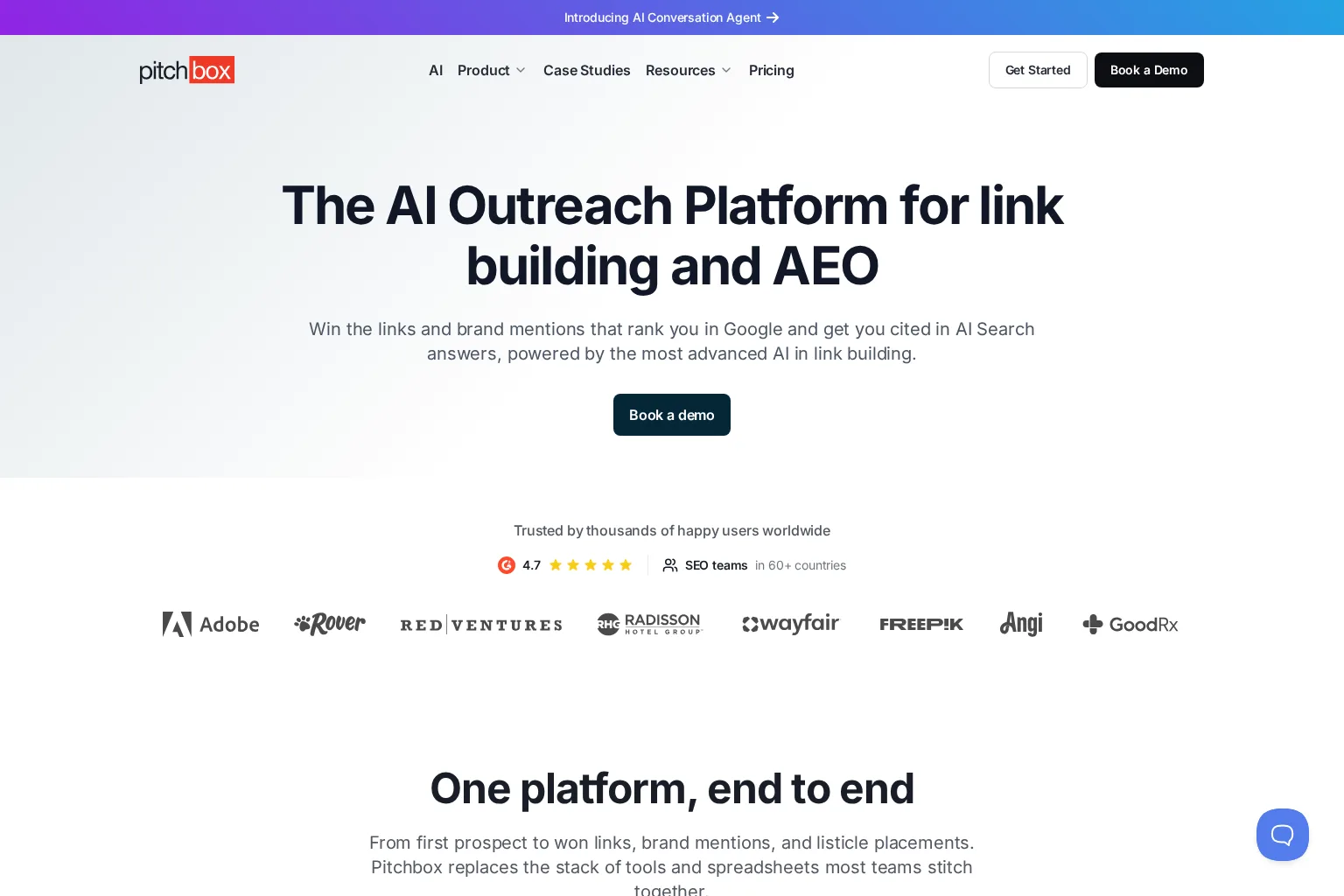
Pitchbox connects prospect research, contact discovery, email sequences, a domain-oriented CRM, link monitoring and campaign reporting. Its plan comparison lists searches, contact caps, connected accounts, workspaces and email volumes separately, which makes capacity planning more concrete than an unlimited-sends claim. It also supports imports and integrations with SEO data providers. That breadth is useful when prospecting, pitching and client reporting are handled by different people. See Pitchbox's documented features and limits.
The Advanced tier is the more relevant starting point for an agency with multiple clients: it lists 25 workspaces, role-based workflow, personaliser/inspector approval and white-label client reports. Those are not all Pro features. Scale adds an explicit approval workflow and more capacity, so ask for a demonstration of the specific review gate your account would use rather than assuming that every tier has the same approval controls. Pitchbox's tier-by-tier comparison makes those differences visible.
Price and trade-off: Advanced is listed at $420 per month when billed annually, or $600 per month when billed monthly for one year. Pitchbox says all plans require a one-year commitment regardless of billing frequency. The cost and setup are harder to justify for an agency running occasional, small outreach batches. For a team already coordinating several specialists, the workspaces and reporting may be worth examining in a demo. Review Pitchbox pricing and contract terms.
Choose it if outreach itself is a recurring client service and you need explicit ownership, controlled handoffs and reports. Ask to see how a prospect is excluded across workspaces before sending, because a shared publisher may appear in several clients' opportunities.
2. BuzzStream: Best for publisher relationships and team handoffs
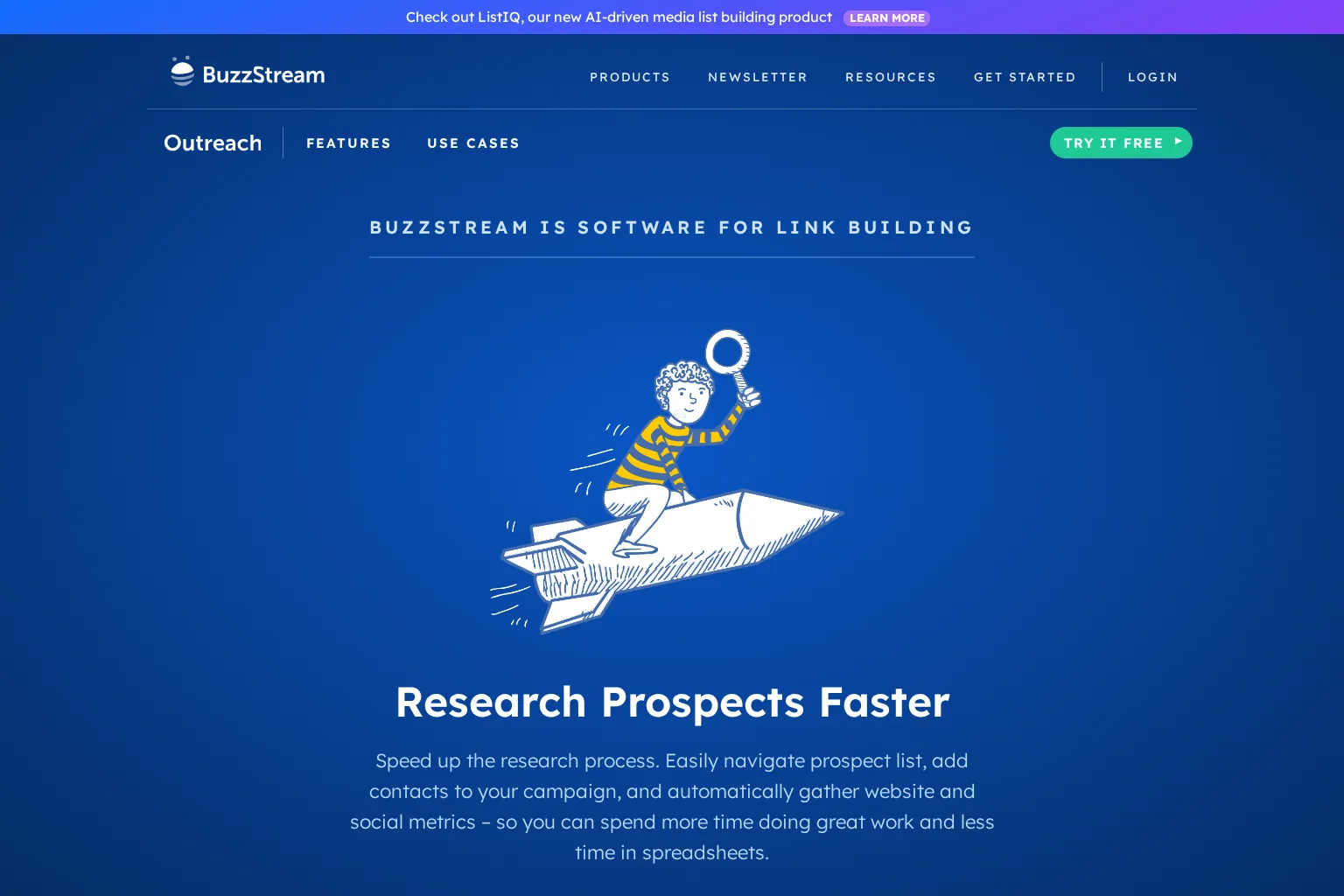
BuzzStream's link-building product emphasises prospect research, contact records, personalised outreach, reminders and campaign progress. Its plans distinguish simple templated sending from agency-relevant automation: Starter includes contact discovery and reply tracking, while Growth adds automated follow-ups, team templates, project performance reporting, link reporting and configurable permissions. That division is important if you are comparing a trial against the workflow you intend to run at scale. Read the BuzzStream plan details.
For an agency, we would test what happens when one editor is already speaking with a publisher for client A and another researcher adds the same publication to client B. A relationship record and a shared handoff process can prevent an awkward duplicate pitch, but only if the team actually checks them. BuzzStream's reminders and task sharing support that process; they do not make editorial relevance automatic. BuzzStream describes its project-management workflow.
Price and trade-off: Growth is listed at $174 per month for three users, with additional users priced separately. BuzzStream says its plans are monthly with no minimum term. If you need deeper team analytics or an API, its Professional tier is listed separately. A Starter subscription is not an inexpensive substitute for Growth when scheduled follow-ups and shared reporting are the reason you are buying. Check current BuzzStream plan allowances.
Choose it if your team needs to remember people and conversations across campaigns, rather than merely dispatching the next email. During evaluation, export a sample client report and confirm that it distinguishes a reply from a verified live link.
3. AI Backlink Builder: Best for AI-assisted discovery with a review step
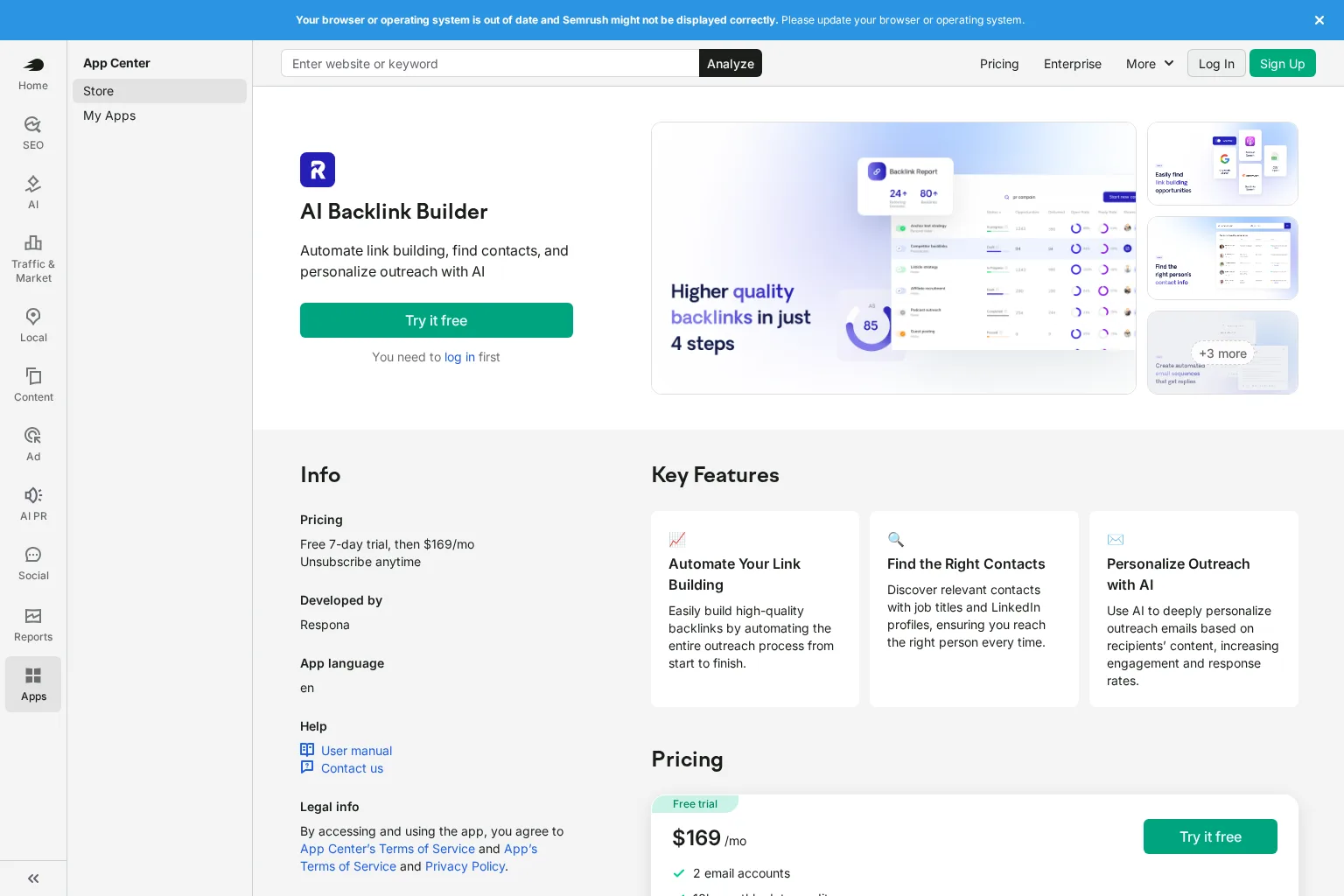
AI Backlink Builder in the Semrush App Center is developed by Respona, not the same product as Semrush's classic Link Building Tool or a bundled feature of every Semrush SEO subscription. Its user manual describes search-driven opportunity discovery, competitor backlink inputs, contact finding, template-based sequences, AI personalisation, a relationship CRM and a collaborative inbox. Workspaces separate projects and campaigns, while contacts remain in a unified relationship area. That last detail merits a privacy and ownership check before an agency puts several clients into one account.
There is a useful review point: the manual describes a Review & launch stage where the operator can inspect leads and edit individual emails and sequences. We would make that step mandatory in the agency's own process. A plausible AI-generated observation about a page is not evidence that someone read it or that the proposed resource would improve it. See the documented campaign setup.
Price and trade-off: Semrush lists a seven-day trial followed by $169 per month; the documented Starter allowance includes two email accounts, 10,000 monthly data credits and 30,000 active contacts. Searching, contact lookup and AI personalisation consume credits at different rates, so estimate the cost of a real client batch before treating that price as all-inclusive. It is an appealing integrated option, but neither AI copy nor automated discovery guarantees an editorial placement. Check the app's price and usage explanation.
Choose it if you want one workspace for discovering candidates and preparing tailored messages, and your team will review opportunities before launch. Test an ordinary campaign and a mixed-client campaign, not just a polished example template.
4. Mailshake: Best when you already have a qualified prospect list
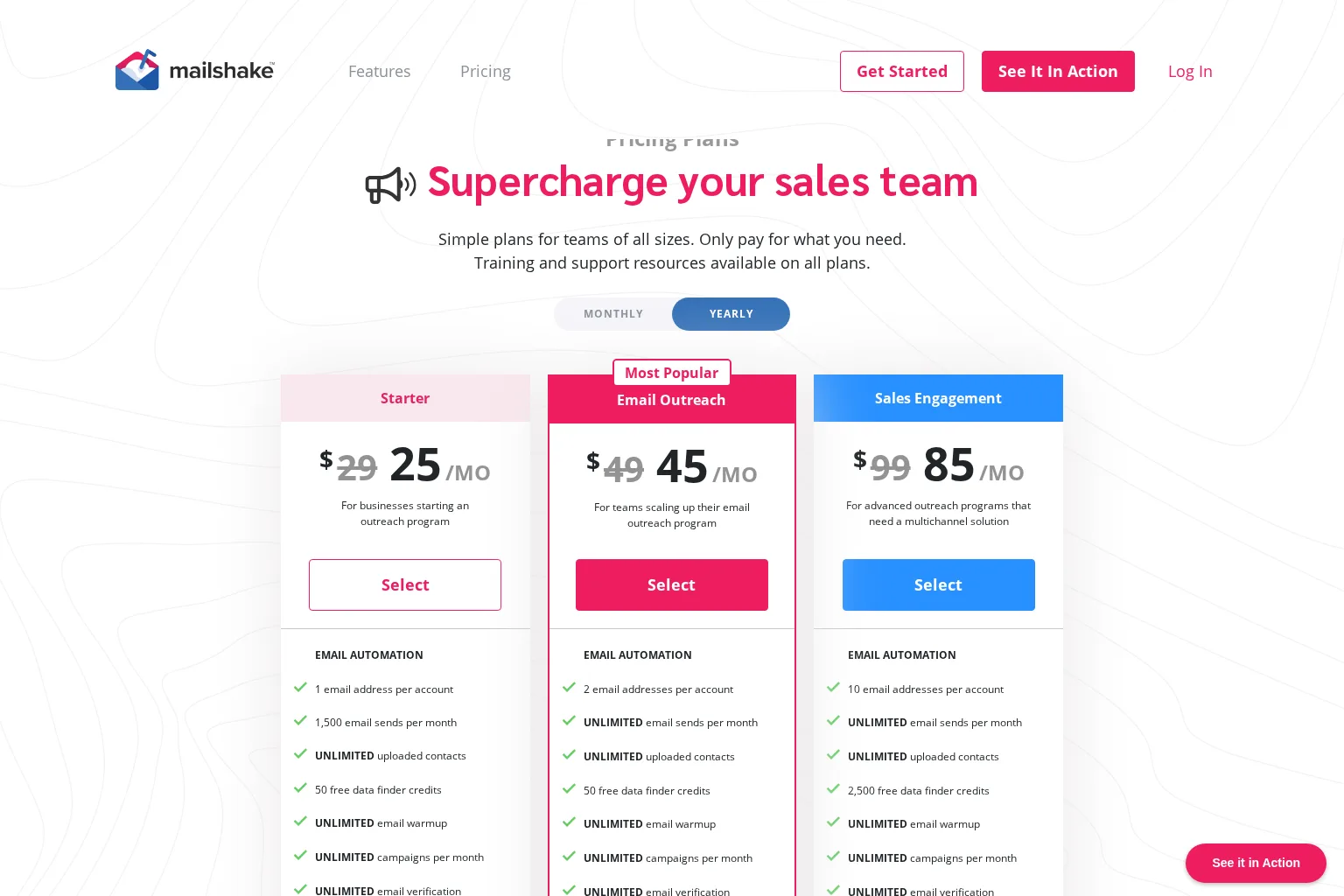
Mailshake's Email Outreach plan is primarily a sending and sequence option, not a purpose-built backlink prospect research system. It lists automated email sequences, personalisation, scheduling, a unified inbox, CRM connections and a limited included Data Finder allowance. Mailshake also sells additional contact-finding capacity. For agencies with a separate backlink research process, that narrower scope can be a benefit: keep publisher selection in the research workflow, then pass only approved contacts to the sender. Compare its published plan features.
The limitation is just as clear. Do not expect a general email sequencer to judge whether a resource-page link would help that publication's readers or to certify a placement for a client. Use an external prospect register with client, target page, contact source, previous relationship, suppression status and proposed editorial value. Make the outreach owner responsible for synchronising replies and exclusions before another campaign is launched.
Price and trade-off: Email Outreach is displayed at $49 per month on monthly billing, with a lower displayed monthly equivalent when billed yearly. Billing is based on purchased users; its agency plan requires a sales conversation. Confirm the seat and mailbox configuration for your agency rather than multiplying a promotional rate by the number of clients. Read Mailshake's billing FAQ and plan table.
Choose it if you already source and vet prospects well, and the bottleneck is scheduling and coordinating email. It is less convincing as an all-in-one answer to prospect discovery and link-quality reporting.
Build a review-first outreach workflow before you automate sending
A sensible first campaign begins with a linkable client asset, not a purchased list. Find sites whose existing coverage could genuinely benefit from that asset: a resource page with a missing current reference, an article whose cited data has changed, or a publisher covering an adjacent question. Competitor backlinks can reveal candidate publications, but a competitor's link does not establish that the same editor wants your client's content.

For each candidate, record the specific page, its audience, why the client asset improves the reader's experience, the contact's role, and any existing agency relationship. Reject a prospect if you cannot explain the fit in a sentence. Use domain metrics as secondary screening signals; an impressive score cannot make an unrelated page relevant.
Then work through five controlled stages:
Discover and deduplicate. Search by the asset's topic and compare competitor-linked pages. Check whether another client or teammate has already contacted the publisher.
Qualify the page and person. Read the page, check topical and audience overlap, confirm that the proposed destination answers a real question, and verify the intended editor or contact route.
Draft and approve. Use templates for structure and variables for verified facts. Have a human check the page-specific observation, client identity, destination URL and benefit to the recipient before sending.
Follow up with stopping rules. Schedule at most the agreed number of relevant follow-ups. Stop on reply, refusal, opt-out, bounce, a completed placement or an owner change that makes the sequence inappropriate. Test whether the software actually enforces each stop condition.
Verify the outcome. Record the live linking URL, destination, context and date. Recheck important links later and separate earned editorial mentions from paid or otherwise qualified placements.
A useful pitch might say: “Your guide discusses the older industry survey. We have a newer, clearly sourced breakdown of the same question. If the update helps your readers, here is the page.” That only works if the observation is true, the resource is genuinely better for that audience and the editor remains free to say no. Automation should prepare that conversation, not invent it.
Measure opportunities and placements, not just activity
For each client, we would keep a small funnel: qualified prospects → delivered messages → replies → positive editorial conversations → confirmed live placements. Define each stage in advance. A polite rejection is a reply, not a positive opportunity; a promise to review is not a live link. Record bounces and opt-outs separately so they cannot disappear inside a high sending count.
When reporting a placement, include the page URL, linking-page topic, destination URL, link context, first verification date and any disclosure or link attribute. Check whether the page is publicly accessible and whether the link still points to the intended client page. Compare performance by campaign or asset rather than declaring that an increase in rankings was caused by one outreach email. 📌 The question for a client is not “How many messages went out?” but “Which relevant publishers chose to reference useful work?”
Keep outreach compliant and links editorial
Google's link-spam policy distinguishes normal editorial linking from links created primarily to manipulate rankings. It specifically flags buying links for ranking, excessive exchanges and automated programs that create links. Automating research or email administration is not permission to manufacture links. If a placement is advertising or sponsored, follow Google's guidance on qualifying those links rather than presenting the fee as an editorial vote.
If outreach amounts to direct marketing in the UK, check the recipient type before importing addresses. The Information Commissioner's Office guidance on business-to-business marketing distinguishes corporate subscribers from sole traders and certain partnerships, and explains that handling an individual's business contact data still engages UK GDPR obligations. Maintain an accurate suppression list, identify the sender and honour objections. For campaigns outside the UK, assess the applicable local rules before launching a sequence.
FAQ
Is backlink outreach automation the same as automatic backlink creation?
No. An outreach tool can suggest publishers, prepare messages and organise responses; it does not cause a publisher to make an independent editorial decision. Be wary of a service promising guaranteed ranking links through automated creation: Google's spam policies address links produced primarily to manipulate rankings.
Which tool is best for an agency with several client sites?
If dedicated link outreach is a sizeable service, start by comparing Pitchbox's workspaces and tier-specific approval controls with BuzzStream's shared relationship workflow. Consider AI Backlink Builder if AI-assisted discovery and editable sequences are central. Choose Mailshake if research and link verification already happen elsewhere. Run the same real-world client scenario in each demonstration rather than choosing on feature labels alone.
Should the first follow-up be automatic?
Only after you have reviewed the original pitch, defined a sensible interval and confirmed that replies, opt-outs and other stop events are reflected before the next send. For high-value editors or sensitive clients, a reminder to a person may be better than an automatic second email.
Put the outreach system around the client, not the other way round
Start with one client, one useful asset and a short list of relevant publishers. Review what the team had to correct before expanding. If your agency also needs a separate process for client-specific research, content planning and editorial review, explore GrowthScout for agencies. Its published agency page describes separate website workspaces for content workflows; it is not presented here as a replacement for the outreach tools compared above.