
An agency content plan needs to do more than show dates on a calendar. It should give every client a clear strategy, keep briefs and production moving, make approvals visible, and connect finished work to publishing and reporting.
We created this comparison for SEO agencies managing organic growth across several client websites. We selected platforms that publicly demonstrate client or workspace separation and that cover meaningful parts of the workflow: strategy, planning, production, approvals, publishing, or reporting.
Pricing and feature details were checked on September 9, 2026. Treat prices as a starting point, especially where products charge per client, workspace, seat, social profile, or add-on.
Table of contents
- What we assessed in agency content planning software
- 1. GrowthScout
- 2. StoryChief
- 3. Planable
- 4. CoSchedule
- 5. ContentStudio
- How to choose the right agency content planning tool
- Our recommendation for SEO agencies
- Common questions about agency content planning
- Build a content operation that scales without losing client context
What we assessed in agency content planning software
We used five practical criteria:
- Client separation: Can each brand retain its own people, permissions, calendar, context, and assets?
- Strategy and SEO: Does the tool help turn research, audience needs, and content gaps into a prioritised plan?
- Production workflow: Can strategists, writers, editors, and account managers work from the same brief and status?
- Approvals: Can the agency control internal review and client sign-off without long email threads?
- Publishing and reporting: Can approved work reach the right CMS or channel, then feed a useful client conversation?
No single tool is strongest in every category. Social-led agencies usually need richer approval and scheduling controls. SEO-led agencies often need stronger website context, opportunity research, and article planning. Start with the bottleneck that costs your team the most time.

1. GrowthScout
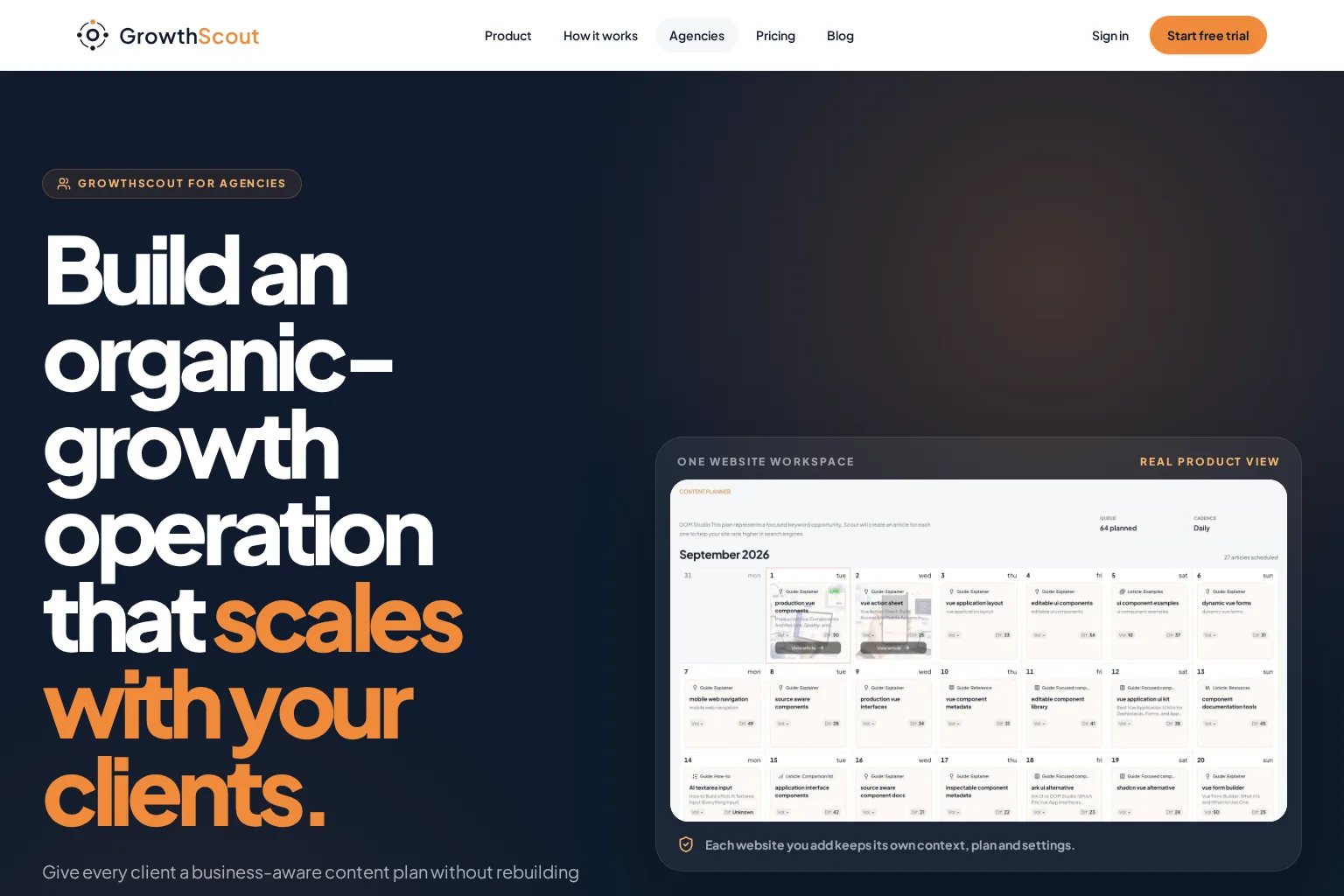
Best for: SEO agencies that want a separate, research-led content workflow for each client website.
Key capabilities: GrowthScout gives each added website its own crawled site knowledge, audiences, goals, competitors, opportunity calendar, article settings, and publishing configuration. We can use it to build a prioritised 30-day plan, produce articles with client-specific context, review the work, and deliver it through WordPress, webhooks, or a manual process. Explore the GrowthScout agency workflow for the current multi-client foundations.
Limitations: Dedicated cross-client dashboards, reusable agency defaults, client approval access, roles and permissions, and shareable reporting are roadmap items rather than current features. For a formal client sign-off process, we would keep the approval step in the agency's existing workflow before publishing.
Pricing approach: The initial website plan is listed at £74 per month after a three-day trial. Extra websites use a separate in-app checkout that shows the current price before purchase.
Who should choose it: Choose GrowthScout when your service is built around organic growth and you need each client plan to begin with the website, audience, competitor, and search opportunity context, rather than a blank calendar. Its research-to-publishing workflow is particularly useful when the agency wants to keep strategy connected to article production.
2. StoryChief
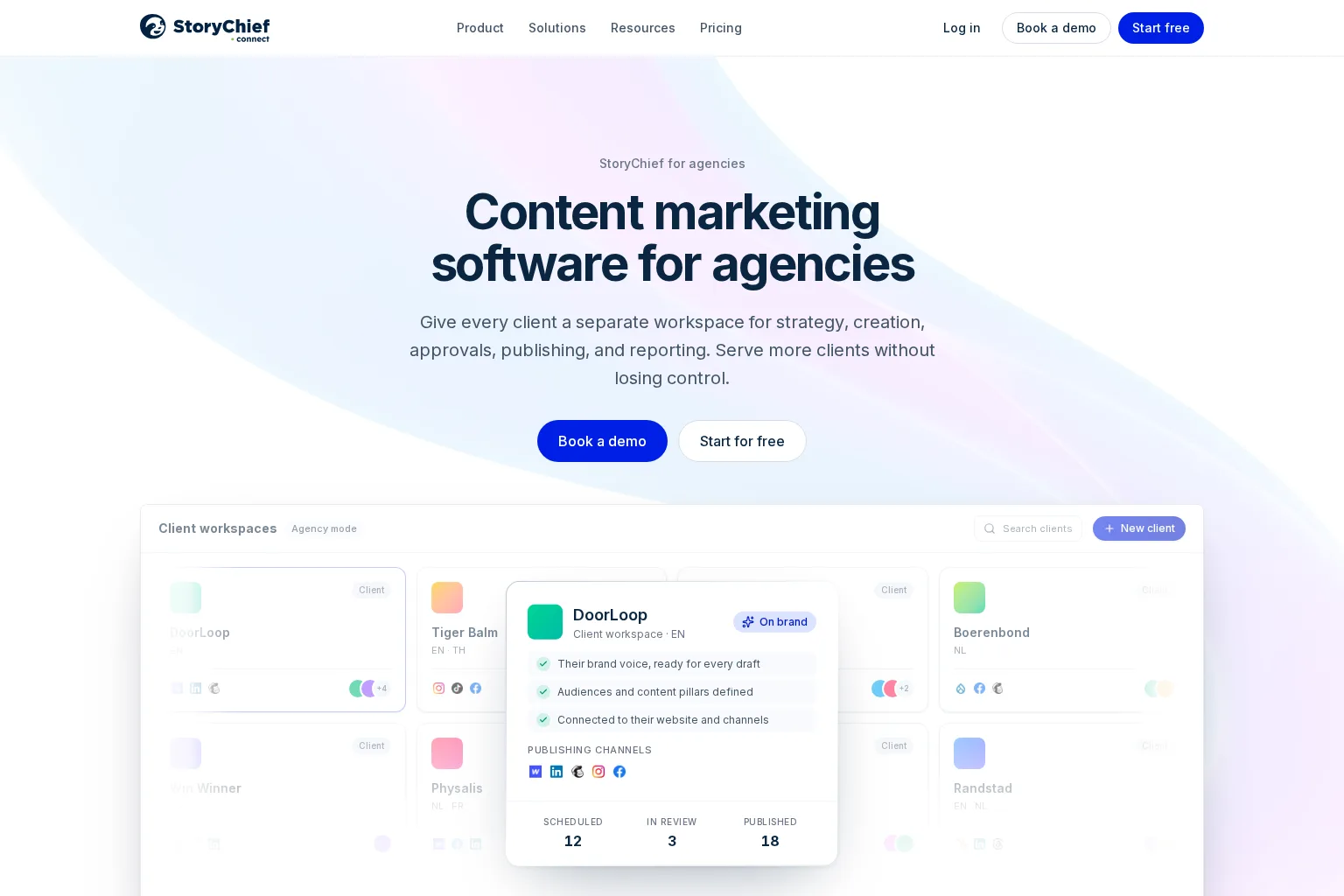
Best for: Content marketing agencies that need client workspaces spanning strategy, long-form editorial content, multichannel distribution, and reporting.
Key capabilities: StoryChief's agency offer centres on separate client workspaces with brand intelligence, channels, team access, approvals, strategy, reusable workflows, content audits, and multi-channel publishing. Its Agency Editorial plan adds SEO and GEO publishing, article capacity, website coverage, social channels, API access, and weekly content audits.
Limitations: This is a broad content operations platform, so onboarding will require a clear agency process. Its per-customer plan structure can also make the cost grow with the client roster, even though agency plans include unlimited users per customer workspace.
Pricing approach: Agency Social is listed from €49 per customer per month when billed yearly. Agency Editorial is listed from €79 per customer per month when billed yearly, with volume pricing available for larger rosters.
Who should choose it: Choose StoryChief when client approval, web content, social distribution, and performance reporting need to live in the same client-facing content system.
3. Planable
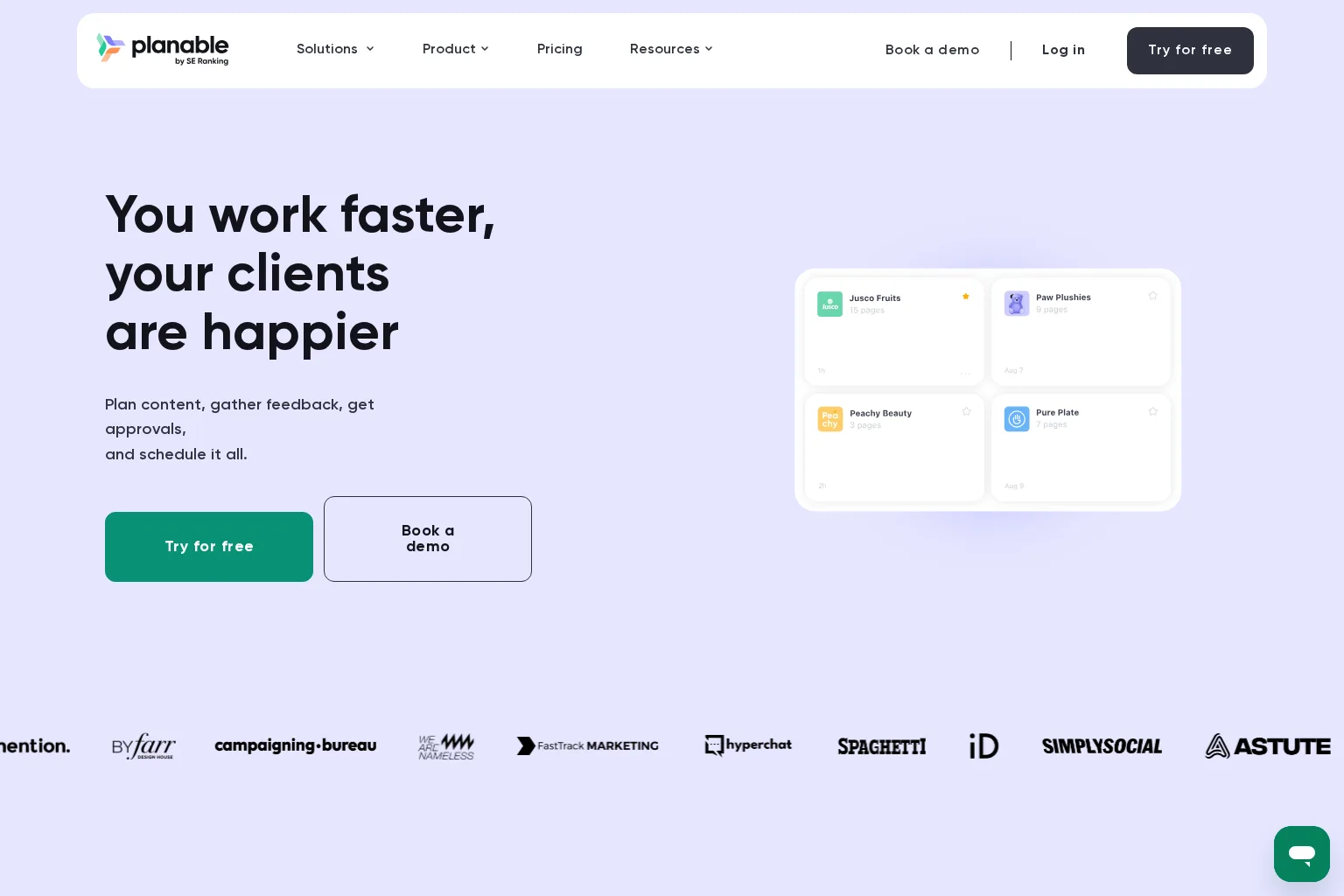
Best for: Agencies with social-first or mixed-channel calendars where fast, structured client approvals are the main priority.
Key capabilities: Planable uses a workspace for each client, brand, or location, keeping pages, calendar, team, campaigns, and approval flow separate. Agencies can keep early drafts internal, collect feedback in context, use client roles or guest access, and schedule approved content across major social platforms. Pro and Enterprise extend the approval model with required or multi-level sign-off.
Limitations: Planable is presented primarily as a collaboration, approval, and publishing environment. Agencies that sell SEO strategy and website content at scale will likely pair it with dedicated keyword research, content briefing, and CMS workflow tools.
Pricing approach: Its first 50 posts are free. Paid annual pricing starts at $33 per workspace per month for Basic and $49 per workspace per month for Pro. Enterprise pricing is custom, and analytics, inbox, and listening are optional workspace-level add-ons.
Who should choose it: Choose Planable when your biggest operational problem is getting polished social or campaign content through internal and client approval without version confusion.
4. CoSchedule
Best for: Agencies that need a central marketing calendar for social campaigns, projects, client calendars, and white-label reporting.
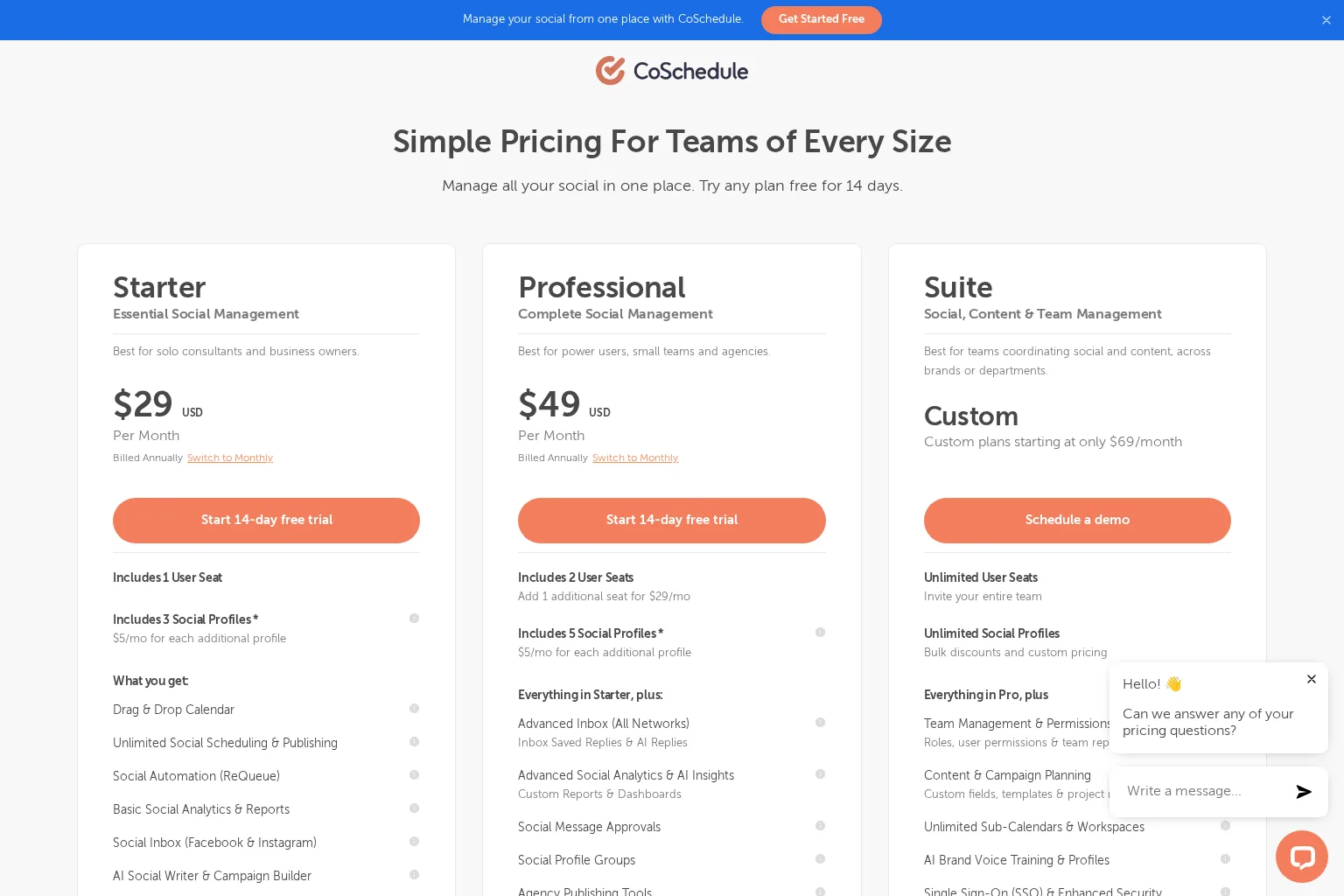
Key capabilities: CoSchedule Professional includes a drag-and-drop calendar, unlimited social scheduling, social approvals, social profile groups, advanced reporting, and agency publishing tools such as white labeling and client calendars. The Suite tier adds content and campaign planning, roles and permissions, custom fields, templates, project reporting, sub-calendars, workspaces, and brand voice profiles.
Limitations: The most complete content and team management capability sits in the custom Suite plan. Agencies should also separate their needs for social scheduling from their needs for keyword research, SEO content planning, and CMS publishing before selecting a tier.
Pricing approach: Professional is listed at $49 per month when billed annually, with two seats and five social profiles included. Suite is custom priced, with plans stated to start at $69 per month.
Who should choose it: Choose CoSchedule when your agency needs a campaign command centre and wants client-facing calendars and social operations to be part of the same system.
5. ContentStudio
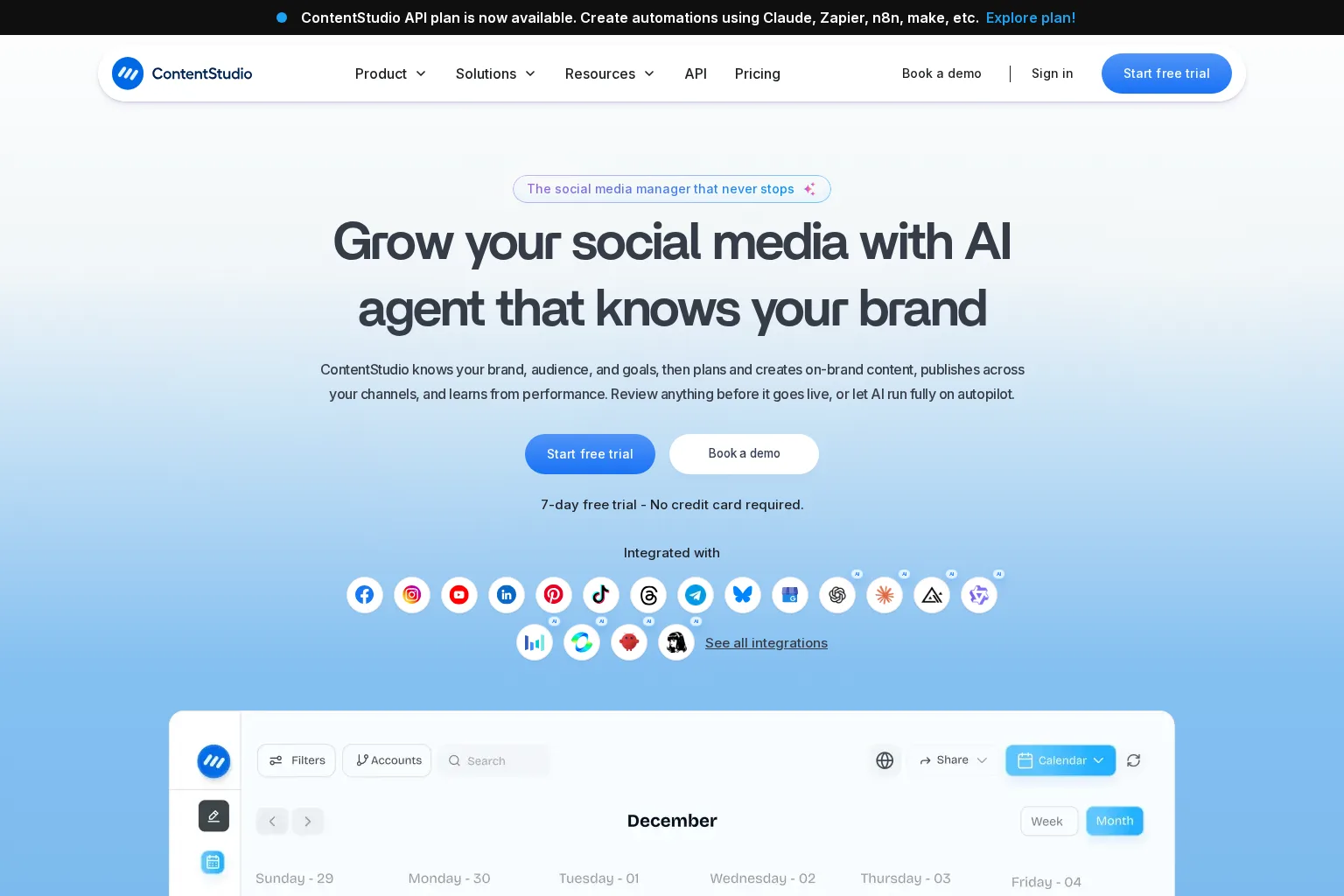
Best for: Social media agencies that need many dedicated client workspaces, approval workflows, publishing automation, branded reporting, and a unified inbox.
Key capabilities: ContentStudio supports separate client workspaces, shared calendars, team notes, no-login approval links, automated branded reports, white-label options, multi-channel publishing, and a central social inbox. It also supports blog drafting and WordPress publishing alongside social planning.
Limitations: The platform is social media-led. Agencies focused on organic search will want to confirm that its blog and AI workflows provide the depth of keyword research, content clustering, and editorial SEO governance required by their service model.
Pricing approach: ContentStudio provides a seven-day free trial. Its Agency Unlimited plan is designed for unlimited workspaces and team members, with social-account capacity and add-ons affecting total cost. Review the live plan configuration before committing, because the public documentation describes usage-based scaling rather than a single comparable agency price.
Who should choose it: Choose ContentStudio when agency delivery is centred on social content, client collaboration, approvals, automated reports, and high-volume multi-platform publishing.
How to choose the right agency content planning tool
Use a short workflow test with two real clients before migrating the full roster. We recommend testing these scenarios:
- Add two clients with different brand guidance, audiences, and review rules.
- Turn one strategy into a calendar, brief, draft, approval request, and scheduled item.
- Ask an account manager and a client to find what needs approval without assistance.
- Check whether the tool retains the correct website, campaign, and brand context at every stage.
- Calculate the monthly cost using your actual number of clients, users, workspaces, sites, profiles, and reporting needs.
The right choice depends on where the agency creates value. If you sell social execution, approval quality and scheduling depth deserve the heaviest weighting. If you sell SEO retainers, planning should start with client-specific search opportunities and existing site coverage. If you sell integrated content marketing, look for a platform that keeps the brief, article, approval, distribution, and reporting loop intact.
Our recommendation for SEO agencies
For SEO agencies managing organic growth across multiple websites, we would prioritise a platform that separates client context and turns research into a visible plan before production begins. That is the gap a generic project board or social scheduler often leaves open.
GrowthScout is the best fit when you want client-specific site knowledge, opportunity prioritisation, a 30-day calendar, article generation, and controlled WordPress or webhook delivery in one workflow. Its current trade-off is clear: formal client approval and cross-client operating controls are not yet live. Agencies that already have an established review process can use separate client workspaces now, while retaining final editorial responsibility.
Common questions about agency content planning
What should an agency content plan include?
Include the client objective, audience, content pillars, target topics or keywords, format, owner, brief, production status, reviewer, approval status, publishing date, distribution channels, and success metric. For SEO work, add search intent, existing coverage, internal-link opportunities, and the page or conversion goal each article supports.
Should every client have a separate content workspace?
Usually, yes. A separate workspace protects brand guidance, access, calendars, client feedback, reporting, and website context. It also makes it less likely that a writer or automation uses the wrong client's information.
Can an agency use one tool for strategy, approvals, and publishing?
Sometimes. StoryChief and GrowthScout are closer to a connected editorial workflow, while Planable, CoSchedule, and ContentStudio are especially strong for social planning and collaboration. The best stack may still combine a strategy platform with a specialist approval or social publishing tool.
How should we introduce a new content planning process to clients?
Start with one client and one content cycle. Define who can edit, who can approve, what counts as final approval, and what happens if feedback arrives after the agreed deadline. Keep automatic publishing switched off until the review process works consistently.
Build a content operation that scales without losing client context
An agency content plan should make work easier to see and easier to improve, not create another dashboard for the team to maintain. Choose the tool that supports your actual delivery model, test it against two live client workflows, and document the approval rules before scaling.
If your agency needs a research-led SEO workflow for every website, start a three-day GrowthScout trial and build the next 30 days around opportunities that fit each client, not a generic content calendar.