
Automated content briefs should turn keyword and search-result research into a decision a writer can act on, not just produce headings on demand. For marketing teams comparing software, Frase is a strong starting point for a connected SERP-to-brief workflow, MarketMuse suits teams that want deeper topic and content-type guidance, seoClarity fits larger SEO operations, and Dashword offers a more straightforward brief-and-optimisation workflow. The right choice depends on what your team must verify, edit and pass on before writing begins.
We compared publicly documented capabilities, not hands-on results from running the same account through four products. Treat the recommendations below as a shortlist to test against your own keyword, market and editorial process.
Table of contents
- How we selected and compared these tools
- What an automated brief needs to tell the writer
- 1. Frase: Best for a direct SERP-to-brief workflow
- 2. MarketMuse: Best for topic depth and distinct brief types
- 3. seoClarity: Best for briefs within a larger SEO operation
- 4. Dashword: Best for a simpler brief and draft-optimisation path
- Which tool fits your workflow?
- Run a one-keyword test before buying
- Keep the brief connected to the bigger plan
- Frequently asked questions
How we selected and compared these tools
This comparison is for in-house content teams and agencies that need more than an AI-generated outline. Each product has an identifiable content-brief feature and an official page describing its workflow. We evaluated the same five questions for every option:
- Research inputs: Does the tool connect the brief to search results, questions, related topics or existing pages?
- Editorial control: Can a strategist change the angle, requirements and recommendations before a writer starts?
- Writer handoff: Is the output usable in the team's existing writing and review process?
- Scale: What happens when several people, sites or briefs are involved?
- Buying model: Is access to briefs clear, and what limits or pricing questions need checking?
The sources here are product documentation and pricing pages, so features reflect what vendors publish, not independently verified performance. A limitation below may be a workflow tradeoff rather than a missing feature. Google's people-first content guidance is a useful counterweight: a brief should prompt original information and reliable evidence, not merely reproduce the pages already ranking.

What an automated brief needs to tell the writer
Keyword research identifies a possible topic. An automated content brief translates that opportunity into an assignment: who the page is for, what question it answers, which format fits the intent, what evidence the writer must gather and how the work will be reviewed. An article writer then produces copy from that direction; a content plan decides which assignments to prioritise and when. Buying one of these capabilities does not automatically supply the other three.
I would expect a usable brief to name the target market and primary query, explain the audience and search intent, and identify the page's specific angle. It should distinguish required points from optional questions, propose a flexible structure, flag claims that need primary sources or subject-matter input, and identify relevant internal pages. It also needs ownership: who approves the brief, where edits live and what happens if the search results change. A target word count or list of related terms can be helpful context, but neither replaces a clear answer or real expertise.
If a tool offers SERP-based recommendations, inspect why it selected each one. A ranking page might be a product page while your assignment is a comparison article; copying its headings would give the writer the wrong job. Our guide to keywords and prompts explains why related wording and demand estimates should be interpreted alongside the underlying customer question, rather than treated as interchangeable measures.
1. Frase: Best for a direct SERP-to-brief workflow
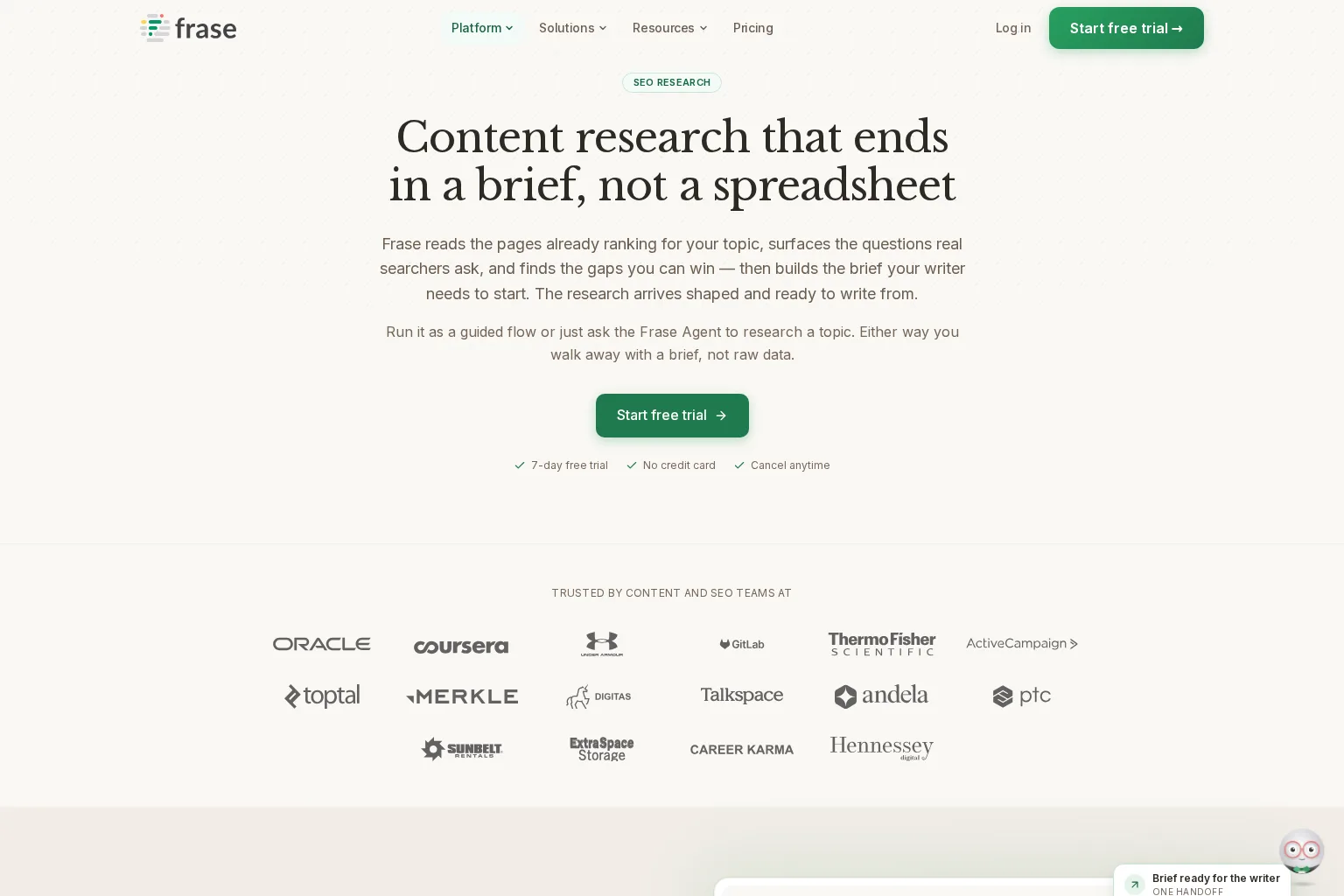
Best use case: A content strategist who wants to inspect competing pages and turn the findings into a brief in the same workspace. Frase says its SEO research workflow breaks down ranking pages, gathers searcher questions and identifies gaps before assembling a structured brief with headings, keywords and sources. It lets the user adjust what goes in before handing the work to a writer.
The brief controls are more concrete than a single generate button. Frase's brief-creation guide describes selectable sections for search results, questions, topics, statistics, links and an AI-suggested outline; it also offers templates and a manual route. That range makes it useful when a strategist wants to keep the research visible while deciding what the writer actually needs.
Watch for: A SERP-derived outline can still overrepresent whatever happens to rank for a query. Ask the editor to remove irrelevant questions, check any proposed statistics against their original sources, and add product knowledge or interviews that search-result analysis cannot supply. For agencies, test whether the seats and sites in the plan cover the real assignment and approval flow, rather than assuming brief creation alone solves collaboration.
Pricing approach: Frase lists Starter at $39 per month when billed yearly, or $49 month to month, with one seat and one site; its higher tiers increase team and site allowances. Check the current plan limits and billing choices before selecting a tier. Choose Frase if the primary bottleneck is synthesising SERP research into an editable writer assignment, and you are willing to review the proposed angle.
2. MarketMuse: Best for topic depth and distinct brief types
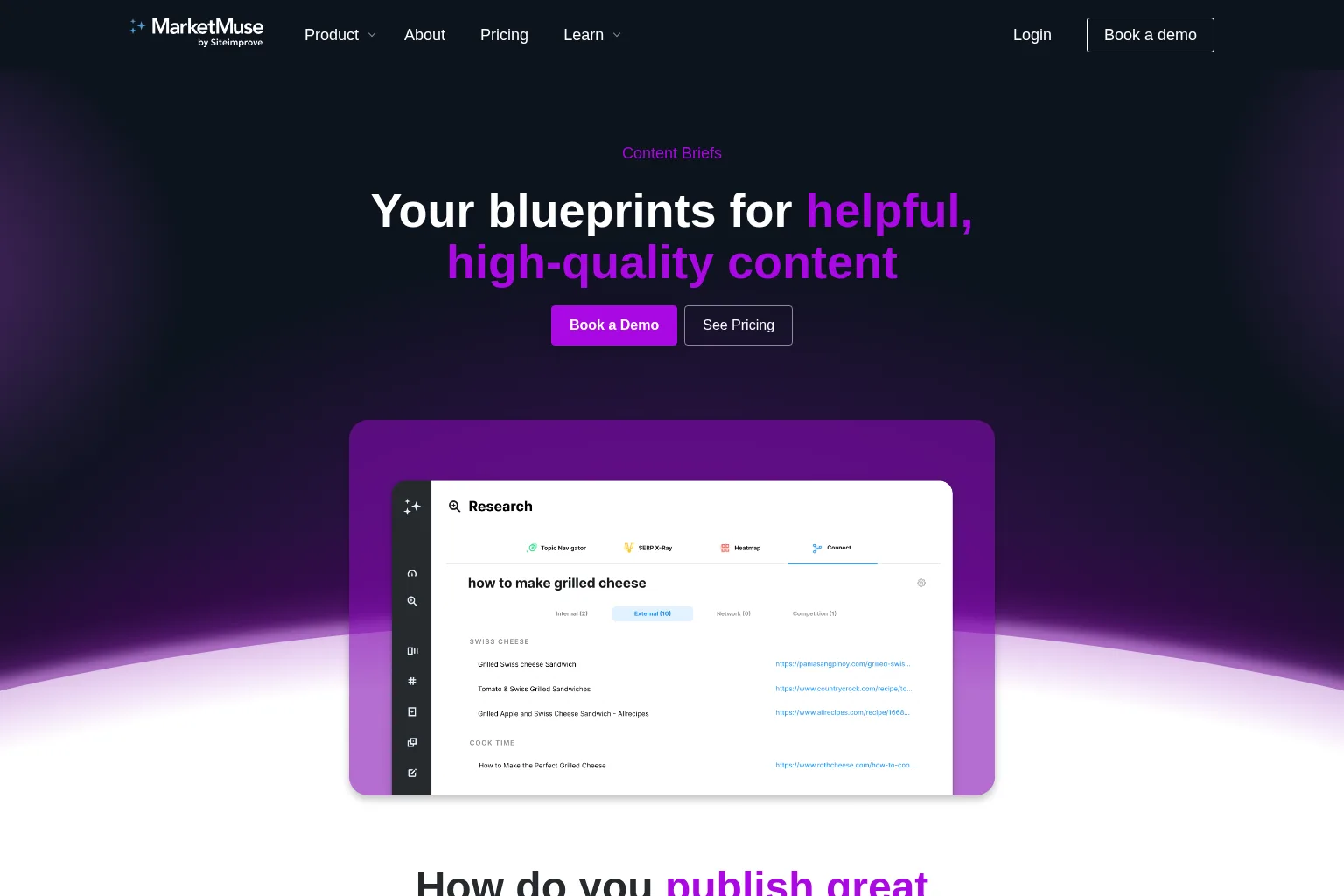
Best use case: A team that briefs several kinds of pages and wants the research behind the outline. MarketMuse describes content briefs with related topics, questions, linking suggestions and content-type-specific structures, including comparisons, product reviews, guides and listicles. Its available customisation inputs include point of view, target market, intent and proof statements, which can help an editor express what makes a page worth producing.
That is a useful distinction when a comparison article and a how-to guide need different instructions, even if they address neighbouring queries. MarketMuse also says briefs can be exported to Google Docs or Word, which may fit teams whose writers work outside an SEO platform. Review the proposed topics as prompts for coverage, not a checklist to stuff into every section.
Watch for: Access to the full range of brief types depends on the plan. The MarketMuse plan comparison lists no content briefs on its Free plan, article briefs on certain paid tiers, and all nine brief types on Strategy. It also lists different monthly brief allowances by tier. Confirm the type you need, the number of editors and the export process in a demo; do not assume that access to research tools includes brief generation.
Pricing approach: MarketMuse presents tier-specific brief allowances and directs visitors to book a demo rather than showing a single public checkout price for each paid tier. Choose it when nuanced page types and research context matter more than getting the shortest possible brief, subject to confirming the appropriate tier and cost.
3. seoClarity: Best for briefs within a larger SEO operation
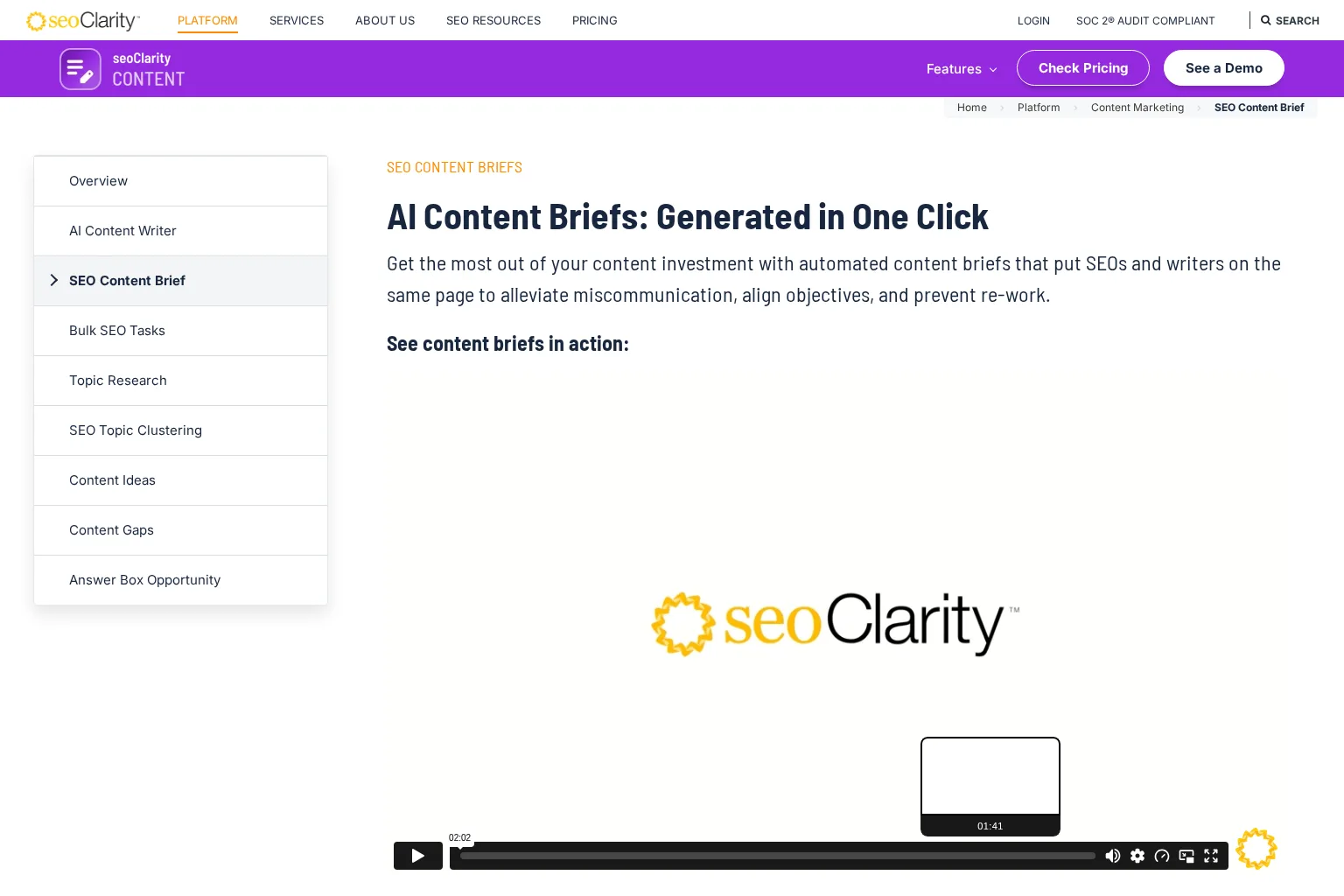
Best use case: An SEO team that already needs broader research and reporting, and wants briefs within that environment. The seoClarity content-brief page describes brief generation from SEO data, top-ranking content and an existing page. Its documented output can include questions, title and metadata guidance, suggested internal links, and custom text for the objective or target audience. It also describes generating briefs for either new or existing content.
For a multi-person operation, that custom text matters. A writer should be able to see the purpose and constraints of an assignment alongside optimisation suggestions. seoClarity also describes content scoring for the subsequent draft, although a score is not evidence that facts, examples or positioning are correct. Have an editor judge those separately.
Watch for: This is an SEO platform decision, not simply a low-commitment brief-generator choice. Test who can amend a generated brief, how it reaches outside writers, and whether suggested internal links and metadata are appropriate for each client site. The product page describes these recommendations, but does not establish how well they fit your specific account.
Pricing approach: Its pricing page uses customised packages based on factors including domains and tracked keywords and invites teams to request a quote. It notes that some displayed package examples are historical and subject to change, so obtain a current quote that explicitly confirms the brief capability. Choose seoClarity if your content briefs need to live inside a wider enterprise SEO workflow and that scope justifies a sales-led evaluation.
4. Dashword: Best for a simpler brief and draft-optimisation path
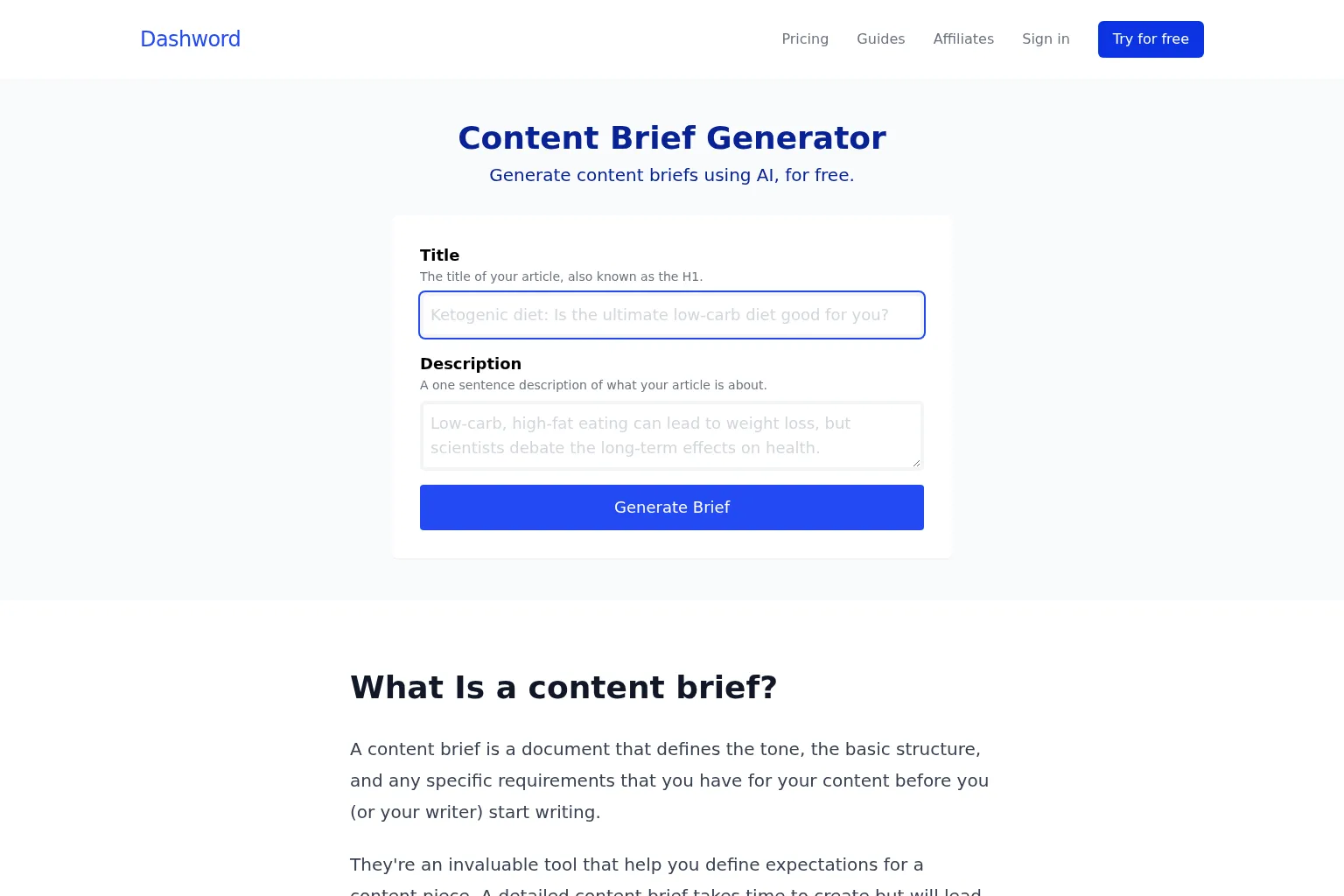
Best use case: A smaller team that wants a relatively direct way to establish writing requirements and then assess the draft. Dashword has a public content brief generator and recommends including audience, tone, outline, keyword suggestions and examples in a brief. Its paid plans combine content reports, briefs and scoring, so the brief can be part of an ongoing editing routine rather than a document created once and forgotten.
The distinction between the public generator and the wider paid workflow matters. The public page presents a simple title-and-description input. For a serious SEO assignment, check what additional research and editing the plan actually provides, and add any missing audience, source or brand requirements yourself. A tidy generated document is not necessarily a researched one.
Watch for: If your team needs elaborate intent analysis, approvals across multiple clients or specialised page-type templates, ask Dashword to show those steps in your actual workflow instead of inferring them from a generic brief. Evaluate what a report includes and whether your expected monthly volume fits the allowance.
Pricing approach: Dashword lists its Startup plan at $99 per month with 30 content reports, five seats and content briefs; its Business plan starts at a higher price and increases the report and seat allowances. The first report is presented as free, not the ongoing brief workflow. Choose Dashword when clear requirements and an approachable report-to-edit process matter more than extensive briefing configuration.
Which tool fits your workflow?
| If your primary need is... | Start your evaluation with... | Confirm before committing |
|---|---|---|
| Search-result research flowing into an editable brief | Frase | Whether the suggested angle and seat limits work for your team |
| Research depth and different page formats | MarketMuse | Which paid tier includes the brief types and volume you need |
| Briefs connected to a larger SEO programme | seoClarity | Current quote, permissions and the writer handoff |
| Basic briefs alongside content reports and draft scoring | Dashword | Research depth, report allowance and collaboration needs |
These are starting points, not quality rankings. In particular, there is no direct, fair comparison of brief accuracy until you run the same assignment through the options you can realistically buy.
Run a one-keyword test before buying
Pick a real keyword your team is planning to publish, with a defined country, intended reader and business goal. Use the same input with each shortlisted tool. A good test topic is one where a generic outline would fail: perhaps the ranking results mix product pages and advice articles, or your organisation already has a page that should be updated rather than replaced.
Give each tool the same constraints: intended page type, audience, existing related URL, one piece of first-party insight, an approved claim that needs a source, and an internal page you might link. Save the unedited output, then ask a strategist to mark every recommendation as keep, change or reject. This reveals how much editorial labour automation actually removes.
Score the briefs from 0 to 2 on each of five criteria, for a maximum of 10. Award 0 when the brief omits or misstates the item, 1 when it offers a plausible suggestion that needs material correction, and 2 when it provides useful, verifiable guidance:
- Intent and differentiation: Does the brief identify the appropriate format and a reason your page should exist?
- Research traceability: Can the editor inspect the search-result evidence and check suggested claims or statistics?
- Writer readiness: Could a writer explain the audience, angle, required answers and evidence without another meeting?
- Editorial control: Can you remove poor recommendations, add original knowledge and approve the result before drafting?
- Handoff and scale: Can the right people access the brief, revisions and final instructions across your sites or clients?
The score is a decision aid you create, not a vendor benchmark or a prediction of rankings. Record time spent correcting each brief as well as the score. If two products score similarly, the cheaper one is not necessarily better if your editors must repeatedly repair its evidence or copy its output into another system. Ask vendors what refreshes when a SERP changes, what exports are available, which limits apply to briefs versus reports, and whether an approval can stop a draft or publication until the brief is ready.
Keep the brief connected to the bigger plan
Brief automation pays off only when the assignment belongs to a sensible publishing decision. Once you have selected a tool, make a named editor responsible for checking intent, verifying sources and documenting the final angle before a draft begins. After publication, revisit the brief if the page's purpose or the search results change; do not assume an old outline remains the right instruction forever.
If your team is evaluating that broader journey as well, see how we approach connected research, planning, writing and review. Use the one-keyword test above to decide whether a specialist brief tool improves your actual handoff or adds another step between an opportunity and a finished page.
Frequently asked questions
What does an SEO content brief include?
At minimum: the intended reader, page goal, target topic and market, search intent, recommended angle, questions to answer, flexible structure, evidence and source requirements, relevant internal links, and review owner. Add tone, product facts and format requirements when they help the writer make better decisions. A keyword list alone is not a complete brief.
Is automated briefing the same as automated article writing?
No. Briefing decides what to write and what needs checking. Article-writing tools produce the draft. Some platforms offer both, but a strong draft still needs a suitable assignment and fact review. Compare these stages separately, particularly if you want an editor to approve the direction before any text is generated.