
TL;DR
The best SEO productivity software for your team is the one that carries a useful opportunity through planning, review, publication and a measurable update, with the fewest manual handoffs. We compare GrowthScout, Semrush, Ahrefs and SE Ranking against that workflow. GrowthScout emphasizes the content pipeline; Semrush and Ahrefs provide deeper research suites; SE Ranking pairs research and monitoring with agency-oriented delivery. Run the same real assignment through your finalists before buying.
An SEO team rarely loses time because it cannot find another keyword. The drag comes when research lives in one tab, briefs in another, publishing requires a separate checklist, and nobody owns the next revision. A tool can have dozens of impressive features and still leave those handoffs untouched.
For this comparison, we define SEO productivity software as a system that helps people turn search opportunities into approved work, measure what happens, and decide what to do next. That is narrower than a list of every useful SEO tool. If your primary problem is technical crawling or local listings, choose around that job instead.
Table of contents
1. GrowthScout: best for a connected content-production pipeline
2. Semrush: best for teams that want broad SEO research and monitoring
3. Ahrefs: best for competitor-led discovery and research depth
4. SE Ranking: best for multi-project monitoring and agency reporting
How we selected and compared these options
This list is for in-house growth teams and agencies building a repeatable organic-content operation. We selected four identifiable platforms with publicly documented capabilities spanning several stages of the work, rather than four interchangeable AI writers. We reviewed official product descriptions and plan information; this is an editorial comparison, not a claim that we ran hands-on product trials or timed the tools. We include our own product and apply the same questions to it.
Our shared criteria are opportunity research, planning and content production, review and publishing handoff, measurement and recurring optimization, and capacity and pricing structure. A feature gets more credit when a team can carry the same page or project between steps without rebuilding context. A separate AI-search check asks which questions or prompts are tracked, where mentions and citations come from, and whether the capability belongs to the quoted plan.
Think in a loop, not a feature checklist: discover an opportunity, assign it, make and approve the page, publish it, inspect its performance, then decide whether to refresh it. The following visual lays out the handoffs a demo should reveal.

We treat search-performance data and keyword-position data as different inputs. Google's Search Console guidance explains that impressions and clicks describe how your pages performed in Google Search, while Analytics describes what visitors do after arriving. Neither a ranking chart nor an AI mention count alone proves business impact.
Platform | Strongest workflow fit | Handoff to check closely | Pricing question to ask |
|---|---|---|---|
GrowthScout | Research-to-calendar-to-article delivery | How published results trigger the next update | How many websites and drafts are included? |
Semrush | Broad research, optimization and position monitoring | Whether your chosen tier connects drafting to publishing | Which content tools and extra seats are included? |
Ahrefs | Competitive intelligence and ongoing research | Who owns approval, CMS delivery and refresh tasks | Which limits apply to users, credits and content work? |
SE Ranking | Multi-project research, tracking and client reporting | Who implements recommendations and publishes changes | Which seats, add-ons and billing term do you need? |
These are editorial fit assessments, not benchmark scores or a promise that any tool replaces every part of your stack.
1. GrowthScout: best for a connected content-production pipeline
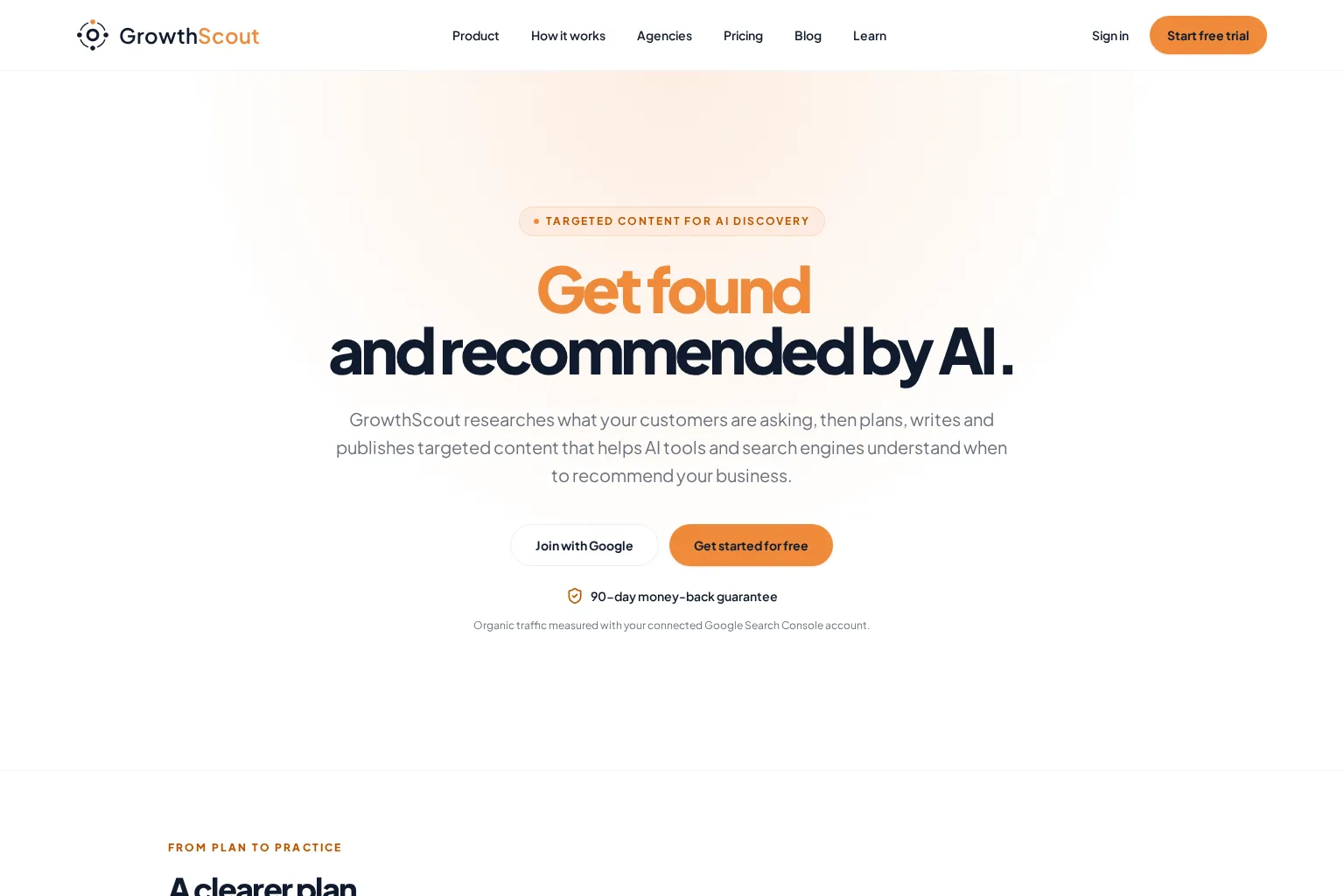
Best for: A team that wants research, a dated content plan, article drafts and a controlled publishing step in one workspace, especially when each client website needs its own context.
GrowthScout is our product. According to our product and workflow overview, it crawls a website, combines that knowledge with the team's goals and competitors, prioritizes opportunities, builds a 30-day calendar and prepares articles using the saved business context. You can review and edit before publication, publish manually, or use supported WordPress and webhook delivery. Keeping automatic publishing off is a meaningful choice when the review is more important than speed.
The productivity test is not whether Scout, our AI partner inside GrowthScout, can write a draft. It is whether the opportunity rationale survives into the brief, whether an editor can reject or correct unsupported claims, and whether the final article lands in the intended destination with the right imagery and settings. Ask to see a topic that overlaps an existing page. Does the plan recommend updating that page instead of automatically adding another article?
Monitoring and limits: Our public materials describe a site audit, weekly tracking for 10 AI prompts on the paid Growth plan, and organic-traffic measurement through a connected Google Search Console account. They do not, by themselves, establish a native rank-tracking or automatic content-refresh workflow. If weekly position tracking or automatic refresh assignments are mandatory, verify those specific steps in a demo rather than assuming a connected content pipeline includes them. For agency use, our agency overview describes separate website knowledge and plans.
Pricing approach: The published offer is a 3-day trial with 3 AI article drafts, then £74 per month per website on the Growth plan, which lists 31 AI article drafts per month. Verify the checkout terms and any extra website capacity before committing; a missing additional-website price should not be read as zero. See the published Growth plan and trial details.
Choose it if coordination between planning, drafting and publication is your main bottleneck. Keep another research or monitoring tool when you need specialist depth GrowthScout does not explicitly document.
2. Semrush: best for teams that want broad SEO research and monitoring
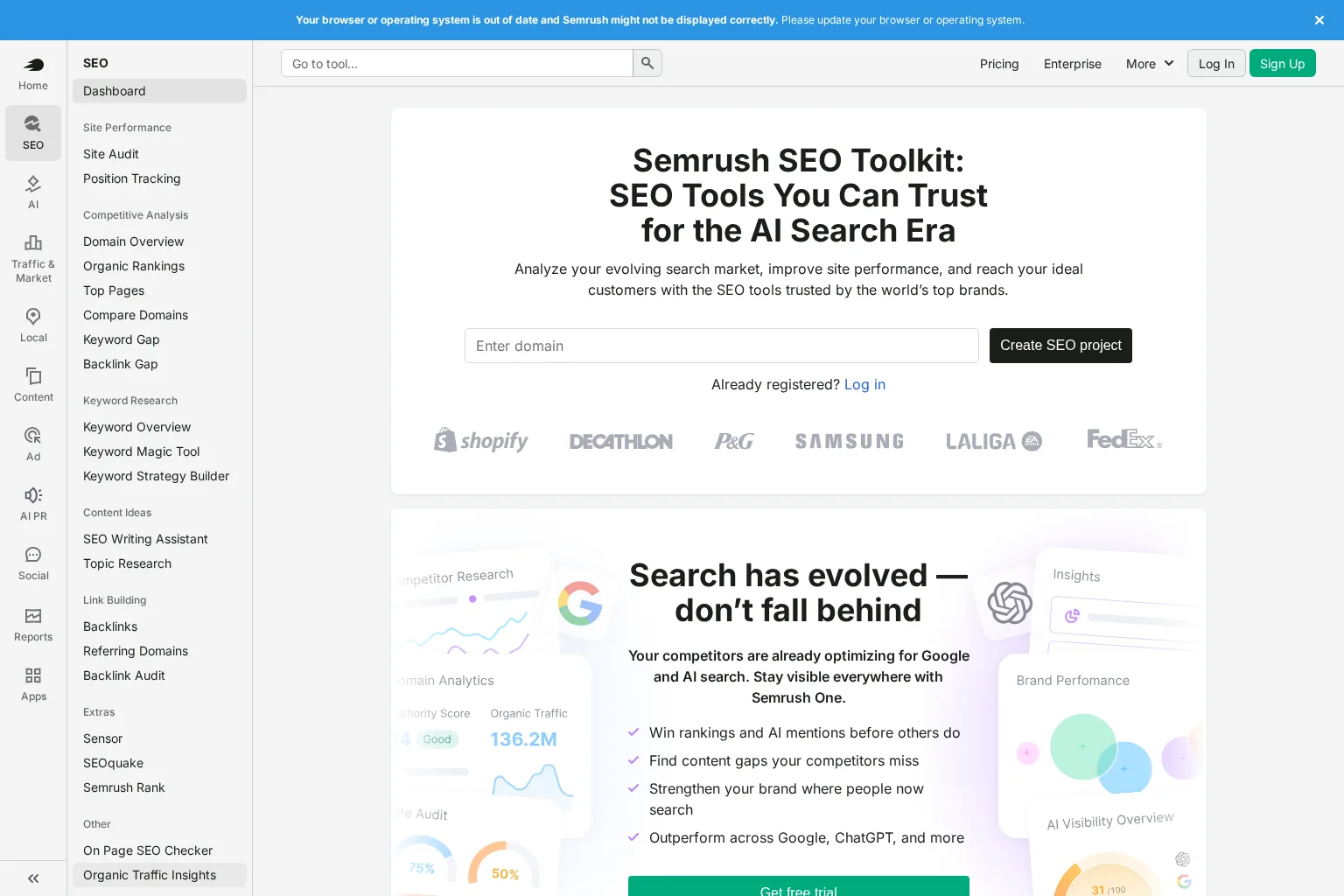
Best for: A growth team that needs substantial keyword and competitor research, site audits and position tracking, and can allocate someone to own execution across its content tools.
The Semrush SEO Toolkit overview brings competitor analysis, keyword discovery, audits and position tracking under one product family. Its Keyword Strategy Builder documentation describes an unusually useful handoff: collect or import keywords, organize topics and pages, then send selections to a writing tool or Position Tracking. That is more concrete than merely offering a keyword export.
For our pilot assignment, we would ask a marketer to take one competitor gap into a content plan and an editor to produce a reviewed draft. Then we would check how that draft reaches the CMS and how its published URL becomes a monitored optimization task. The documented research-to-content handoff does not, on its own, mean the entire editorial approval and CMS workflow happens automatically. Confirm the actual path, the ownership of each step and the integrations in your intended tier.
Monitoring and limits: Position Tracking and Site Audit support the measurement side, while the breadth of tools means setup discipline matters. Start with a short list of target pages and queries, not every available dashboard. For AI visibility, distinguish a traditional SEO subscription from a combined SEO and AI Search package; check exactly what your quoted plan covers.
Pricing approach: Semrush publishes tiered subscriptions with different monitoring limits, content optimization access and charges for additional users. Its plan comparison is the place to check the specific package and billing choice, not an assumed entry price borrowed from a different toolkit. Choose Semrush when analytical range and repeatable research-to-monitoring handoffs matter more than a single-purpose publishing queue.
3. Ahrefs: best for competitor-led discovery and research depth
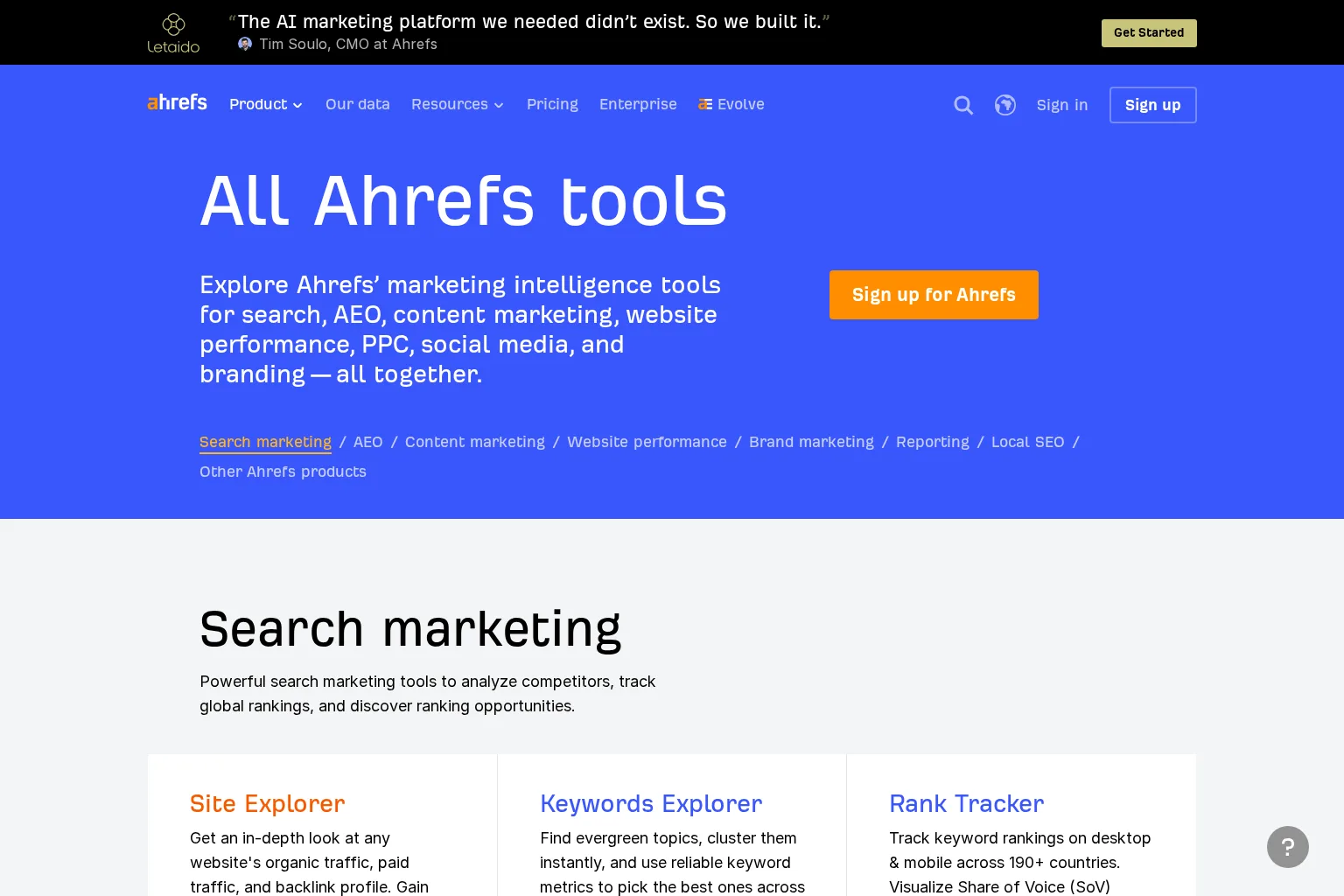
Best for: SEO specialists who regularly investigate competing pages, keyword opportunities and technical issues, with an established editorial process elsewhere.
Ahrefs' tools directory documents Site Explorer, Keywords Explorer, Content Gap, Rank Tracker, Site Audit, Brand Radar and AI Content Helper among its products. The useful productivity story is that a researcher can move from a competing domain to a candidate topic, examine the likely intent and revisit results later. AI Content Helper also supports analysis while drafting or improving a page, according to its help documentation.
The point to test is ownership after insight. Can the content manager see why a topic was selected, what was approved, when it was published and who will revisit it? Ahrefs' research and content tools should not be mistaken for proof that your review chain or CMS delivery is built into the exact plan you buy. Bring your real brief template and approval rules to a demo. If you need a publishing platform, budget and design that connection explicitly.
Monitoring and limits: Rank Tracker and Site Audit give a team recurring signals. Brand Radar adds an AI-visibility dimension, but check the number of prompts, platforms and any additional packages rather than treating AI visibility as one universal metric. Compare estimated third-party search data with your own Search Console outcomes, particularly when judging a published page.
Pricing approach: Ahrefs' plan comparison separates tiers by projects, tracked keywords, users and usage allowances; some AI capabilities have separate packages. Quote the combination your team actually needs. Choose Ahrefs when competitor intelligence is central and your content production, sign-off and publishing process is already reliable.
4. SE Ranking: best for multi-project monitoring and agency reporting
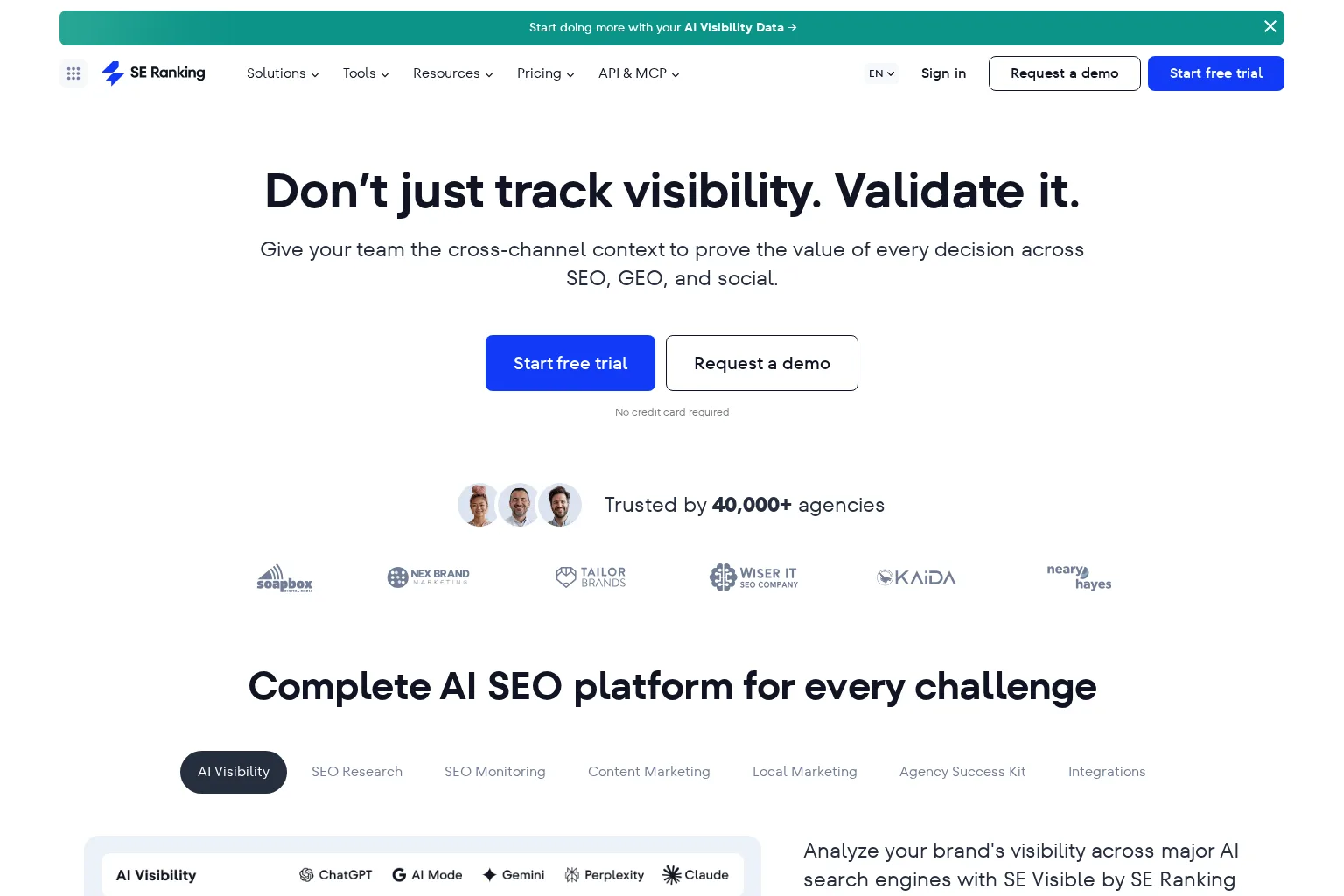
Best for: Teams with multiple client or business websites that need research, ongoing rank checks, content assistance and reports organized by project.
SE Ranking's product FAQ describes keyword and competitor research, scheduled rank tracking, audits, a Content Editor and a report builder. Its Content Editor can prepare a brief and assist drafting; published-article analytics depend on linking the article URL to a project. That detail matters: adding a page to the workflow should be part of the team's routine rather than an assumption that measurement starts automatically.
SE Ranking says plainly that its recommendations do not implement changes on your website. This is a valuable distinction in a buying discussion. The software may shorten discovery, checking and reporting work, while a marketer, developer or connected workflow still needs to publish content and fix issues. Ask how review comments move between the editor, your CMS and the client, and who records the completion of each change.
Monitoring and limits: Tracking is configured for keywords, locations and devices. Agency features, such as client access and white-label presentation, vary by plan or add-on. SE Ranking describes AI visibility through its related SE Visible offering as well as AI-related options in its subscription comparison; ask for an itemized quote for the exact prompts and reports you expect to use.
Pricing approach: Core, Growth and custom Enterprise options have different project, seat and usage limits. The Agency Pack is an additional purchase with an annual-billing requirement on the published pricing page; an annually billed monthly equivalent is not a month-to-month commitment. Choose SE Ranking when disciplined multi-project monitoring and reporting are the primary productivity gains, and you are comfortable owning implementation elsewhere.
A trial scorecard that exposes manual work
Do not trial four tools with four different assignments. Use one real article or existing page in each finalist, with the same target market and the same two reviewers. If access differs by plan, mark an untested step as not verified, not as a product failure or a success. A 45-minute guided demo can reveal the handoffs even when a full publication cycle takes longer.
Score each criterion 0 = manual or unclear, 1 = partially connected, 2 = completed with clear ownership. Record the evidence beside the score rather than relying on a salesperson's summary.
Find and justify the opportunity. Can the team see intent, competitor evidence and existing-site coverage, not just keyword volume? Open the original results behind a suggested topic.
Preserve context into production. Does the brief retain the audience, search question, relevant site facts and selected page, or must someone paste them into another tool?
Review and deliver. Can an editor amend claims, approve the draft and see where the final version will go? Attempt one correction late in the process to test version control and permissions. Google's guidance on AI-generated content emphasizes accuracy, quality and relevance, not output volume.
Verify performance. Attach the published URL, then find its Search Console impressions and clicks, ranking data if available, and the person responsible for investigating a change. Google explains how to interpret these sources together.
Create the next action. From a decline, new competitor page or stale article, can the team assign an update with the original evidence attached? A notification without an owner is not an optimization workflow.
Price the real workload. Count websites, users, tracked keywords or prompts, drafts, reports and any required add-ons. Check billing commitments and overages against next quarter's plan, not a one-site demonstration.
For agencies, repeat steps three and four in a second client workspace to check isolation, permissions and report access. For an in-house marketing team, put more weight on editor adoption and CMS delivery. If AI-search mentions influence your decision, inspect a few actual answers and citations; a mention sample is not interchangeable with Google clicks. Our guide to keywords and AI prompts explains why related demand estimates and tracked answers should be interpreted separately.
Choose a workflow, not a logo
An all-in-one platform makes sense when its connections cover the handoffs that currently consume your week. A specialist research suite plus an existing CMS and task system can be equally productive if the owners and transfers are explicit. A workflow-centered content platform is a better fit when topics regularly stall between strategy, approval and publication, but it may still need complementary rank or technical tooling.
Before signing, ask the person who will operate the system to walk through an unglamorous case: a published page loses clicks, the editor disagrees with an AI suggestion, and the next update must be assigned across two websites. The software that makes those actions clear is more valuable to your team than the one with the longest feature menu.
Frequently asked questions
Does SEO productivity software replace Google Search Console?
No. Treat your own Search Console data as the source for Google Search impressions and clicks. A platform can organize that evidence alongside competitor estimates, tracked rankings and work assignments; verify its integration and the permissions needed to keep it connected. Google explains the measures and their differences.
Is AI writing enough to count as SEO automation?
Not for a continuous workflow. Draft generation helps one step; someone still needs to assess the opportunity, verify claims, review the output, publish it and respond to performance. Ask which steps happen automatically, which require approval and who owns exceptions.
Should an agency buy one platform for every client?
Only if its website separation, seat permissions, per-client limits and reporting fit the agency's real workload. Pilot two unlike clients before standardizing. A shared login or an unpriced extra website can erase the coordination savings you hoped to buy.
If the research-to-publishing gap is your bottleneck, explore GrowthScout's review-first workflow and put it through the same scorecard as the alternatives. We would rather you identify an unsupported handoff before subscribing than discover it after your first publishing cycle.