
Marketing teams do not need another place to collect ideas. They need a system that turns the right opportunities into clear briefs, assigned work, realistic publishing dates and measurable results.
That is the difference between content planning software and a basic calendar. A calendar answers, “What goes out and when?” A complete planning workflow should also help you decide what is worth creating, who owns it, how it is reviewed, where it publishes and what happens after it goes live.
We selected the five tools below because they represent distinct approaches to that job: an integrated SEO-led workflow, general work management, a configurable knowledge workspace, a marketing calendar and a content marketing platform. We assessed each against the same criteria: opportunity prioritisation, brief and workflow support, editorial visibility, collaboration and approvals, publishing connections, reporting context and pricing clarity.
Pricing and plan allowances can change, so confirm them with the provider before purchase.
Table of contents
- What to look for in content planning software
- 1. GrowthScout
- 2. Asana
- 3. Notion
- 4. CoSchedule Marketing Calendar
- 5. StoryChief
- How to choose the right tool for your team
- Questions to ask before you buy
- Frequently asked questions
- Turn your content calendar into an execution system
What to look for in content planning software
For SEO-led teams, the workflow matters more than a long feature checklist. Test whether the software can keep these six stages connected:
- Opportunity discovery: Can the team bring in search demand, competitor gaps, customer questions and existing-site coverage?
- Prioritisation: Can you explain why one topic belongs in the plan ahead of another?
- Brief creation: Does each planned item retain its audience, intent, evidence, internal-link needs and editorial direction?
- Ownership and review: Can writers, subject specialists and approvers see status, feedback and the next action?
- Scheduling and publishing: Can the calendar reflect real capacity and connect to the CMS or publishing workflow you already use?
- Measurement: Can you connect published work back to organic performance, conversions or the visibility signals your team tracks?
A tool can be excellent at one stage and weak at the rest. That is not automatically a problem. It becomes a problem when the missing stage forces your team back into disconnected spreadsheets, documents and status meetings.

1. GrowthScout
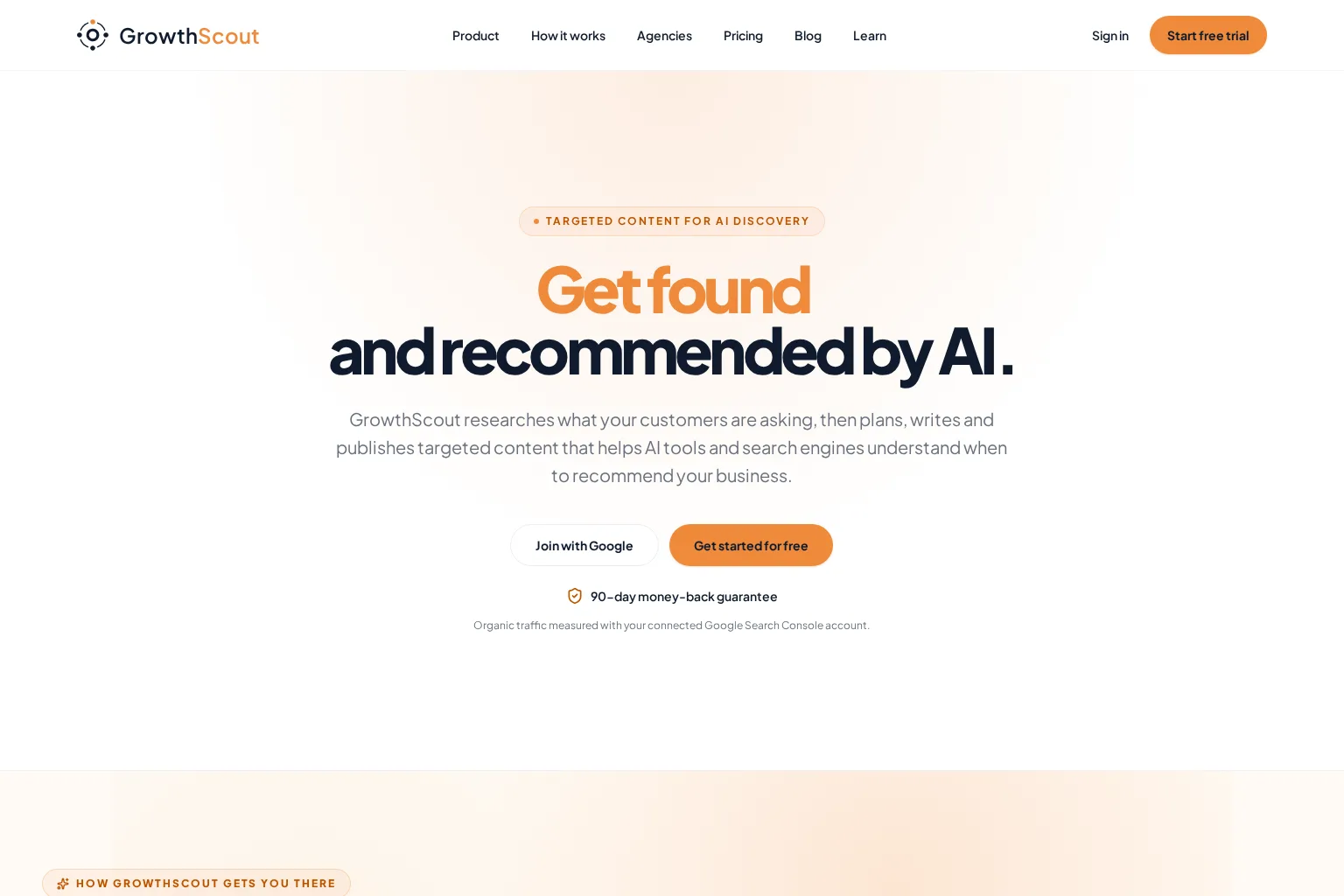
Best for: SEO and growth teams that want one workflow from website context and opportunity research through a prioritised editorial plan, article production, review and publishing.
Key capabilities: GrowthScout connects website knowledge, goals, audiences and competitor context with opportunity prioritisation and a visible 30-day content plan. Teams can follow work from planned topic to draft, review and publication, with WordPress, webhook or manual delivery options. It also keeps human review available before publishing, which matters when subject expertise, legal review or brand judgement is required. For teams planning around AI-search discovery as well as conventional search, the product also connects keywords with the questions people ask in AI tools. Our guide to keywords and prompts explains why those are related but not interchangeable measurements.
Limitations: It is purpose-built for organic-content operations rather than a general project-management system. Teams that need extensive cross-functional resource planning, highly bespoke approval roles or broad social scheduling may still pair it with other tools.
Pricing: The current website lists a 3-day trial with three article generations, then £74 per month if you continue. It also states that you can cancel before the trial ends without being charged.
Who should choose it: Choose GrowthScout when your main gap is the handoff between SEO opportunity research, planning, writing, publishing and performance follow-up. It is particularly useful when you want content choices to stay grounded in the website and business context instead of isolated prompts.
2. Asana
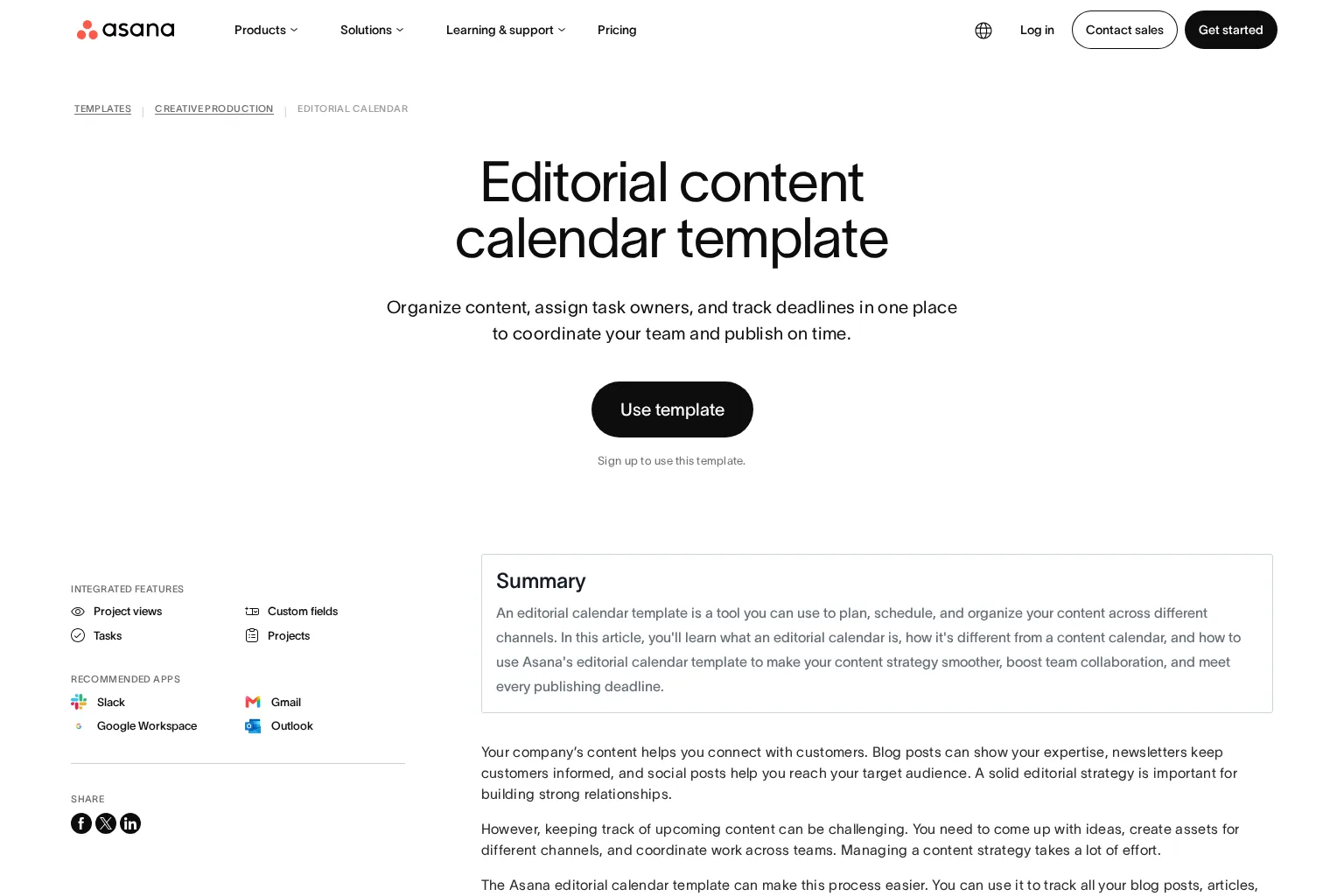
Best for: Marketing teams that already run campaigns and production work in a shared project-management platform.
Key capabilities: Asana’s content calendar tools provide calendar visibility, task templates, rules, dashboards, custom fields and approval workflows. Its editorial-calendar template gives teams a practical structure for owners, due dates, status and approvals. This makes it strong for coordinating writers, designers, marketers and stakeholders across many content types, not only SEO articles.
Limitations: Asana does not inherently decide which keyword, topic or content gap deserves priority. You need a separate research source, a disciplined brief template and clear rules for moving SEO insight into tasks. The calendar can show delivery well without proving that the planned work is strategically right.
Pricing: Asana publishes a free Personal plan for up to two users. Its current Starter and Advanced plans are listed at $10.99 and $24.99 per user per month when billed annually, with Advanced adding approvals and proofing.
Who should choose it: Choose Asana if workflow ownership, dependencies and stakeholder visibility are your biggest constraints, and you already have an SEO platform or strategist supplying the opportunities and briefs.
3. Notion
Best for: Teams that want to design a flexible editorial operating system around their own templates, research notes and documentation.
Key capabilities: Notion Projects supports databases, calendar and board views, dependencies, task ownership, forms, automations and granular database permissions. For content teams, that flexibility can bring keyword research, briefs, brand guidance, subject-matter notes, draft links and an editorial calendar into one adaptable workspace.
Limitations: Flexibility is also the trade-off. Your team must decide the content model, build the fields, maintain the templates and connect analytics or publishing tools. Notion is a strong foundation for a process, but it does not supply an SEO prioritisation method by itself.
Pricing: Notion lists Free, Plus and Business plans. Its UK pricing page currently shows £0, £8.50 per seat per month and £16.50 per seat per month respectively, while Enterprise pricing requires contacting sales.
Who should choose it: Choose Notion if your team has a clear content process and wants a custom source of truth for briefs, knowledge and production. Avoid making it the only solution if no one owns the SEO research and performance layer.
4. CoSchedule Marketing Calendar
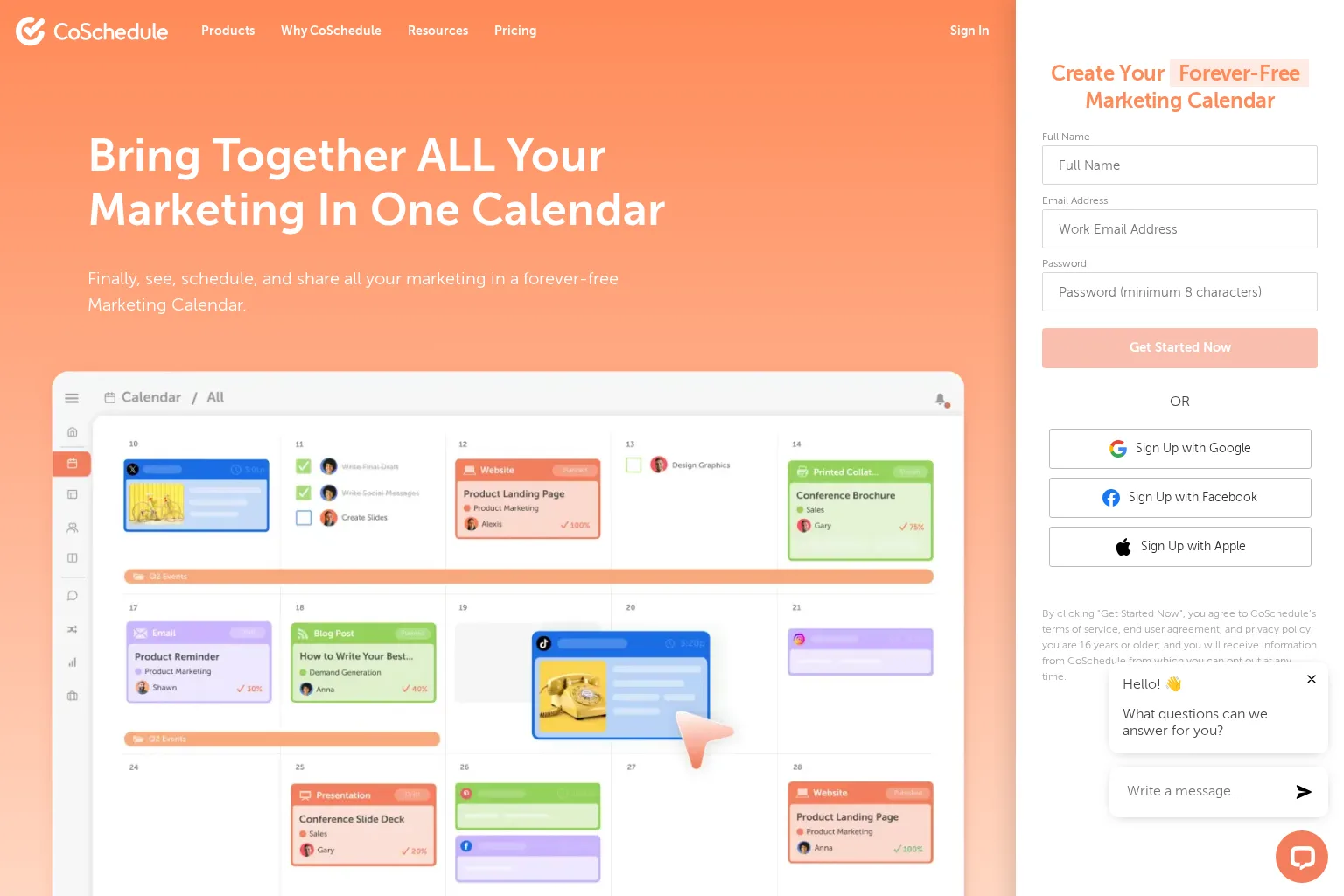
Best for: Marketing teams that need a highly visual calendar for coordinating content, social promotion, campaigns and deadlines.
Key capabilities: CoSchedule Marketing Calendar combines calendar planning with content and social workflows. Its product pages highlight drag-and-drop rescheduling, project request forms, integrations such as WordPress and Canva, social publishing and performance reporting. That makes it practical when a blog post needs a coordinated promotional campaign rather than a single publishing date.
Limitations: The product is primarily a marketing-calendar and social-management choice. It can organise and distribute an SEO content plan, but teams still need a reliable way to discover, evaluate and brief search opportunities before placing them on the calendar.
Pricing: CoSchedule offers a free calendar with limited post scheduling. Its paid plans currently start at $29 per month billed annually for Starter, $49 for Professional, with Suite pricing available through sales and described as starting at $69 per month.
Who should choose it: Choose CoSchedule when publishing cadence, campaign coordination and social amplification are the immediate priorities. Pair it with SEO research and editorial-brief tooling when organic search is a central acquisition channel.
5. StoryChief
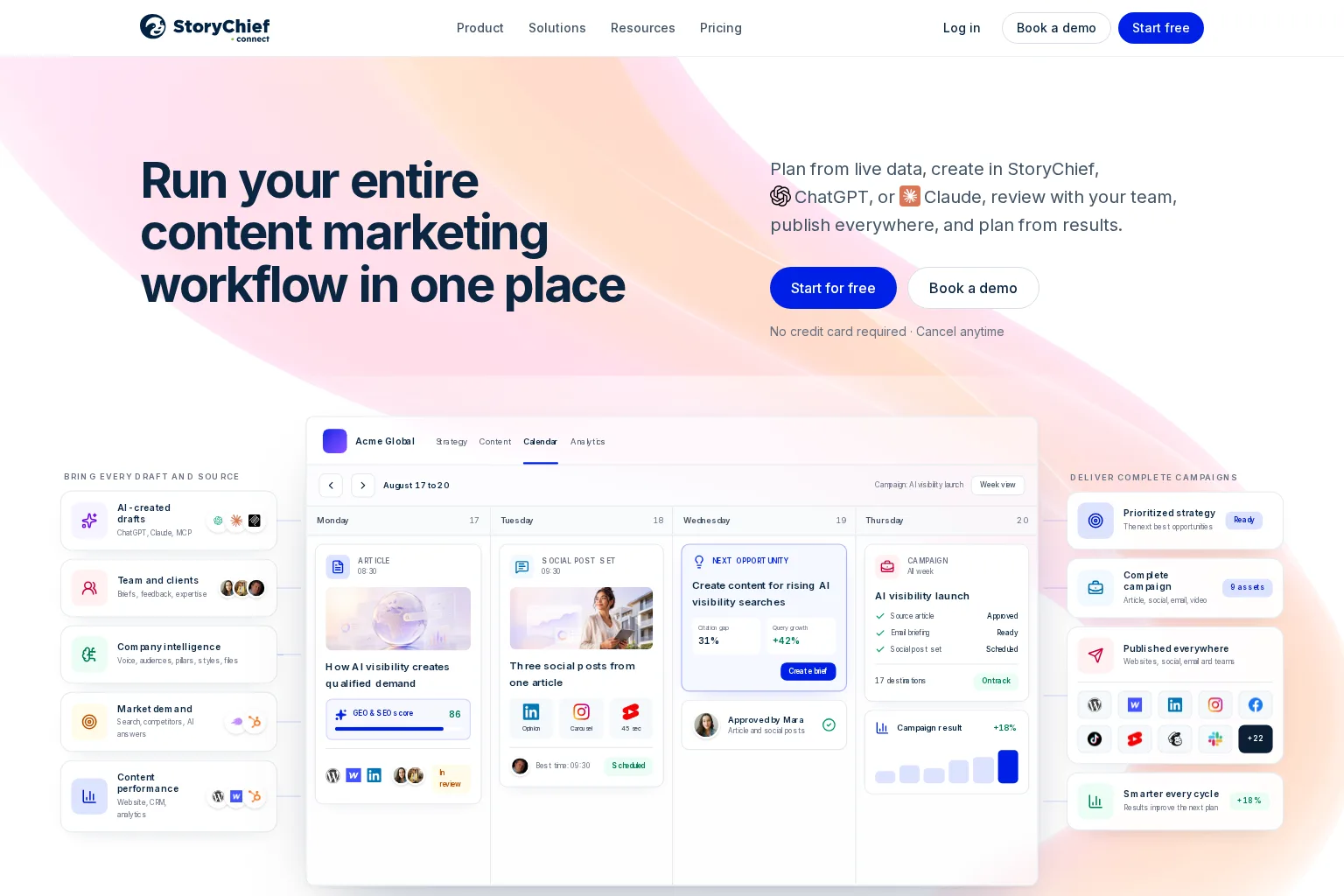
Best for: Content marketing teams and agencies that want strategy, collaboration, multi-channel publishing and performance feedback in a single platform.
Key capabilities: StoryChief positions its workflow around planning from data, creating content, team review, publishing across channels and using results to inform the next plan. Its product information describes shared briefs, feedback, content calendars, multi-workspace support and connections to channels and data sources. That broad operational coverage is useful for teams managing articles alongside social, email and client work.
Limitations: Its wider content-marketing scope can be more than a small SEO team needs. During a trial, verify that its opportunity inputs, SEO recommendations and reporting definitions match your target market, CMS and existing analytics stack.
Pricing: StoryChief publishes a free plan. Its current Team Editorial plan is listed at €69 per seat per month when billed yearly, and its Agency Editorial plan at €79 per customer per month when billed yearly. Both have separate allowances and add-ons, so review the plan details for your expected volume.
Who should choose it: Choose StoryChief when you need content planning to span SEO, editorial production, cross-channel distribution and agency or multi-brand collaboration, rather than a blog-only calendar.
How to choose the right tool for your team
Use the following decision framework during a trial or demo:
- Solo marketer: Choose the lightest tool that gives you a repeatable brief and publishing rhythm. Notion or CoSchedule may be enough when research comes from elsewhere.
- In-house SEO team: Prioritise evidence-backed topic selection, reusable briefs, review controls and a direct route from plan to CMS. An integrated workflow such as GrowthScout reduces the number of handoffs.
- Content marketing team: Prioritise collaboration, calendar views, campaign context and approval visibility. Asana, CoSchedule and StoryChief each address this need differently.
- Agency: Look for separate workspaces, client-specific context, permissions, approval requirements and publishing destinations. Do not assume a generic project tool will preserve each client’s strategy without careful configuration.
- Growth team managing several channels: Consider StoryChief or CoSchedule when one article must coordinate with social and campaign activity, while keeping SEO opportunity selection in the process.
The best option is the one that preserves the chain of reasoning from opportunity to outcome. If a planned item loses its target audience, search intent, business relevance or success measure before it reaches the writer, the tool is storing work rather than managing a content system.
Questions to ask before you buy
- How does a search opportunity become an assigned brief? Ask for the exact handoff, not a generic AI demo.
- Can the team see why a topic was prioritised? Search volume alone is not a complete prioritisation method.
- What changes are tracked? Review how feedback, revisions, approval status and publishing-date changes stay visible.
- How does the platform connect planned work to results? Ask whether it can show traffic, rankings, conversions or other meaningful outcomes at article level.
- Which systems must remain separate? Confirm the CMS, analytics, keyword research, social and asset-management connections you will still need.
- Where does human review happen? Automation can reduce repetitive research and production work, but your team remains responsible for factual accuracy, expert input, brand fit and final publishing decisions.
Frequently asked questions
What is content planning software?
Content planning software helps a team choose, organise, assign, schedule and measure content work. The strongest options connect strategy and execution rather than acting only as a list of ideas or dates.
Is a content calendar the same as content planning software?
No. A content calendar is one component of content planning software. It shows planned and published work over time. Planning software should also help with prioritisation, briefs, ownership, review, publishing and measurement.
Can project-management software replace SEO content planning software?
It can manage tasks and approvals, but it usually needs separate SEO research, topic prioritisation and performance inputs. That is workable if your process clearly connects those systems. It is inefficient if strategists must repeatedly copy context between them.
Should we automate content planning?
Automate repeatable collection, organisation, drafting and scheduling steps where the workflow is established. Keep people accountable for selecting priorities, reviewing evidence, adding subject expertise and approving what goes live.
Turn your content calendar into an execution system
We built GrowthScout for teams that need more than a calendar. It connects website context, opportunity research, a prioritised 30-day plan, article creation, review and publishing so your team can keep the strategy attached to the work. See how GrowthScout supports an SEO-led content workflow.