
4 SEO Publishing Automation Tools for Review-First Content Workflows
SEO publishing automation should do more than generate a draft. The right platform connects opportunity research, planning, writing, review, and CMS delivery while giving your team clear control over what goes live.
For marketing teams evaluating this category, our short answer is simple: choose a planning-led tool if you need a guided, repeatable workflow, choose a configurable platform if you need custom systems at scale, and keep editorial approval as an explicit stage regardless of how much you automate.
Table of contents
- Who this comparison is for
- 1. GrowthScout
- 2. SEO Autopilot
- 3. AirOps
- 4. Semrush Content Toolkit
- How to choose SEO publishing automation without losing control
- The practical recommendation
- FAQ
- Build a review-first publishing workflow
Who this comparison is for
This comparison is for in-house marketing teams and agencies that want to move approved SEO topics from brief to published article without managing research, drafts, links, images, and CMS uploads in disconnected tools.
We selected four platforms whose public product information documents a meaningful combination of SEO research or briefs, AI-assisted content production, review or approval controls, and direct publishing or delivery. We assessed each option on the same criteria: best use case, key capabilities, review and publishing controls, considerations, pricing approach, and fit.

1. GrowthScout
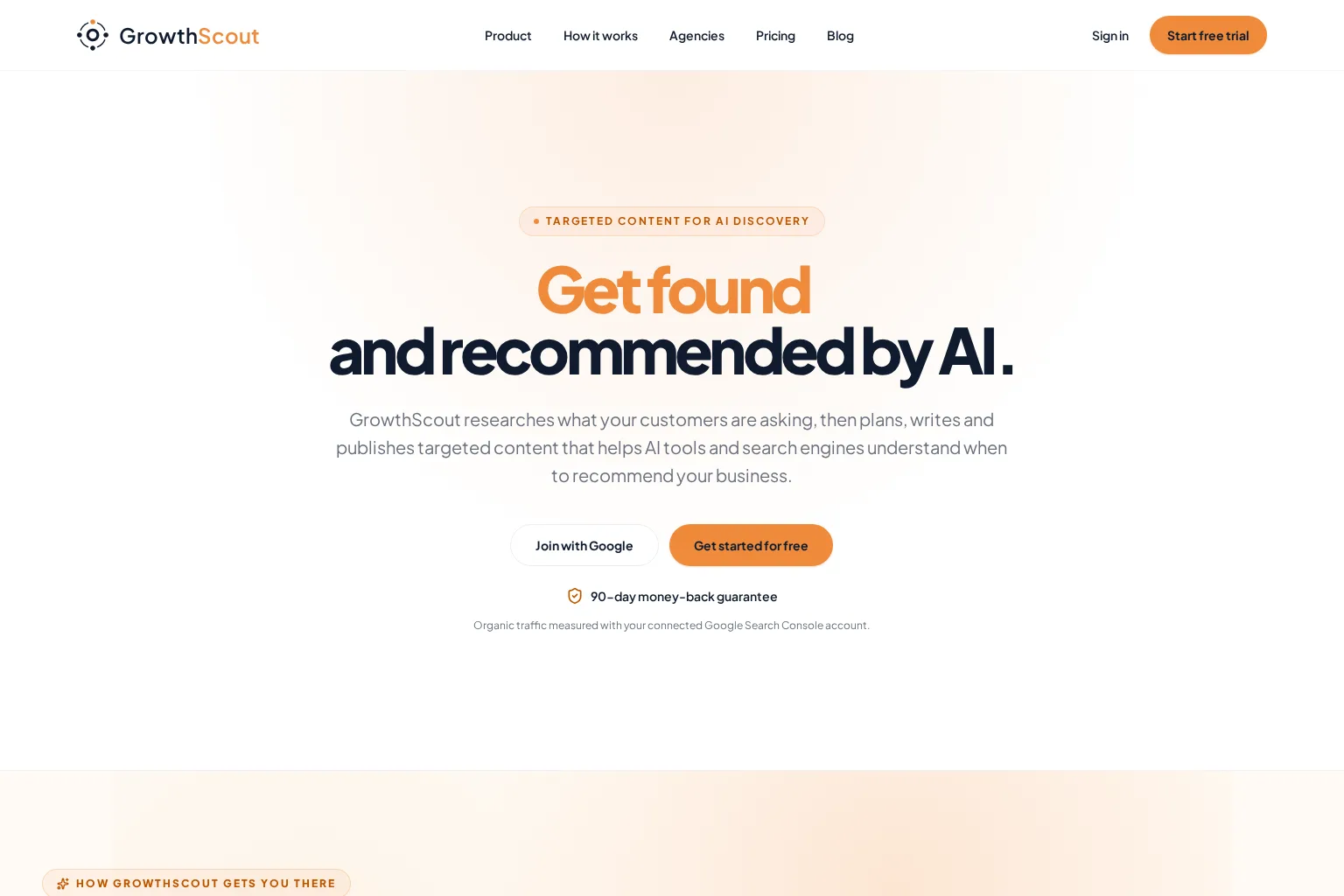
GrowthScout is a connected organic-growth workflow for teams that want content decisions, planned work, drafts, and publishing settings in one place. We built it around the principle that automation should retain business context and leave room for human judgement.
- Best use case: Small marketing teams and agencies that need a practical plan-to-publish workflow instead of a collection of separate SEO and writing tools.
- Key capabilities: Website context, opportunity prioritisation, a 30-day content calendar, article research and drafting, internal-link direction, and article imagery controls.
- Review and publishing controls: Keep publishing manual or review every article before publication. When your workflow is established, scheduled delivery can publish to WordPress or send structured article data through a webhook.
- Considerations: Direct publishing currently focuses on WordPress and webhooks. Teams needing a dedicated client-approval portal or role-based agency permissions should validate the roadmap against their process.
- Pricing approach: The public plan includes a three-day trial, then lists £74 per month for the core workflow.
- Who should choose it: Choose GrowthScout when you want a business-aware SEO publishing system that starts with a visible plan and lets you automate at a pace your editorial process can support.
If you manage several client sites, see how we separate website context, planning, settings, and publishing controls for agency workflows.
2. SEO Autopilot
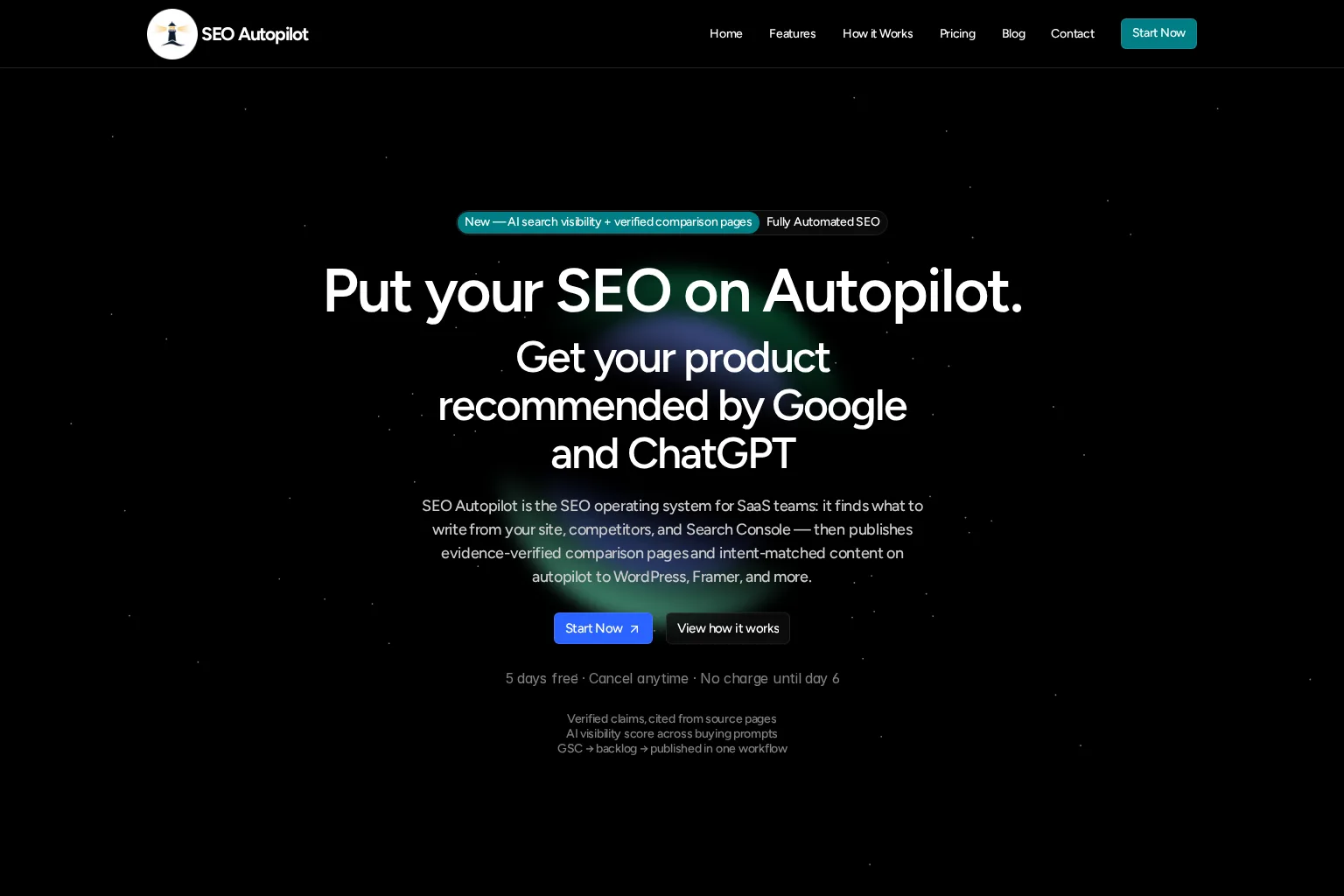
SEO Autopilot positions itself as an SEO operating system for SaaS teams. Its workflow centres on site and Search Console inputs, an opportunity backlog, content plans, evidence-backed comparison content, and automated publication.
- Best use case: SaaS teams prioritising commercial comparison pages, alternatives content, and a high degree of automated SEO execution.
- Key capabilities: Website and Search Console analysis, intent-led topic planning, brief generation, internal links, calls to action, comparison-page claim research, AI visibility checks, scheduling, and CMS publishing.
- Review and publishing controls: Its public workflow describes human approval before draft generation for comparison claims and gives teams control over whether CMS publication is scheduled or automated.
- Considerations: The product is clearly tailored to SaaS and commercial comparison use cases. Its publicly highlighted CMS destinations include WordPress and Framer, so teams with other destinations should confirm the integration fit.
- Pricing approach: Public annual pricing starts at $38.25 per month for the Starter plan, with a five-day trial listed on the product site.
- Who should choose it: Choose SEO Autopilot when comparison and alternatives pages are central to your acquisition strategy and you want a specialised, automation-forward SaaS workflow.
3. AirOps
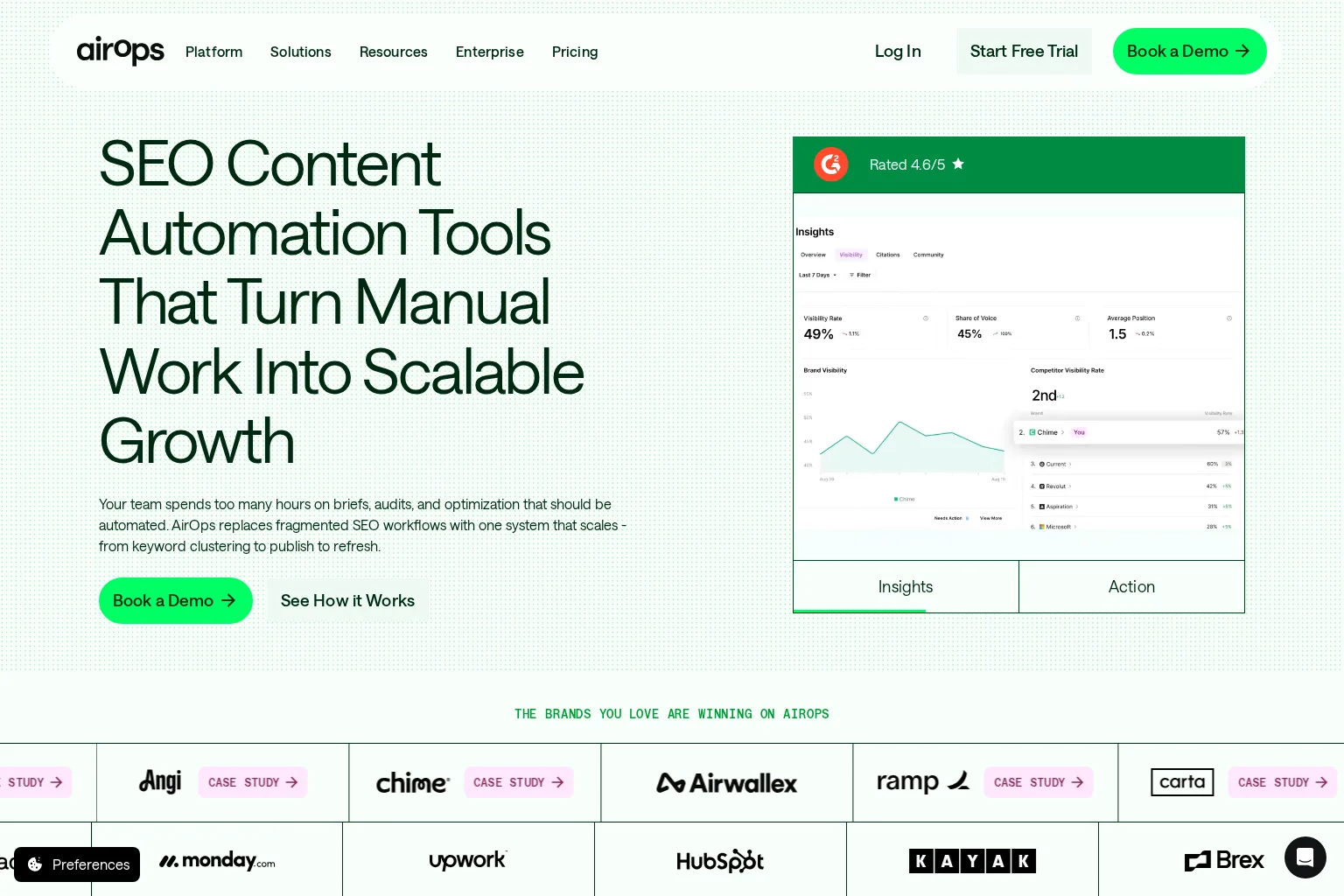
AirOps is a more configurable content-automation platform for teams that need to connect data, AI models, brand guidance, review checkpoints, and CMS actions at operational scale.
- Best use case: Content, SEO, and growth teams that need custom workflows, larger publishing volumes, or connections across a broader marketing and CMS stack.
- Key capabilities: SEO briefs, SERP-informed draft optimisation, workflow templates, bulk operations, brand and knowledge context, content refreshes, approval routing, and direct CMS actions.
- Review and publishing controls: Teams can use human-in-the-loop approval checkpoints before publishing. The platform documents CMS support including WordPress, Webflow, Contentful, Sanity, Strapi, and other destinations.
- Considerations: AirOps is built for configurable workflows rather than a fixed, guided content planner. That flexibility can require more upfront workflow design and governance decisions.
- Pricing approach: Pricing is structured around task volume and team requirements, with free-start and trial options shown on its pricing page.
- Who should choose it: Choose AirOps when your team needs a configurable content operations layer that can adapt to complex systems, high-volume production, or enterprise review requirements.
4. Semrush Content Toolkit
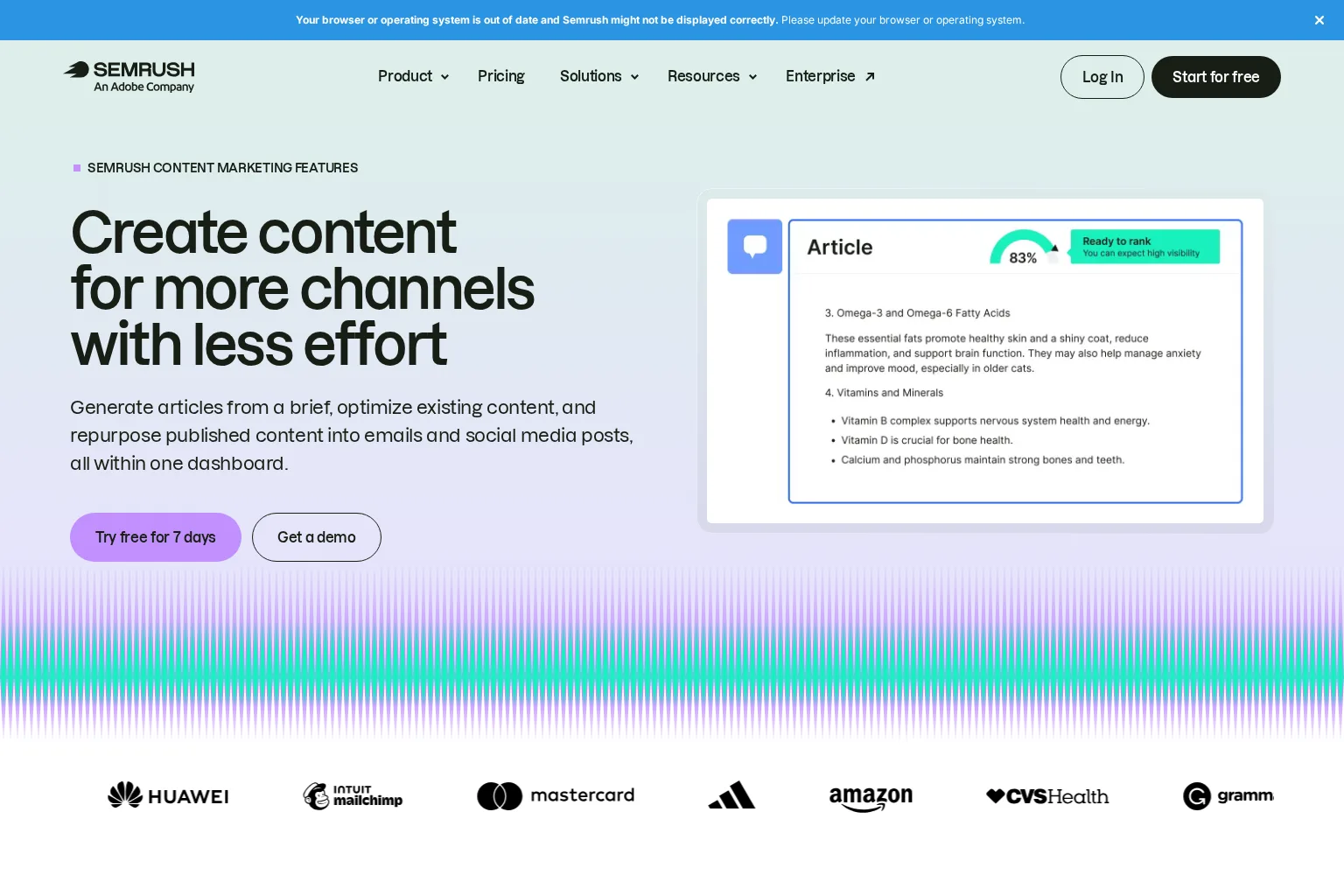
Semrush Content Toolkit brings topic discovery, SEO briefs, article generation, optimisation, collaboration, repurposing, and publishing into its wider search marketing environment.
- Best use case: SEO teams already using Semrush data that want a straightforward route from topic research and briefs to edited, optimised WordPress content.
- Key capabilities: Topic Finder, SEO Brief Generator, AI Article Generator, Content Optimizer, brand voice settings, shared content boards, repurposing for social and email, and WordPress publishing.
- Review and publishing controls: Content can be reviewed, edited, approved, and sent to connected channels. The WordPress workflow also supports sending an article as a draft for finalisation in WordPress.
- Considerations: Its documented publishing workflow is strongest for WordPress plus Semrush-owned social and email connections. Teams that require broader CMS orchestration should assess integration depth before committing.
- Pricing approach: Content Base is publicly listed at $60 per month when billed annually, with a seven-day free trial.
- Who should choose it: Choose Semrush Content Toolkit when you want AI-assisted production tied to established SEO data and your primary publication path is WordPress.
How to choose SEO publishing automation without losing control
Before you enable automatic publishing, test the entire workflow with a small set of approved topics. We recommend asking these questions during each product trial:
- Where does editorial approval happen? Confirm whether review is required before drafting, before CMS delivery, or before public publication.
- What business context informs the draft? Check whether the tool can use your website, positioning, audience, existing content, and brand direction rather than a one-off prompt.
- Does the plan drive the publishing queue? A content calendar should make priorities and due dates visible before automation begins.
- Can the CMS receive the fields you need? Test title, body, metadata, featured image, categories, author, slug, internal links, and draft status.
- How are factual claims checked? Define a source-review process for statistics, competitor statements, product claims, and regulated topics.
- Can you pause automation easily? A responsible workflow must let your team switch to draft-only delivery when priorities or quality standards change.
A useful pilot publishes a limited batch, measures operational quality as well as search performance, and documents the review steps your team will keep. You can also run our free AI visibility check to see whether your brand appears in selected AI responses before you decide where new content should focus.
The practical recommendation
There is no universal winner because the right tool depends on the level of control and integration your team needs.
- Choose GrowthScout for an approachable, plan-led workflow that connects opportunity research through review-first publishing.
- Choose SEO Autopilot for SaaS comparison content and highly automated publishing centred on commercial acquisition.
- Choose AirOps for configurable workflows, multi-system integrations, and larger content operations.
- Choose Semrush Content Toolkit for search-data-led content creation and a WordPress-centred publishing path within the Semrush environment.
The strongest implementation is not zero-touch publishing on day one. It is a controlled workflow where automation handles repeatable work and people retain ownership of strategy, factual accuracy, voice, and final release decisions.
FAQ
What is SEO publishing automation?
SEO publishing automation is the use of software to move SEO content from research and planning through drafting, review, CMS delivery, and sometimes scheduled publication. A mature workflow keeps the stages connected so teams do not need to rebuild context at every handoff.
Can we automate SEO publishing without publishing automatically?
Yes. A review-first setup can automate research, planning, brief creation, draft generation, formatting, and CMS delivery while keeping the final article as a draft until an editor approves it.
Does SEO publishing automation replace editors?
No. It removes repetitive production work, but editors still need to assess accuracy, positioning, originality, legal or compliance requirements, brand fit, and whether the article deserves publication.
What should we test during a trial?
Test the full path from an approved topic to a CMS draft. Include a realistic brief, a draft with sources, internal-link choices, metadata, imagery, approval steps, and the exact publishing fields your CMS requires.
How should agencies use publishing automation?
Agencies should keep each client’s business context, goals, style rules, content plan, publishing destination, and approval process separate. Start with draft-only delivery, then expand automation only where the client has agreed the review standard.
Build a review-first publishing workflow
We designed GrowthScout to make SEO content planning and publishing more connected without forcing your team to surrender editorial control. Start with a prioritised plan, review the evidence and draft, then publish manually, through WordPress, or through your own webhook workflow when ready.
Start a 3-day free trial and build your next 30 days of content around your business, not another disconnected spreadsheet.