
SEO reporting for agencies should do more than deliver a monthly PDF. The right platform helps us connect rankings, organic traffic, content progress, technical health, links, and conversions to a clear client narrative.
For this comparison, we selected tools that agencies can use across multiple client accounts and assessed each one against the same practical criteria: white-label delivery, scheduled reporting, SEO data depth, integrations, multi-client workflow, and pricing approach. We also considered the work required to turn a dashboard into a useful client conversation.
The key distinction is simple: some products are reporting platforms first, while others are SEO suites with capable reporting layers. Most mature agencies benefit from knowing which role they need a tool to play before committing.
Table of contents
- 1. AgencyAnalytics
- 2. Semrush My Reports
- 3. SE Ranking
- 4. Whatagraph
- 5. Google Data Studio
- How to choose the right SEO reporting tool for your agency
- Build reports around progress, not vanity metrics
- Final recommendation
1. AgencyAnalytics
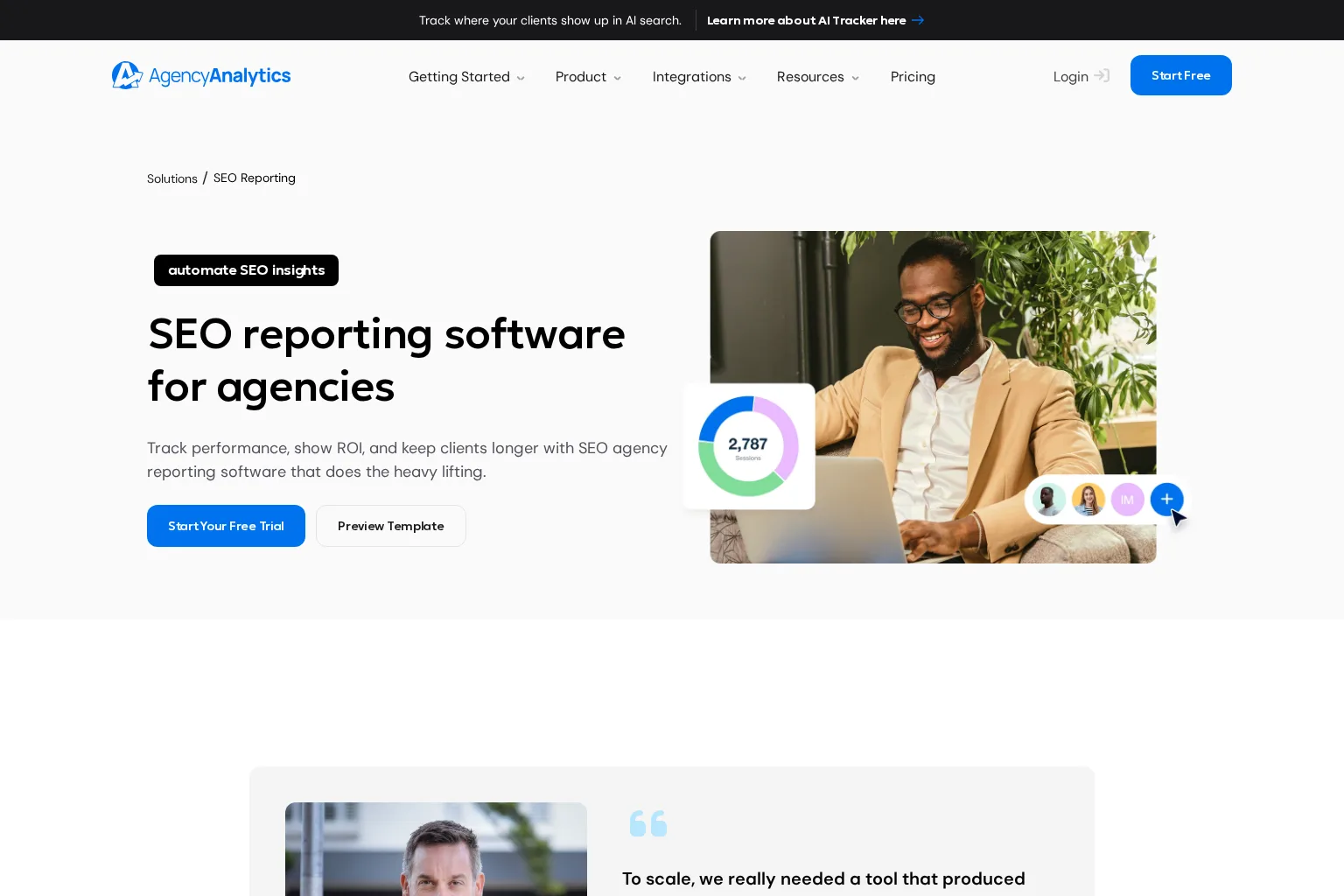
Best for: Agencies that want a purpose-built client reporting platform with branded dashboards, scheduled reports, and broad marketing integrations.
Key capabilities: AgencyAnalytics combines SEO reporting with multi-channel client reporting. Its SEO reporting offering includes keyword tracking, organic traffic and conversion reporting through Google Analytics, search performance via Search Console, backlink reporting, annotations, templates, scheduled delivery, and white-label branding. It also supports client-facing dashboards and portals, which can reduce recurring requests for status updates.
Limitations: It is strongest as the presentation and consolidation layer. Agencies that need deep keyword research, competitive analysis, or specialist technical SEO workflows may still pair it with a research platform such as Semrush or SE Ranking.
Pricing approach: Subscription pricing designed for agency reporting, with public plans and options for agencies that need larger scale. Check its current pricing page and usage limits before modeling client-level margins.
Who should choose it: Choose AgencyAnalytics when client delivery, repeatable templates, permissions, and branded reporting are the central problems to solve. It is a strong fit for teams that already have their preferred SEO data sources but want a cleaner way to package results.
2. Semrush My Reports
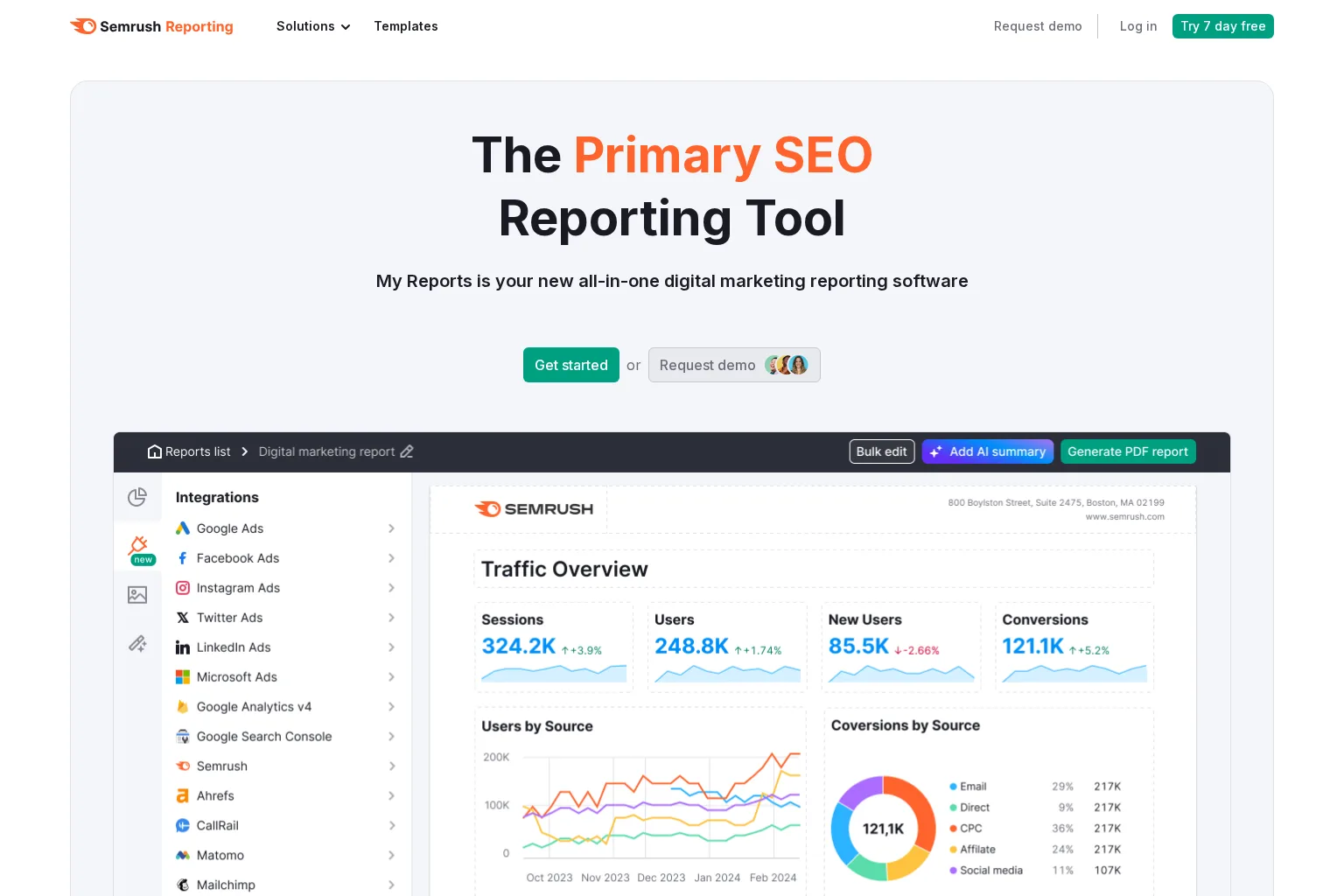
Best for: Agencies that want reporting tied closely to a broad SEO research and execution suite.
Key capabilities: Semrush My Reports supports customised reporting across SEO and wider marketing data. Agencies can build branded reports around keyword positions, backlink data, organic performance, impressions, traffic, conversions, site health, and other connected sources. Templates, scheduling, export options, and white-label controls help transform Semrush data into client-ready deliverables.
Limitations: Semrush can be a substantial platform investment, especially when reporting, users, data limits, and other toolkits are considered together. Its reporting is capable, but agencies that need an agency-first client portal or extensive cross-channel dashboard operations may find a dedicated reporting platform more streamlined.
Pricing approach: Semrush uses paid toolkit subscriptions, with reporting functionality and report-related features available through its plans and reporting options. Review current package limits, add-ons, and user requirements based on the number of clients and reporting recipients.
Who should choose it: Choose Semrush when your agency already relies on its keyword, competitive, content, technical, or backlink data and wants to keep reporting close to that operating system.
3. SE Ranking
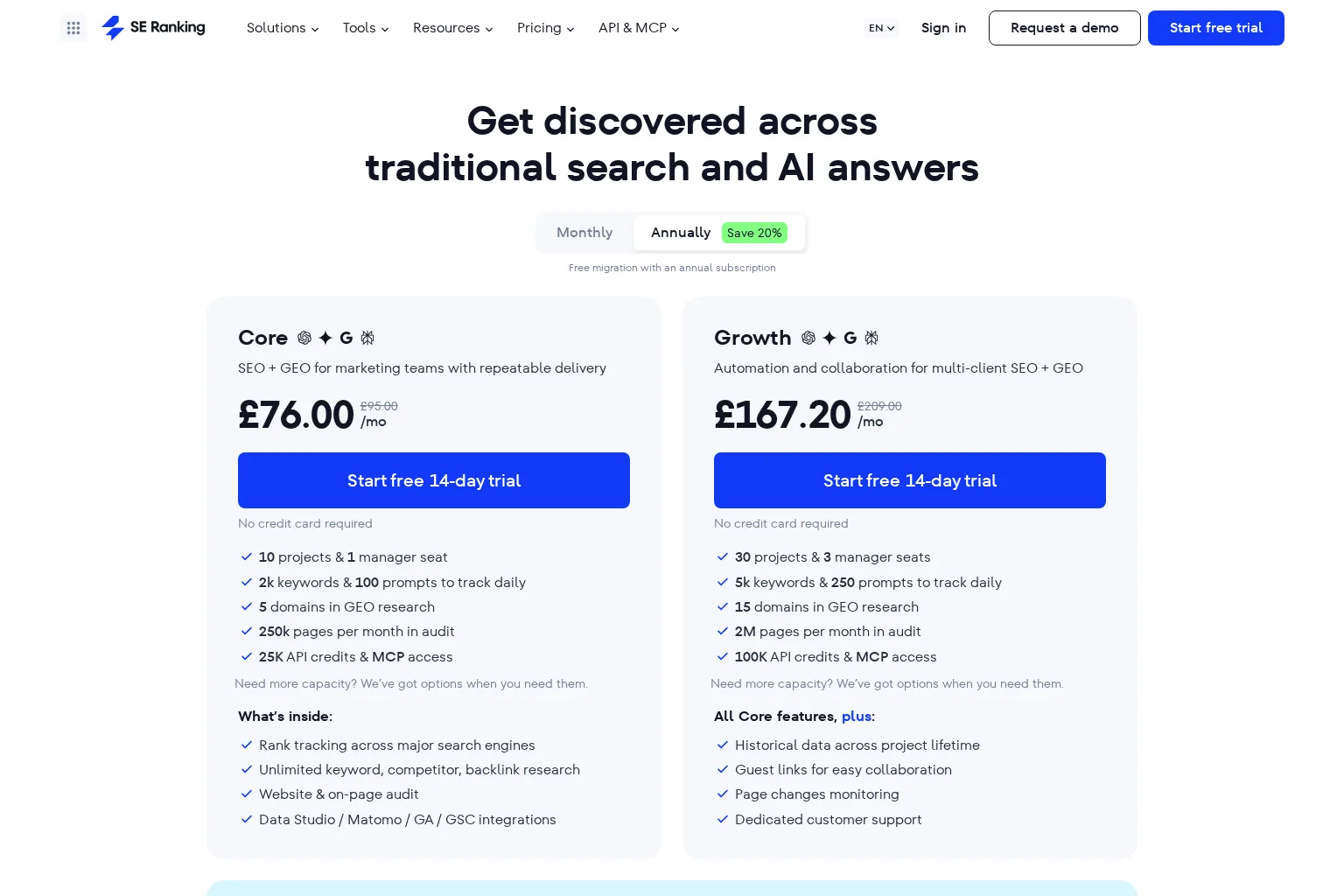
Best for: Agencies that want an SEO platform with multi-client project management, rank tracking, and agency reporting features.
Key capabilities: SE Ranking combines rank tracking, keyword and competitor research, website audits, integrations with GA4 and Search Console, and report-building functionality. Its Agency Pack adds client-facing features such as white-label platform and reporting options, scheduled reports, AI summaries, client seats, and lead-generation tooling. It also includes capabilities for tracking visibility across traditional search and AI answer surfaces.
Limitations: Agencies should validate which reporting and white-label features are included in their chosen subscription versus an add-on. The platform is SEO-centric, so teams that need extensive paid media, CRM, or social reporting may need additional connectors or a separate reporting layer.
Pricing approach: Tiered subscription plans based on capacity, with agency functionality offered as an additional package. Costs scale with factors such as projects, keywords, seats, and agency features, so forecast against your actual portfolio rather than a single-client trial.
Who should choose it: Choose SE Ranking when we need a single SEO workspace that can track execution and produce client-facing reports, without assembling a separate research stack from the start.
4. Whatagraph
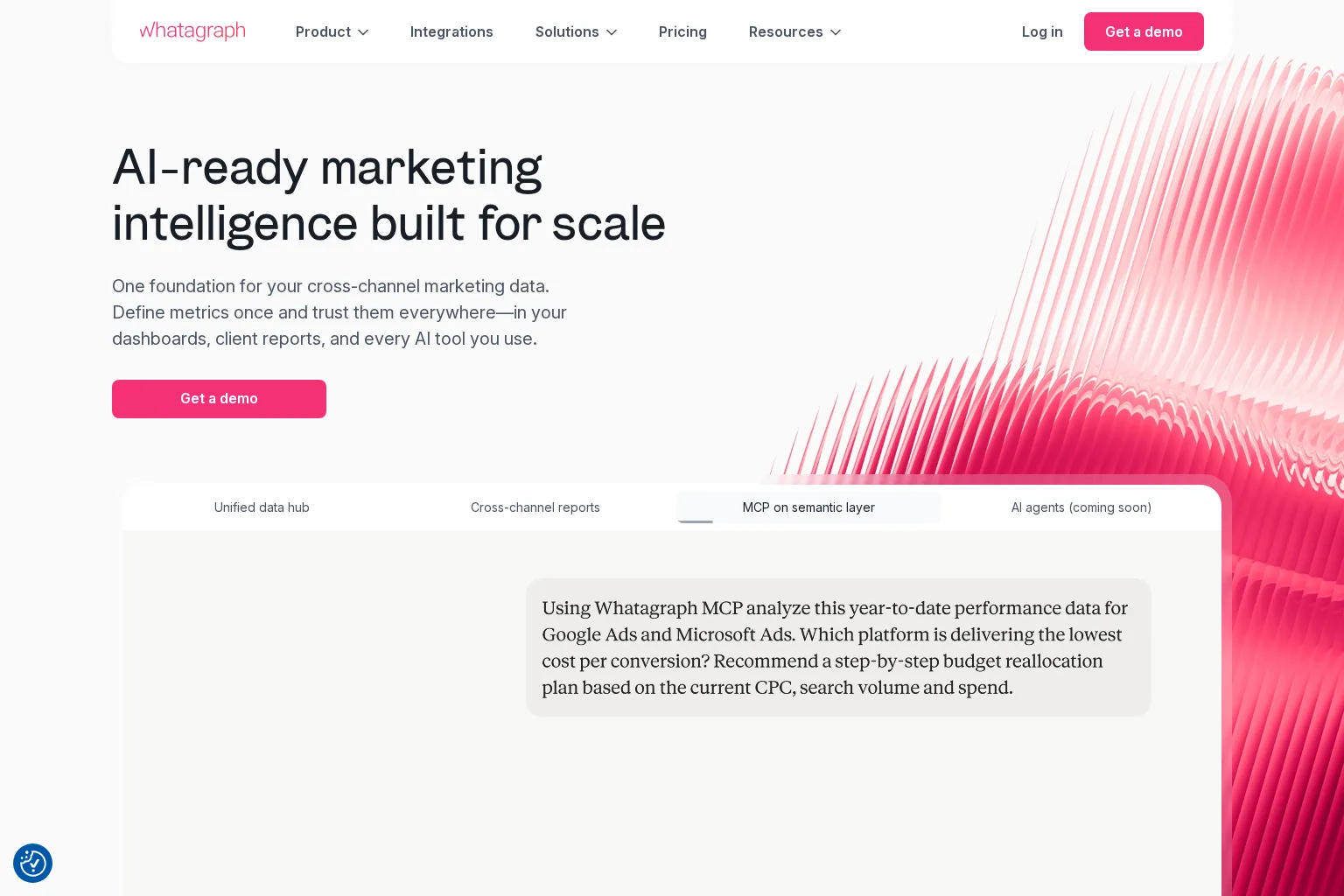
Best for: Agencies that need governed, cross-channel data and repeatable reporting at larger scale.
Key capabilities: Whatagraph positions its platform around a central data foundation for dashboards, client reports, and AI-assisted analysis. Features highlighted for agencies include linked reports, scalable themes, data blending, custom metrics and dimensions, source groups, white-label reports, branded client folders, and cross-channel reporting. This makes it particularly relevant when SEO performance must sit alongside paid media, CRM, ecommerce, or other marketing data.
Limitations: Whatagraph is a marketing intelligence and reporting platform, not a specialist SEO research suite. Agencies still need dependable SEO data sources for rank tracking, audits, keyword research, and backlink analysis. Its higher-scale orientation may also be more than a small agency needs.
Pricing approach: Sales-led plans with a publicly described Max tier and a custom-priced Prime tier for higher-volume requirements. Request a current quote that reflects the number of accounts, data sources, and user workflows you need.
Who should choose it: Choose Whatagraph when data consistency across a large client portfolio matters more than having every SEO diagnostic inside the same tool.
5. Google Data Studio
Best for: Agencies that want maximum dashboard flexibility and can invest time in setup, data modeling, quality control, and maintenance.
Key capabilities: Google Data Studio, previously known as Looker Studio, provides a no-cost version for custom interactive reports and dashboards. It is useful for combining pre-aggregated data or connected data sources into tailored visual reporting. The paid Pro option adds organisational ownership and enterprise-oriented controls, which can help agencies manage reporting assets more consistently.
Limitations: Data Studio is a flexible reporting canvas, not a complete agency reporting system. We need to define connectors, build templates, manage access, maintain data sources, and create the reporting narrative ourselves. White-label delivery and scheduled client reporting can require more technical setup than with agency-first platforms.
Pricing approach: A no-cost version is available, with a paid Pro subscription for enhanced organisational capabilities. Connector costs, implementation time, and ongoing maintenance are the real budget variables to assess.
Who should choose it: Choose Google Data Studio when bespoke reporting design and data blending are strategic advantages, and your team has the analytical and operational capacity to maintain the system.
How to choose the right SEO reporting tool for your agency
Start with the client experience you want to standardise:
- Need branded reports that go out on schedule: Start with AgencyAnalytics or SE Ranking.
- Need deep SEO research and reporting in one environment: Start with Semrush or SE Ranking.
- Need SEO in a broader marketing performance picture: Evaluate Whatagraph.
- Need complete dashboard control and accept hands-on setup: Use Google Data Studio.
Then pressure-test each platform with one representative client account. Connect your usual data sources, rebuild a real monthly report, add the narrative commentary your account manager would normally write, schedule it, and check how the recipient experience feels. A reporting tool is only efficient if it protects the context that clients need to understand results.
Build reports around progress, not vanity metrics
Rankings and traffic matter, but they do not tell the whole story. We recommend structuring each client report around four questions:
- What changed in organic visibility and demand?
- What work did we complete, including content, technical fixes, and links?
- What business or lead indicators moved as a result?
- What are we doing next, and why?
This is where reporting connects directly to delivery. At Scout, we help agencies turn site context and search opportunities into a strategic content plan and consistent content production. Use our SEO workflow automation to keep the content pipeline visible, build a repeatable content planning process, and pair that operating rhythm with client-ready reporting. For more practical guidance, visit the GrowthScout blog.
Final recommendation
There is no universal best platform for SEO reporting for agencies. AgencyAnalytics is the clearest reporting-first choice. Semrush and SE Ranking are compelling when reporting should stay close to SEO research and execution. Whatagraph is strongest for governed, cross-channel reporting at scale. Google Data Studio is the adaptable option for teams that can support a custom build.
The best choice is the one that lets us spend less time assembling charts and more time explaining decisions, progress, and the next opportunity. If your agency needs a more dependable content engine behind those reports, start with Scout and turn opportunities into a visible, repeatable workflow.