
TL;DR
Evaluate automated SEO software by the labour it removes from a finished, acceptable task. Baseline one recurring job and count setup, review, corrections and delivery. Compare Google Sheets for a scorecard, Clockify for time records and Airtable for linked reviews. These are measurement tools, not SEO platforms. Agree continue, adjust and stop criteria before starting.
A five-minute draft can still need an hour of editing and CMS cleanup. We recommend measuring the entire assignment rather than generation speed. Our auto SEO software comparison covers platform selection. This guide supports that buying decision with pilot measurement instead of repeating its platform shortlist.
Table of contents
- Define the task and baseline
- How we selected these measurement tools
- 1. Google Sheets: a shared scorecard
- 2. Clockify: detailed labour records
- 3. Airtable: linked reviews and exceptions
- Record quality beside time
- Calculate net time saved and cost
- Test workflow fit and recovery
- Agree continue, adjust and stop rules
- FAQ
- Put one assignment through the scorecard
- Sources
- Recommended Reads
Define the task and baseline
Choose one recurring job with a clear start, finish and owner. Preparing a source-checked article for editorial approval is measurable if everyone agrees what approval-ready means. Automating SEO is not a precise enough scope.
Other pilots might cover weekly reporting or validating technical findings. Write down the inputs, quality standard, reviewer, destination and decision date. Identify what counts as accepted work before running the software.
We suggest timing five to ten representative assignments as a starting baseline. Record the median and range, separating complex work from routine assignments. This is a practical starting sample, not statistical proof. Keep the original process documented so later changes do not quietly move the baseline.
Use comparable assignments, not necessarily identical pages. Repeatedly generating the same article may measure familiarity rather than normal research work. Note complexity differences so reviewers can interpret the results.
How we selected these measurement tools
This comparison serves growth teams with an SEO automation candidate that need evidence before expanding it. We selected three products with official documentation supporting a shared scorecard, time records or linked workflow evidence.
We compare evidence, workflow fit, oversight, cost and limitations. Product pages were checked on 22 November 2026. The designs below are recommendations, not prebuilt SEO features or hands-on performance results. Start with an existing tool rather than introducing all three.
1. Google Sheets: a shared scorecard
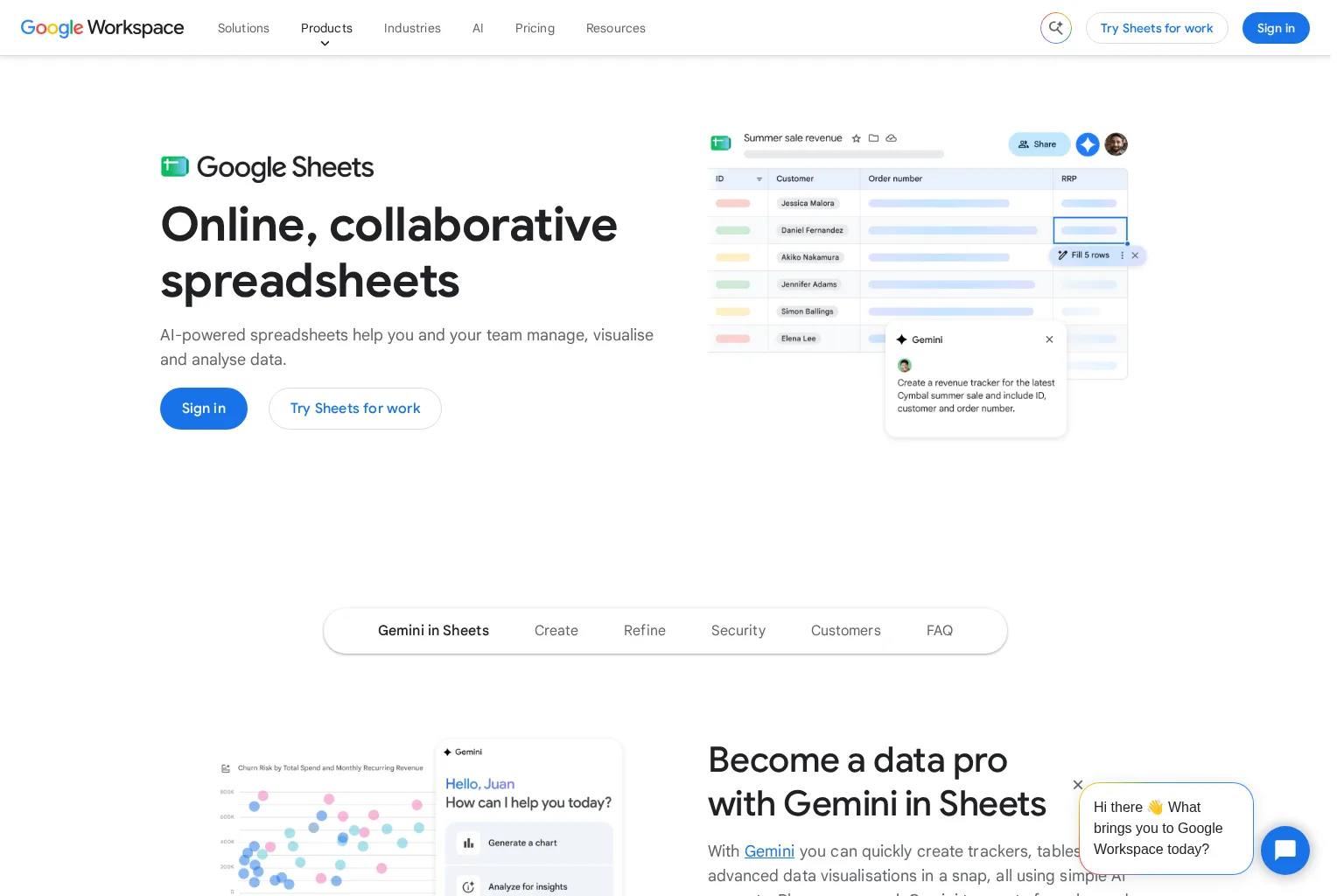
Google Sheets supports collaborative spreadsheets, comments and version history. Anyone with a Google Account can create spreadsheets; some capabilities require paid Workspace plans.
We would use one row per assignment with columns for baseline labour, pilot labour, corrections, acceptance and destination evidence. Keep a summary tab for the purchasing decision. A small pilot needs clear definitions more than an elaborate dashboard.
Workflow and oversight: Links to briefs, drafts and CMS records preserve context but do not synchronise those systems. Start with manual entry. Add connectors only when their setup and upkeep are justified. Investigate missing rows rather than treating blanks as zero effort.
Cost and limitations: Check whether your organisation already provides Sheets through Workspace and whether the account meets governance needs. A cell marked approved does not independently prove that review happened. Someone must verify the evidence behind it.
Choose Sheets when one owner can maintain a small pilot without building another workflow system.
2. Clockify: detailed labour records
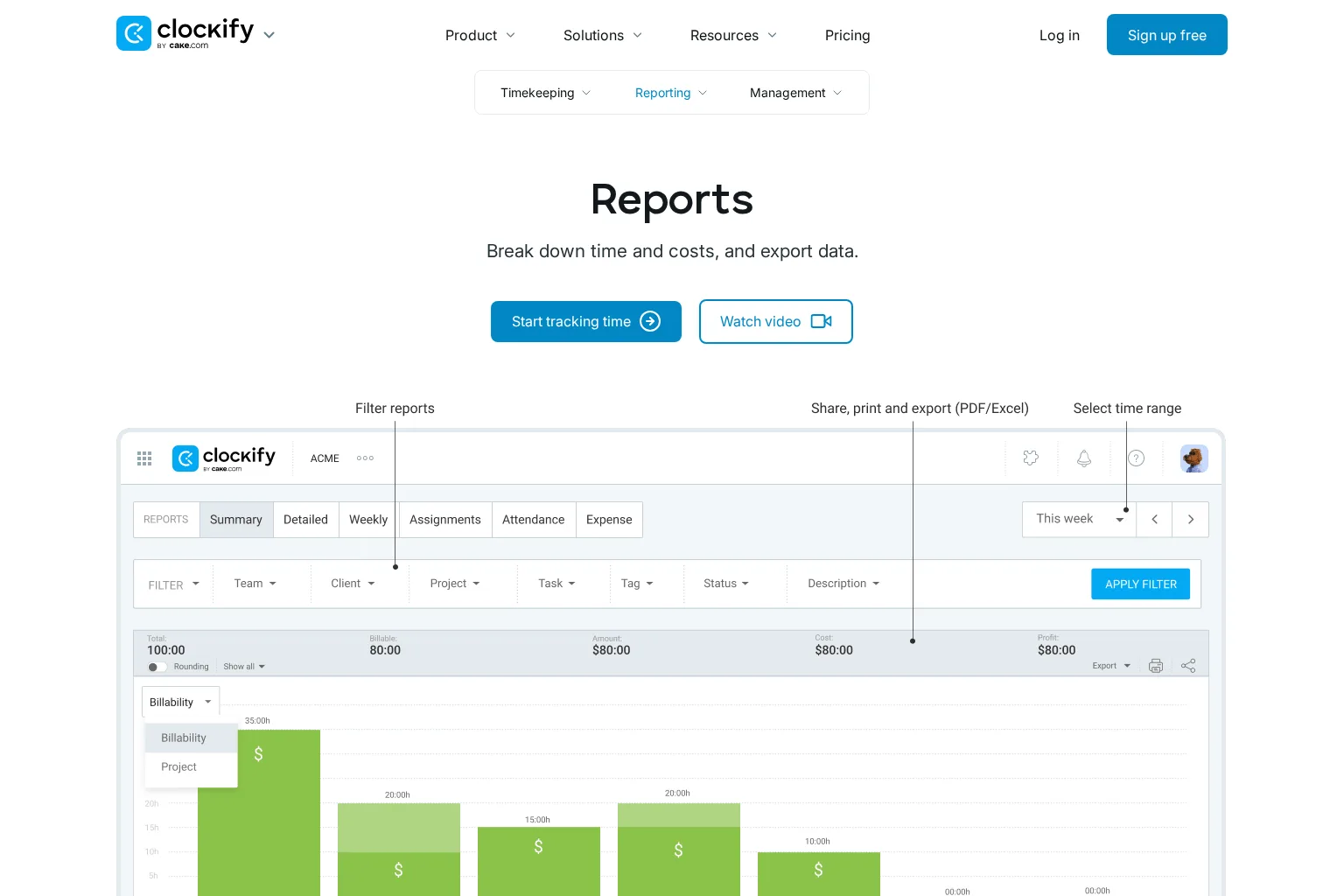
Clockify is a time tracker and timesheet application. Its reports include breakdowns by team, project and date.
Use identical stages for manual and automated assignments: preparation, execution, review, correction and delivery. Record setup and maintenance separately so the first month does not look artificially cheap.
Workflow and oversight: Reconcile time entries with assignment IDs. Correct forgotten timers and inconsistent categories, and keep quality decisions in a separate record. Unattended generation time is not human labour simply because a timer stays running. Demonstrate any intended integration before relying on it.
Cost and limitations: Clockify offers free and paid plans. Its pricing page limits the free plan to five users, a one-month reporting range and PDF-only report exports. Check seats, export needs and billing terms before choosing a tier.
Choose Clockify when weekly estimates conceal review and coordination effort across several contributors.
3. Airtable: linked reviews and exceptions
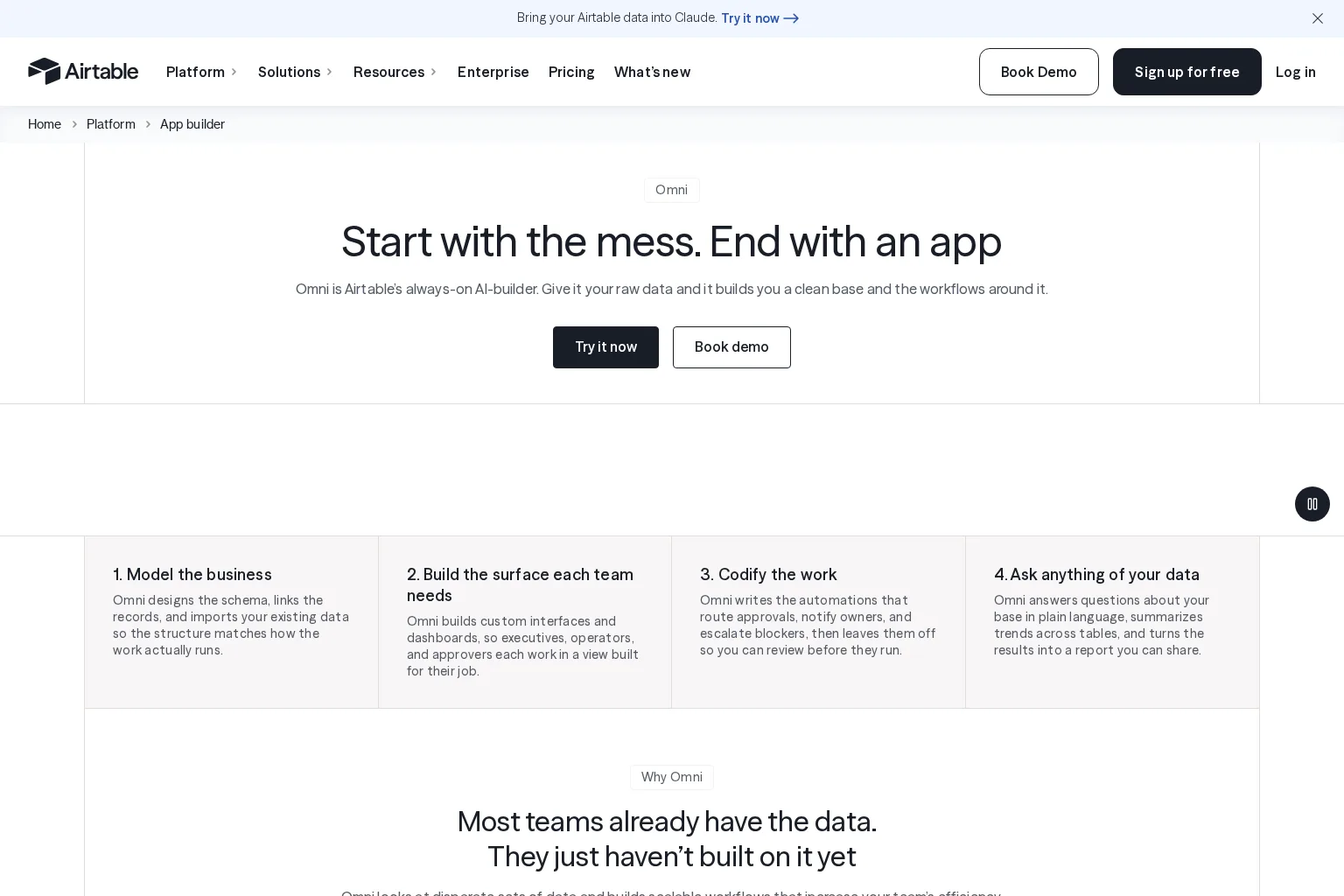
Airtable supports structured workflow records. Its linked-record documentation explains connections across tables. In our proposed design, each assignment links to reviews, time logs and exceptions.
The screenshot shows its public app-building overview, not a tested SEO scorecard.
Workflow and oversight: Linked records can keep repeated corrections attached to the right assignment. An owner must maintain IDs, definitions and the relationship with the publishing destination. Extra structure helps only if the team keeps it accurate. Begin with a simple register before adding notifications or other automation.
Cost and limitations: Airtable offers a Free plan. Its pricing page lists Team at $20 per user per month billed annually. Check billable collaborators, capacity and commitments. Include configuration time in the pilot cost.
Choose Airtable when multiple reviews and exceptions justify a structured register. For a small straightforward batch, Sheets may suffice.
Record quality beside time
Use the same fields throughout: assignment ID, complexity, accepted endpoint, time by stage, material corrections, approvals, destination and failures. Keep rejected outputs in the totals. Calculate labour per accepted assignment using all effort spent on the batch, including unsuccessful attempts.
Separate cosmetic edits from material corrections. Fixing punctuation is not equivalent to removing an invented product claim. Agree severity definitions before reviewers score outputs, and record serious incidents individually.
Google's AI-content guidance calls for manual fact-checking and review before publication, including metadata. Do not exclude that work to make automation appear cheaper.
Track assignments attempted and assignments accepted. A high acceptance rate with little saving and a large time saving with many rejected outputs are different outcomes. Neither should disappear inside one dashboard score.
Calculate net time saved and cost
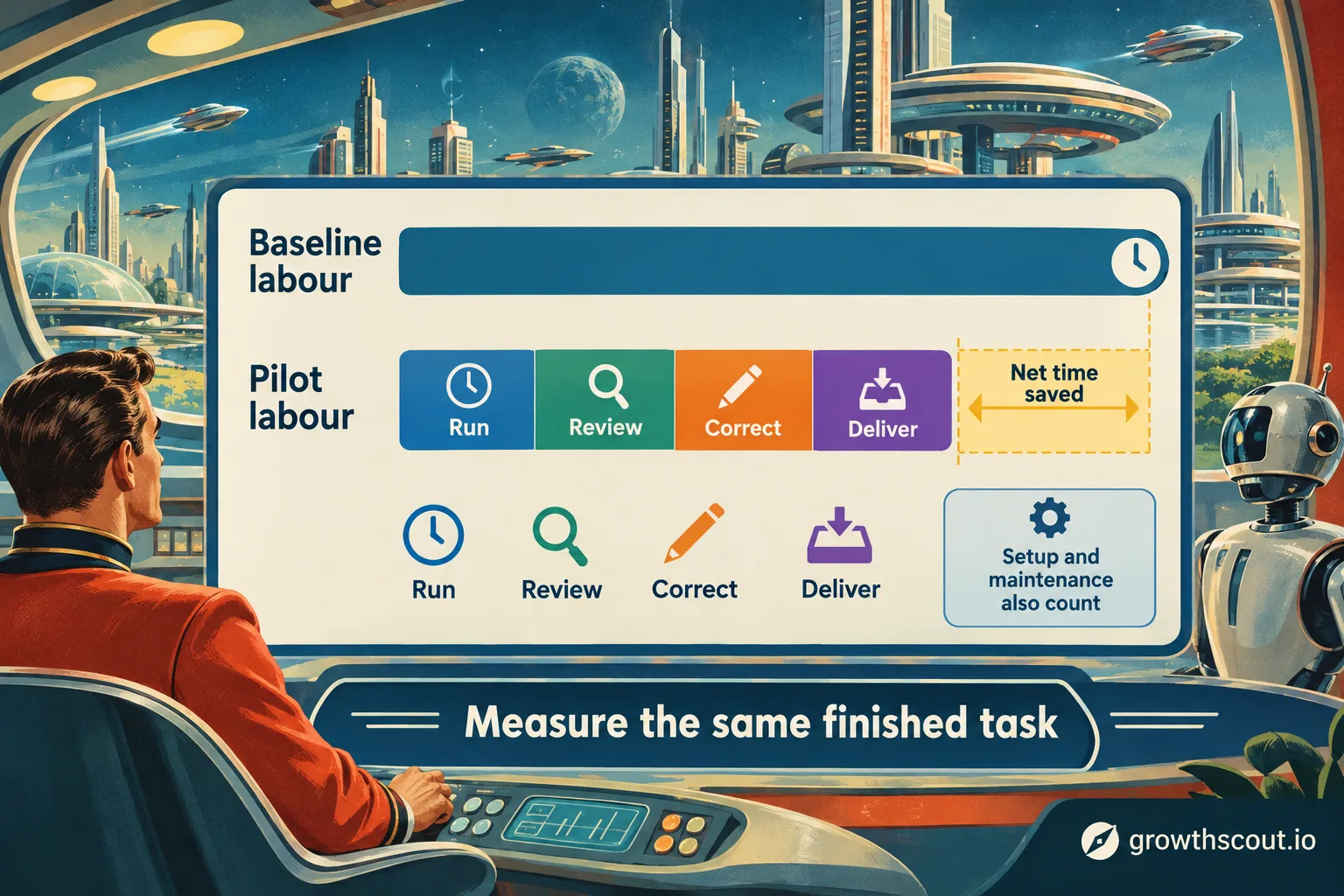
Separate human labour from elapsed time. Waiting overnight for approval increases lead time without necessarily consuming labour. Two simultaneous reviewers each consume capacity even though the clock advances once.
Net labour saved = baseline labour for comparable scope minus all pilot labour.
Net operating value = baseline labour value minus pilot labour cost minus incremental non-labour cost.
Include setup, training, review, corrections, handoffs and maintenance. Non-labour costs include subscriptions, usage, connectors and outside services actually needed. Separate one-off setup from recurring work without removing it from the first-period decision.
Hypothetical example
Suppose 20 assignments take 30 manual hours at an illustrative GBP40 per hour: GBP1,200. Automation still requires 15 hours of running, reviewing, correcting and delivering: GBP600. Four setup hours cost GBP160, one maintenance hour costs GBP40, and software costs GBP180.
First-month cost is GBP980, leaving GBP220 of capacity value. Without repeating setup, the same assumptions give recurring cost of GBP820 and capacity value of GBP380 per month. These are invented figures, not vendor prices or expected results.
Capacity value is not automatically cash saved. If spending stays unchanged, the benefit is time available for useful work. Record what that time enables. Separate a discounted trial bill from expected normal monthly usage.
Test workflow fit and recovery
Inspect the actual destination, including title, links, imagery and review state where relevant. A completed status in the automation product is insufficient. Record remaining formatting, source checks, repeated context entry and manual transfers.
Include an unsuccessful path: leave approval unanswered, reject a draft or simulate delivery failure safely. Check who notices, how recovery works and whether cleanup is necessary. Do not create risky live-site failures merely to complete a checklist.
Keep search outcomes separate. Search Console's Performance report provides clicks, impressions, CTR and average position, with page, query and country dimensions. Compare relevant pages and markets alongside useful business actions. Before-and-after changes alone do not isolate the software's effect.
Agree continue, adjust and stop rules
Continue when accepted work needs less total labour, quality holds, approvals work and recurring cost fits the budget. Expand the same task before adding another.
Adjust when one stage consumes a plausible benefit. Improve approved inputs or narrow the content category, then repeat a comparable batch. Change one variable at a time.
Stop or pause when approvals are bypassed, serious inaccuracies reach the destination, failures remain invisible or recurring labour exceeds the baseline. A critical control failure should not disappear inside a favourable average.
These are suggested rules, not industry benchmarks. We suggest a two-to-four-week operational pilot where workload permits. Do not force a conclusion from too few completed assignments. Evaluate organic outcomes separately rather than expecting a short trial to prove traffic growth.
FAQ
Do we need another measurement tool?
Usually not. Start with your spreadsheet or project system. Add time tracking when labour evidence is unreliable, or linked records when reviews become hard to manage.
What if output rises but time savings do not?
Assess additional accepted output as a separate benefit. Compare its full cost with work the team needs. A larger draft queue is not a labour saving if editing becomes the bottleneck.
Put one assignment through the scorecard
We would begin with one website, one task and one reviewer. Establish the baseline before changing tools.
For content production, explore GrowthScout's workflow with automatic publishing off for review. Our three-day free trial includes three AI article drafts, then costs GBP74 per month per website. Use those drafts to examine workflow fit and review effort, not to claim proven traffic return.
Sources
- Google Sheets
- Clockify
- Clockify reports
- Clockify pricing
- Airtable
- Airtable linked records
- Airtable app building
- Airtable pricing
- Google AI-content guidance
- Search Console report
- GrowthScout workflow and trial