
TL;DR
Auto SEO software does not automate the same job in every product. GrowthScout connects site-aware research to a content calendar and reviewable articles; SEO.AI emphasises recurring, agent-led content publishing; Search Atlas OTTO can deploy on-page and technical changes; and AirOps lets teams configure more elaborate content and AI-search operations. Choose the one that completes your team's slowest useful handoff, then prove its approval and measurement path on your own site.
A dashboard that sends a keyword report is not the same thing as software that chooses an opportunity, produces an article and delivers it to your CMS. Nor does automatic publication imply that the article is accurate or that the page will win traffic. We compared four products by what they say they execute, where a person can intervene and what still falls to your team. This is a documented-capabilities comparison, not a hands-on performance test or a ranking guarantee.
Table of contents
- Who this comparison is for and how we selected the software
- 1. GrowthScout: best for turning site-aware research into a publishing plan
- 2. SEO.AI: best for assessing recurring agent-led content publishing
- 3. Search Atlas OTTO SEO: best for deploying reviewed site improvements
- 4. AirOps: best for teams that need to design the workflow themselves
- How to choose auto SEO software using one real assignment
- What should remain under human review?
- Frequently asked questions
- Put your next article through the same test
- Sources
- Recommended Reads
Who this comparison is for and how we selected the software
This guide is for growth teams and agencies that already do keyword research but struggle to turn the right opportunities into approved, published and measurable work. We selected four identifiable products with public descriptions of recurring automation and a plausible route from research or content decisions to execution. Each illustrates a different buying model, rather than filling a list with tools that only generate keywords or score drafts.
We apply the same criteria to each: best use case; research and planning inputs; work the system actually completes; approval and delivery controls; measurement and remaining work; and price, allowances or commitments. We include GrowthScout, our own product, and hold it to those questions too. Vendor pages describe capabilities, not independent proof that a given configuration works for your site. Ask each provider to demonstrate your intended plan, CMS and approval policy before signing up.
The important distinction is between an automated observation (a detected issue), an automated proposal (a suggested article) and an automated action (a page changed or published). A feature count collapses those into one tick box; a purchasing decision should not.

| Product | Most useful starting point | Action to test | Human-control question |
|---|---|---|---|
| GrowthScout | Research-to-calendar-to-article workflow | Produce a site-aware draft and deliver it to your destination | Can you keep automatic publishing off until the editor approves? |
| SEO.AI | Recurring agent-led content production | Generate and route a new article to the real CMS | Is the item saved as a draft or published automatically? |
| Search Atlas OTTO SEO | Sitewide technical and on-page execution | Deploy a reviewed fix to a representative URL | Which changes require approval and can you roll them back? |
| AirOps | Configurable content and AI-discovery operations | Run a custom research, review and CMS workflow | Where does the run pause for the right reviewer? |
The table is a shortlist map, not a scorecard: only a live trial can establish how each action behaves in your setup.
1. GrowthScout: best for turning site-aware research into a publishing plan
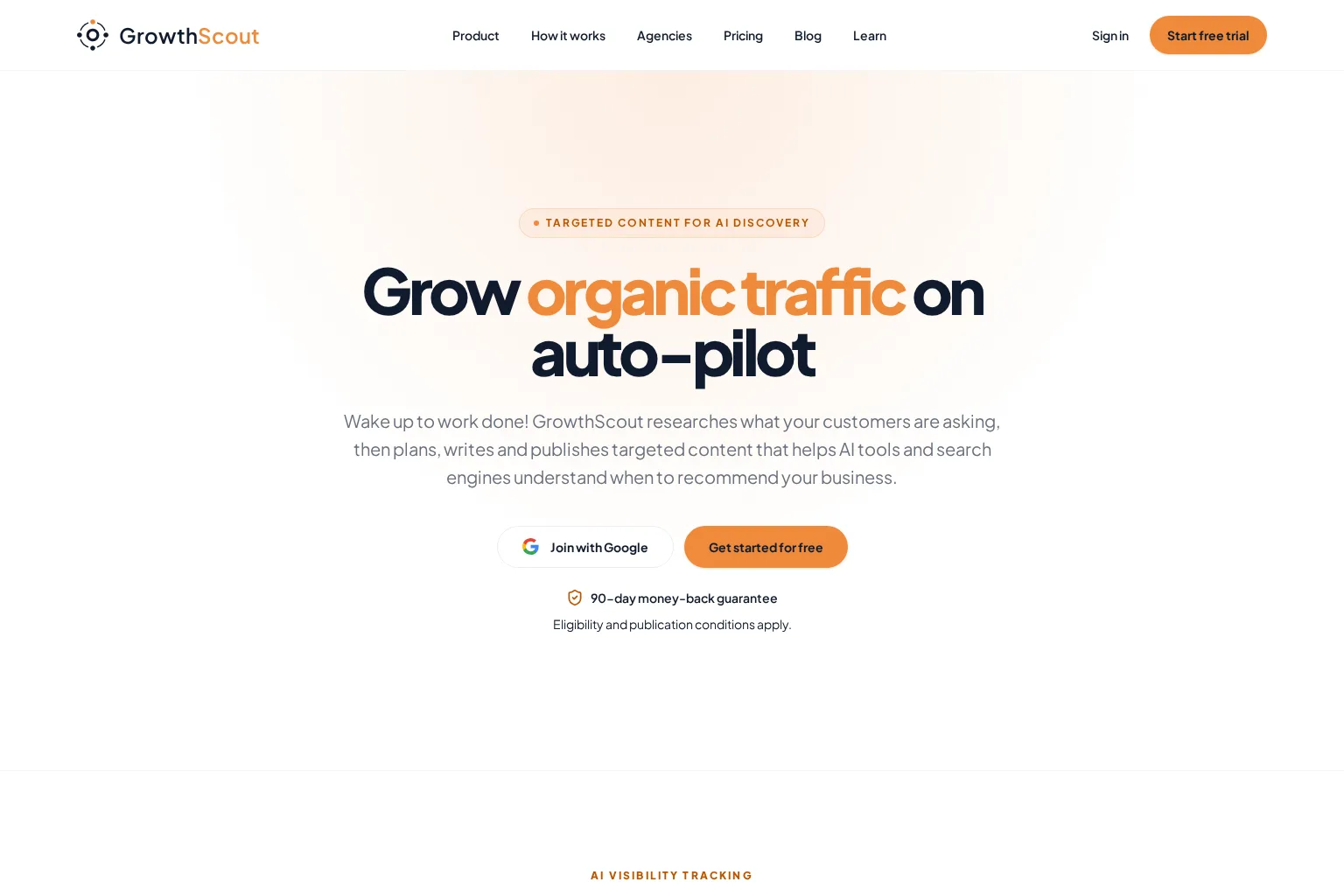
Best use case: A lean team whose opportunities, briefs and draft queue are scattered across spreadsheets, AI prompts and a CMS. GrowthScout is our software. We designed its workflow to use the selected website's pages, audiences, goals and competitors when it prioritises topics, rather than asking the team to reconstruct its business context for every article. Our product overview describes a website audit, keyword and competitor research, a visible 30-day calendar and planned articles with briefs and site-fit information.
What actually gets done: A candidate topic can move into a plan, then through research, drafting and optional publishing. An editor can inspect the proposed angle, edit finished copy and imagery, and keep automatic publishing off. Once the process is trusted, supported scheduled delivery can send articles to WordPress or through a webhook; manual transfer remains available. That is a connected content workflow, not a claim that Scout automatically repairs technical issues or earns backlinks. If several domains are involved, ask to see how knowledge and settings stay separated by website. See the documented GrowthScout workflow.
Limitations and measurement: If your team needs an enterprise technical crawler, a dedicated backlink database, a native destination beyond WordPress or a webhook, or a formal client approval portal, test that requirement separately. The homepage describes organic performance measurement with a connected Google Search Console property, but an observed change still needs interpretation. Ask who owns a refresh decision, how a failed delivery is handled and whether the destination retains your title, links and featured image.
Pricing approach and fit: The published offer is a three-day trial with three AI article drafts, then £74 per month per website, with 31 AI article drafts per paid month on the Growth plan; the site says cancel anytime. Additional website capacity is purchased separately, with its price shown at its own checkout, so do not assume one site's rate covers an agency portfolio. Choose GrowthScout when the expensive gap is between choosing the right article and getting an editable, correctly placed article ready for release, not when on-page sitewide deployment is the main purchase. Check our current plan terms before starting.
2. SEO.AI: best for assessing recurring agent-led content publishing
Best use case: A team that wants a vendor to keep finding terms, preparing pages and articles, and delivering content without repeatedly assembling a production queue. SEO.AI presents itself as an AI SEO agent that researches, plans, writes and publishes to a connected site. Its public FAQ says teams can choose automatic publishing, saved drafts or in-platform review, and names WordPress, Webflow, Wix, Squarespace and Shopify among supported platforms. The same company also promotes a link-exchange network. These are product descriptions; ask for a demonstration on your own domain before treating any stage as hands-off.
What to test: Give the agent a real customer question and one existing page that might already answer it. Can it justify a new page instead of an update? Inspect the draft for claims taken from your business, its links and any invented specifics. Then choose draft-only delivery and verify the item in your actual CMS, including its title, metadata and images. Finally, see whether a reviewer can reject it before any scheduled publish action. The option to review is not proof that review is the default configuration. SEO.AI describes its publication choices.
Limitations and measurement: Clarify what the provider's reported monitoring covers and how you will attribute a change in search performance. If you consider its backlink network, ask to inspect proposed placements and outgoing links, reject unsuitable exchanges and explain how links are qualified. Google's spam policies identify excessive link exchanges and automated link creation as examples of link spam; that is a reason to evaluate the method, not a finding that this particular service violates the policy.
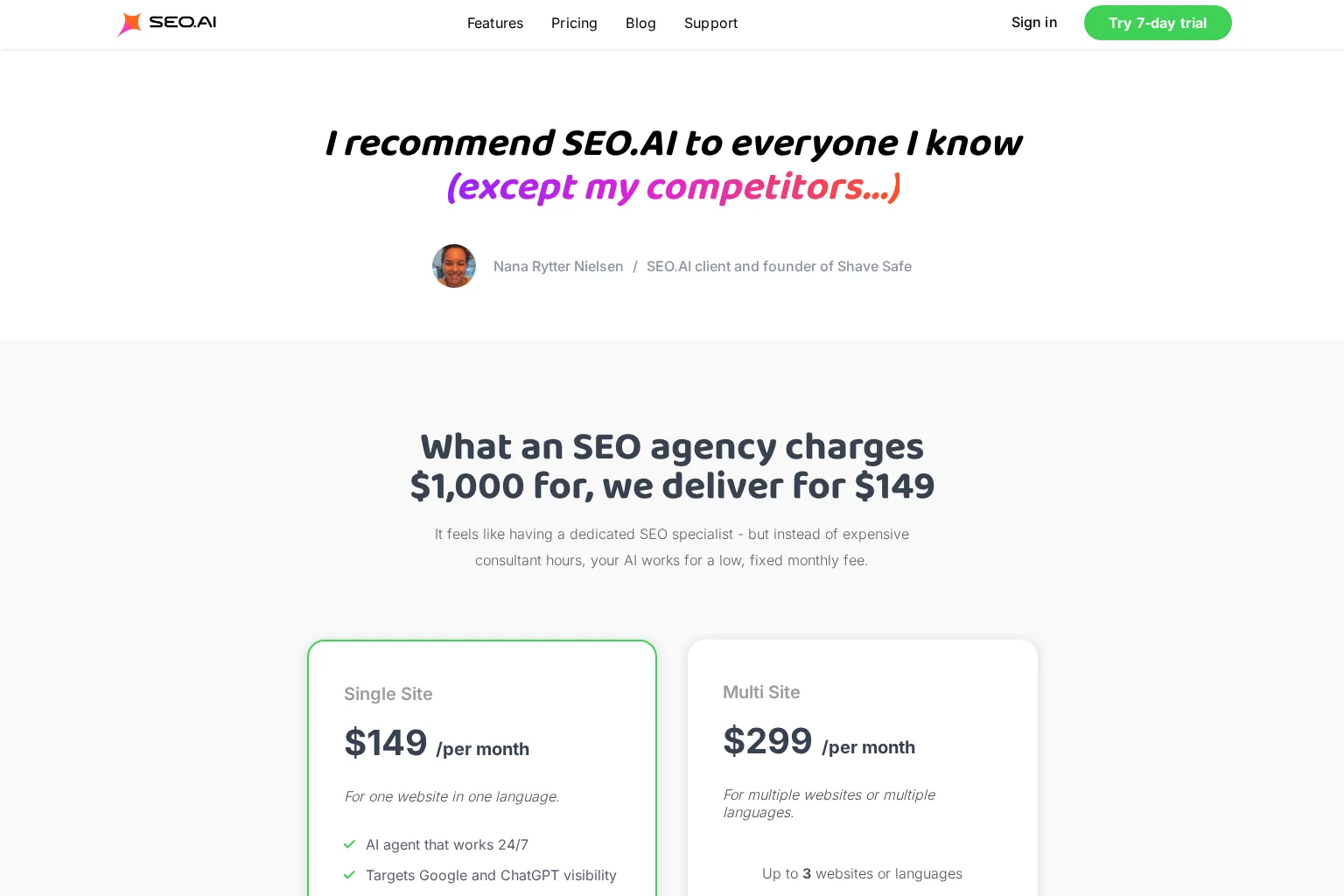
Pricing approach and fit: SEO.AI lists a Single Site plan at $149 per month for one website in one language, excluding VAT, and a Multi Site display at $299 per month for up to three websites or languages. Its page offers a 25% annual-payment discount; monthly plans have no binding period, while annual payments are binding for the paid period. Confirm currency, site allowances, link participation and your intended approval settings at checkout. Choose it when recurring content execution is worth more to you than configuring the production system yourself.
3. Search Atlas OTTO SEO: best for deploying reviewed site improvements
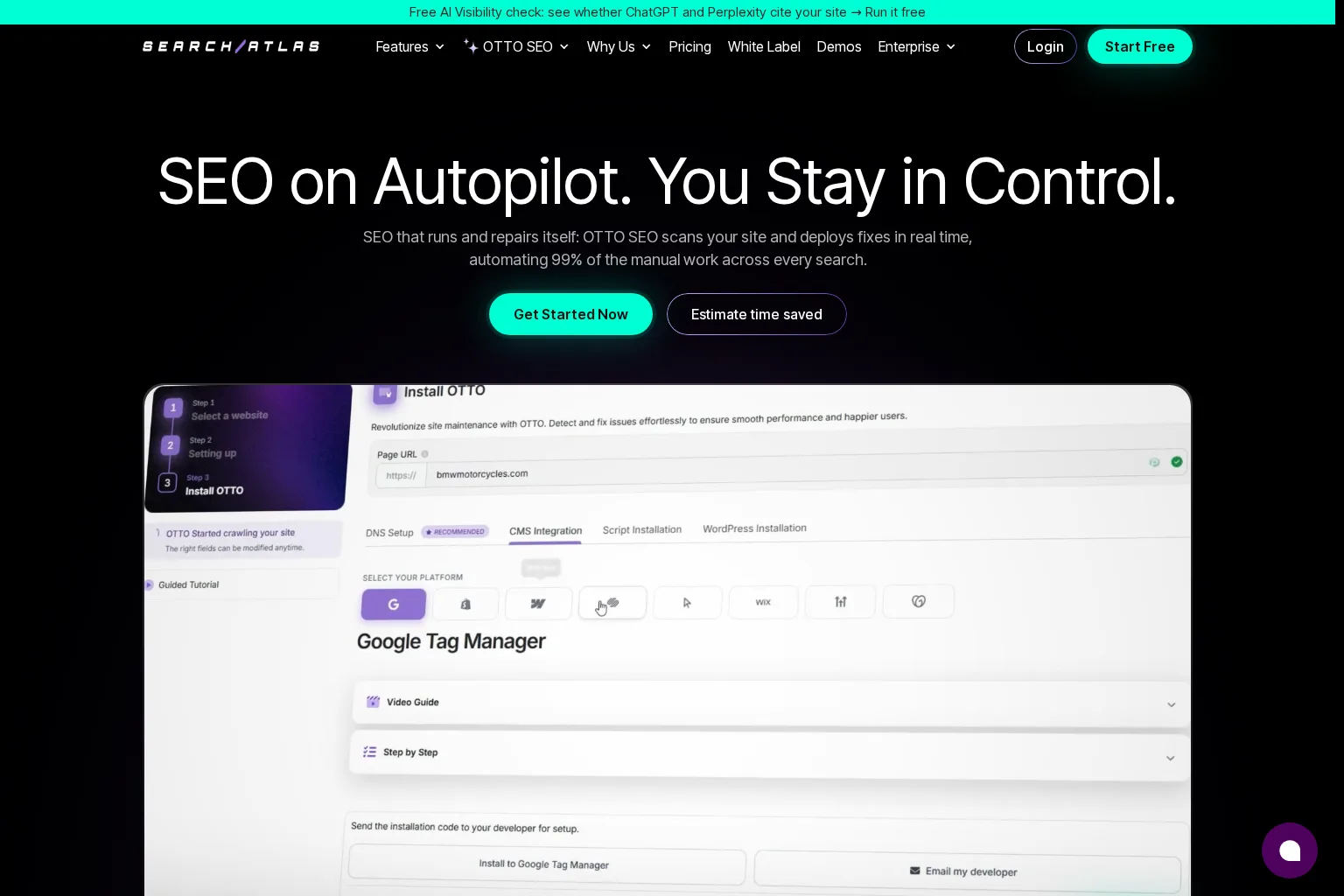
Best use case: An SEO team that can already identify promising pages but cannot get fixes onto the site quickly enough. OTTO SEO by Search Atlas describes site scans and deployment of changes such as metadata, schema, headings, internal links and other on-page or technical optimisations. The broader Search Atlas subscription also includes content tooling. This is the most important category difference in our shortlist: the action may be a change to an existing live URL, not just the creation of another article.
What to test: Install only through an authorised site owner and start with one noncritical page. Ask OTTO to identify an issue, show the proposed change, approve it explicitly and compare the rendered page with the previous version. OTTO's product page says an approval mode and rollback are available and lists pixel, Cloudflare and CMS-based deployment routes. Confirm which route applies to your site and who can bulk-approve changes. A dashboard status is not enough: inspect the page as users and search crawlers receive it. See OTTO's deployment and approval description.
Limitations and measurement: A page title can be deployed automatically without proving that the new wording reflects your brand or fixes the right problem. Keep a record of the changed URL, date, previous value and owner, then review Search Console's page-level results alongside any site or conversion measures. Although Search Atlas also advertises content creation and link-related products, check the exact tools and credit use in your chosen tier; do not assume every OTTO action, article and campaign has an unlimited separate allowance. If the core problem is editorial strategy, technical deployment alone will not select your best customer questions.
Pricing approach and fit: The Search Atlas pricing page lists Starter at $99 per month, billed monthly, with one project, one seat, one OTTO-powered site, Content Genius and a shared monthly Universal Credits budget. Credits cover a mix of actions rather than a fixed allowance of each action type. Request a trial demonstration of the specific edits and article production you expect to use, then price their combined credit draw. Choose OTTO when removing the site-change backlog is the highest-value automation, provided you can govern what deploys.
4. AirOps: best for teams that need to design the workflow themselves
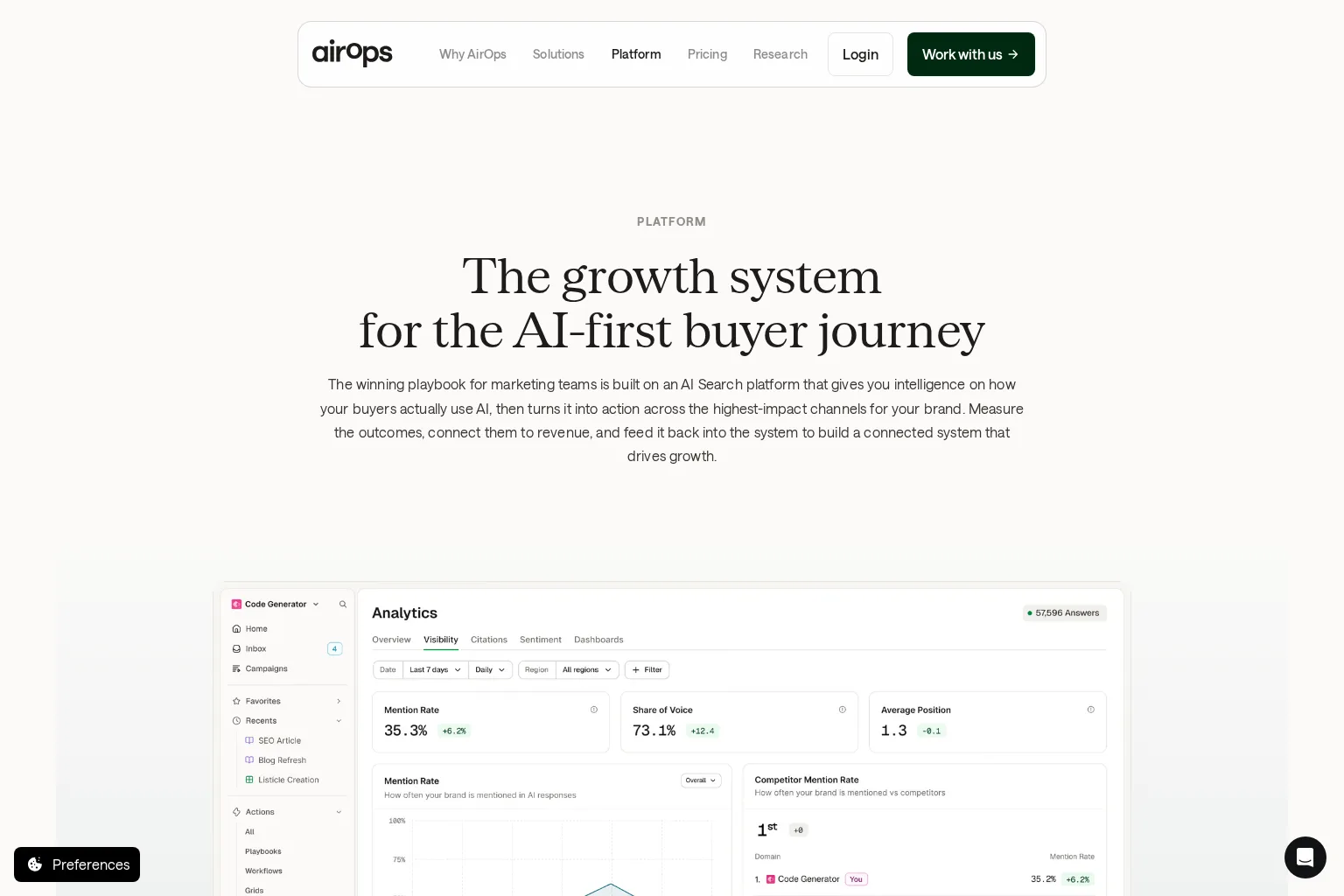
Best use case: A larger growth or content operation connecting different research inputs, brand knowledge, specialists and publishing destinations. AirOps' platform description links opportunity analysis with agents that research, create, publish, monitor and refresh content. Unlike a fixed monthly article calendar, its value lies in configuring the process around your existing systems and decision owners. Its emphasis also includes AI-discovery and offsite work, so ensure your ordinary SEO content needs remain central to the demo.
What to test: Run one approved topic through a defined sequence: evidence into a brief, brief into a draft, draft to an editor, then the approved version to the CMS. AirOps says runs can pause in a review inbox, where a person can edit or approve before execution resumes. It also describes CMS integrations and page update history. Have the vendor show the exact reviewer assignment, how version changes are recorded and what happens if approval never arrives. A configurable gate is valuable only when the team actually configures and uses it. Explore AirOps' review and publishing workflow.
Limitations and measurement: This flexibility creates operational work. Someone must design triggers, permissions, brand context, source validation, field mappings and failure handling. Inspect whether a reported impact is connected to a particular shipped page and your own qualified leads, rather than reading an AI mention or an automated quality score as a sale. For an agency, repeat the exercise with a second client to test access and separation before rolling out the same playbook across accounts.
Pricing approach and fit: The AirOps pricing page describes Solo, Pro and Enterprise arrangements and usage measured in tasks; it does not provide one numeric subscription price that can responsibly be applied to every team. Its Solo option has a free starting path, but other costs and usage rules depend on the package. Ask for a quote or checkout view that includes expected tasks, CMS connections, review permissions, additional usage and the team responsible for setup. Choose AirOps when the workflow is complex enough to justify maintaining a configurable system rather than adopting a narrower, guided content pipeline.
How to choose auto SEO software using one real assignment
A better trial begins with a single site, one customer question, one existing related page and one intended publishing destination. Give the same brief and approval standard to each shortlisted product. The test is not which one creates the most ideas in five minutes; it is whether the result saves useful work without obscuring responsibility.
- Map what happens before the draft. Ask for the source and market of each keyword estimate, the competing pages examined, why the audience matters and whether updating the existing page is better than adding a URL. Use our explanation of keywords and customer prompts if your team is comparing search demand with AI-question data; they are different measurements.
- Distinguish proposed from completed work. Mark each stage as observed, recommended, drafted, delivered or live. A tool that spots a broken link has not repaired it; a content brief has not yet become an approved article. Ask who takes the next action and whether that handoff is recorded.
- Try to stop the workflow. Reject a suggested topic, edit a factual claim, leave an approval unanswered and pause scheduled publishing. Check that an old scheduled job cannot send a rejected draft live. For sitewide changes, inspect a rollback on a test page.
- Inspect the real destination. Compare what you approved with the final CMS record and rendered page: URL, title, metadata, canonical treatment where relevant, images, alt text and working links. Test a failed delivery as well as a successful one; record who is alerted and whether retrying duplicates a post.
- Measure two kinds of return. Track minutes of manual work removed, editor corrections and missed handoffs. Separately, monitor the relevant URLs, queries, countries, clicks and impressions in Google Search Console's Performance report, along with your own qualified actions. Search metrics can signal a change; they do not by themselves prove the software caused it.
📌 Price the workflow, not the headline fee. Add the cost of each site or user, credits or task consumption, initial setup, editors, specialist technical work and any offsite service. A lower fee may be poor value if the buyer still has to recreate research, copy content into the CMS and investigate failures by hand. Conversely, an expensive execution suite can be unnecessary if the team only needed a reliable planning queue.
What should remain under human review?
Start with the decisions that could harm readers or the site: whether a topic fits the business, whether a claim is accurate, whether a competitor comparison is fair, and whether a live page change affects other URLs. Automate repetitive gathering and transfer where the cost of a mistake is low. Raise the approval threshold for pricing, legal or medical statements, product promises and bulk site changes.
Google's guidance on using generative AI content explicitly calls for manual fact-checking and review, including metadata, and cautions that generating many pages without value can violate its scaled-content policy. That does not make AI assistance inherently unacceptable. It means the purchasing question is whether a faster workflow still produces original, relevant and trustworthy pages.
The same caution applies after launch. A tool may surface a falling page or propose a refresh, but someone should check whether the audience changed, the query intent shifted, the page was affected by a technical issue or the variation is simply too small to interpret. Make the next action visible instead of letting article output become the only definition of progress.
Frequently asked questions
What is the best auto SEO software for a small growth team?
Choose by the bottleneck, not an overall ranking. GrowthScout fits a team needing a site-aware plan and reviewable articles; SEO.AI merits a trial if recurring agent-led publication is the priority. If deploying existing-page fixes is the problem, test OTTO instead. Only a trial on your own CMS and editorial process can establish fit.
Can auto SEO software publish without a person pressing a button?
Some products support automatic or scheduled delivery, but available settings and destinations differ. Set the required approval policy first, test whether rejection blocks publication, and inspect the live result. Automatic delivery is a capability, not a substitute for a fact-checking owner. Google's AI-content guidance recommends review before publishing.
How much does automated SEO software cost?
These four products use different charging units: GrowthScout publishes a per-website monthly plan after a three-day trial; SEO.AI lists monthly single- and multi-site plans with annual-payment terms; Search Atlas bundles tools around shared credits and project allowances; AirOps uses task-based packages with a free starting path but no universal numeric subscription price on the page reviewed. Match the actual work and usage before comparing the totals. GrowthScout, SEO.AI, Search Atlas and AirOps describe their respective terms.
Put your next article through the same test
We think automation should make the decision behind a page easier to inspect, not just make the page quicker to produce. If your team needs to connect website-aware research, a prioritised calendar, editable articles and optional WordPress or webhook delivery, explore GrowthScout and start with a three-day trial. Keep review-first settings while you test your own topic and publishing destination. If technical deployment or custom cross-channel orchestration is your primary need, make that your trial's pass-or-fail requirement instead.
Sources
- GrowthScout product overview, publishing options and published plan
- GrowthScout guide to keywords and prompts
- SEO.AI product overview and publishing FAQ
- SEO.AI pricing and billing FAQ
- Search Atlas OTTO SEO product and deployment options
- Search Atlas plans and Universal Credits
- AirOps platform, human review and CMS actions
- AirOps pricing and task-based usage
- Google Search Central: Guidance on generative AI content
- Google Search Central: Spam policies
- Google Search Console: Performance report
Recommended Reads
- SEO Content Automation: What to Automate, What to Review, and How to Measure It for a detailed editorial operating model.
- 4 Automated Keyword Research Tools for Growth Teams for a deeper look at the research stage.
- 4 SEO Publishing Automation Tools for Review-First Content Workflows for choosing approval and CMS handoffs.